
How to Identify AI-Generated Phishing Emails: The Tells That Work, the Ones That Don't, and the 90-Second Check
How to Identify AI-Generated Phishing Emails: The Tells That Work, the Ones That Don't, and the 90-Second Check
Search "how to identify AI-generated phishing emails" and you get the same list everywhere: perfect grammar, generic greetings, unnatural tone, suspicious links. It reads like solid advice. Most of it is useless now, and some of it points the wrong way. The problem is the question itself. You almost certainly cannot tell whether an email was written by AI, and you do not need to. What you need to tell is whether the email is phishing — and the checks that answer that question have almost nothing to do with how the sentences sound.
I tested that claim instead of just making it. I took three phishing emails published verbatim by security researchers — real lures that reached real inboxes — and scored them against the seven tells the top-ranking guides keep repeating. Then I checked what the detection research actually says, and ran the live check this article recommends on a disposable inbox of my own. The results change which tells are worth your time.
The test: three real phishing emails, seven famous tells
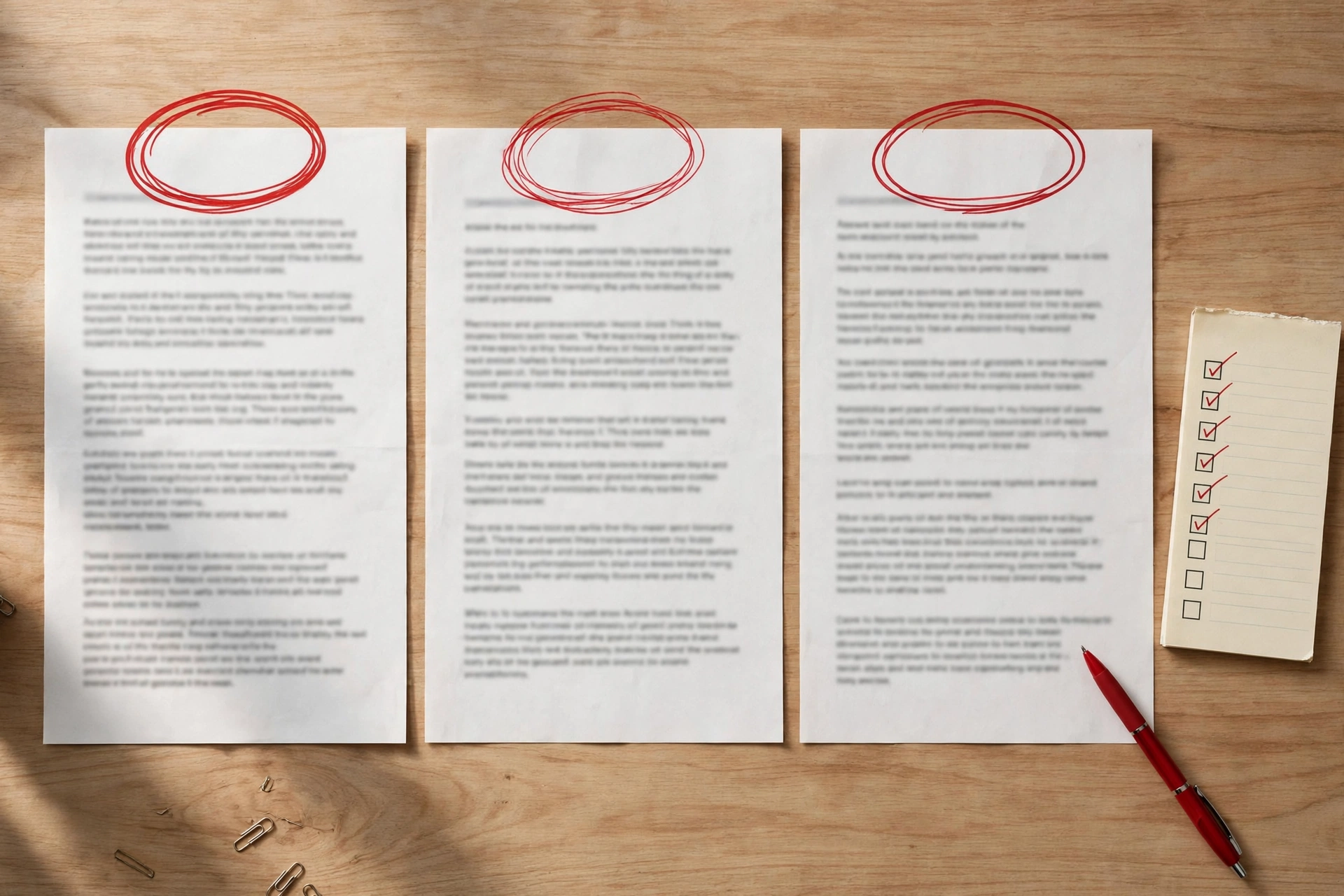
The samples come from published security write-ups. The first is the PayPal invoice scam documented by MyAntiSpyware: a message claiming you authorised a $725.84 payment to Binance Corp, with a phone number to call if you did not. The second is the "Your Invoice is Ready" lure documented by MalwareTips: a polite note from "Acme Accounting" asking you to review an attached document and pay by Monday the 29th to avoid late fees. The third is the tax invoice scam examined by PCRisk: a message about invoice INV0008128 with a "View Document" button that leads to a fake webmail login page.
None of the three is proven to be AI-written, and I am saying that plainly: nobody can prove authorship from the text alone, including me. What the test shows is which tells fire on real phishing mail, and which ones misfire.
- Generic greeting. Fired on all three. The PayPal lure opens with "Dear" and no name at all. The tax invoice addresses nobody. The Acme invoice says "Dear John Doe" — a name, but a placeholder name, the kind that appears when a mail-merge has nothing real to merge.
- Manufactured urgency. Fired on two. The PayPal lure gives you 72 hours to dispute. The Acme invoice threatens late fees after Monday. The tax invoice barely bothers — its pressure is the button, not a deadline.
- Perfect grammar and spelling. Fired on one, and backwards. The Acme and tax invoice messages are clean, but so are most legitimate invoices. The PayPal lure is the interesting one: it contains visible errors — "log-in in to your PayPal account," "purchae," "getting in to effect." A message with typos is still phishing. If you use "well written" as your test, this lure passes it in the wrong direction: its mistakes make it look human, and human is what you were told to trust.
- Missing personal context. Fired on all three. Not one contains a detail only the real sender would know: no account number that matches yours, no order you placed, no project name, no previous thread. They all describe a transaction in terms that could apply to anyone.
- Suspicious sender or domain. Fired on all three, but only if you actually look. The PayPal lure comes from a sender called "ORDER," not PayPal. The Acme invoice arrives from an address with no connection to any Acme you do business with. The tax invoice is signed "Antoinette Maree, Accounts" from a domain that is not your accounting system. The display name does the lying; the address does the telling.
- Unexpected attachment or link. Fired on all three. A document to open, a button to click, a phone number to call. The action is always the point of the message.
- Unnatural or overly formal tone. Fired on none, usefully. All three read like ordinary business mail. The PayPal lure is stiff, the Acme invoice is breezy, the tax invoice is terse. "Unnatural tone" is not a tell; it is a mood, and it changes with every lure.
The summary: the language tells — grammar, tone, polish — are unreliable in both directions. Flawless writing appears in legitimate mail and in phishing mail. Typos appear in phishing mail too. The tells that fired on every sample were not about language at all. They were about knowledge (does this message know anything a stranger could not?), identity (is the sender who the address says?), and action (does it want me to do something outside the normal process?).
What the detection research actually says
The research backs the test up, and it is bleaker than the listicles admit. Egress, the email security company, published its Phishing Threat Trends Report in October 2023 after testing AI-content detectors against real phishing mail. The finding: detectors need roughly 250 characters of text to work at all, and 44.9% of phishing emails fall below that threshold, with a further 26.5% under 500 characters. Put together, current AI detectors are unreliable or simply inoperable on 71.4% of attacks. There is no tool you can paste a suspicious email into and get a reliable "written by AI" verdict — not because the tools are bad, but because the emails are too short for the tools to have anything to chew on.
The same report found that phishing emails have become more than three times longer since 2021 — longer, more detailed, more plausible, exactly what you would expect once generative AI starts writing them. Obfuscation techniques now appear in 55.2% of phishing emails, up 24.4% in a year. QR code payloads, which move the dangerous link off the email and onto your phone's camera, accounted for 12.4% of attacks in 2023 and 10.8% in 2024. KnowBe4's threat telemetry, reported in early 2026, put AI-driven phishing at 86% of phishing attacks in the first quarter of 2026, and CrowdStrike's 2025 threat report recorded voice phishing — AI-cloned voices on phone calls — up 442%.
So stop asking "was this written by AI?" It is the wrong question, and it has no reliable answer. Ask instead: "does this message know me, is it from who it claims, and does it want me to break process?" Those three questions have answers, and you can get them in about ninety seconds.
The three questions that actually identify a phishing email
One: what does this message know that a stranger would not? This is the single most useful test. Real business email carries history: a project name, a previous thread, an invoice number that matches your records, a delivery date you are actually waiting for. AI-generated phishing sounds convincing precisely because it is built from public information — your job title from LinkedIn, your company's name from its website, a plausible scenario for your industry. What it cannot do is know the private detail. In my test this was the tell that separated the samples from real mail most cleanly: every one of them described a transaction in generic terms, because generic is all a stranger has. If the message could have been sent to ten thousand people unchanged, treat it as if it was.
Two: is the sender who the address says it is? Read the full address, not the display name. Display names are free text and trivially spoofed — "ORDER" can call itself PayPal, and your bank's name can sit on top of a random domain. Expand the address and read the domain character by character, looking for the swaps: "rn" where an "m" should be, an extra hyphen, .co instead of .com. Then check the reply-to address. If it differs from the sender, that is a strong signal on its own: legitimate mail rarely routes replies somewhere else, and phishing mail does it constantly so your reply goes to the attacker instead of the company.
Three: does it ask me to break an established process? Legitimate organisations follow their own procedures. Your bank does not ask you to approve a payment outside its app. Your accounts department does not ask you to settle an invoice by calling a number in an email. A "CEO" does not request an urgent wire transfer by email instead of going through the normal approval chain. A message that asks you to skip a step — approve outside the system, pay to a new account without paperwork, sign in through a link instead of typing the address yourself — is suspicious regardless of how well it is written. In the three samples, the process break was the giveaway every time: call this number, open this attachment, click this button to log in.
If a message passes all three questions — it knows a private detail, the sender checks out, and the request follows normal process — it is probably legitimate. If it fails even one, slow down. If it fails two, do not click anything.
The 90-second check: run it on any suspicious email
Here is the routine, in order. It takes about ninety seconds once you have done it twice.
First, thirty seconds on the sender. Expand the full address, read the domain letter by letter, and check the reply-to. If either looks wrong, you are done: report and delete.
Second, thirty seconds on the link. Hover over every link and button without clicking and read the destination in the status bar. If the visible text says one domain and the destination is another, you are done. If the destination is a URL shortener, a file-sharing service, or a freshly registered domain, you are done. On a phone, where hovering is not possible, press and hold the link to preview it — never tap it to find out where it goes.
Third, thirty seconds on the headers. In Gmail, open the message, click the three dots, and choose "Show original." In Outlook, open it and choose "View message source." Look for one line: the Authentication-Results header, which records whether the message passed SPF, DKIM, and DMARC — the three checks that prove a message came from the domain it claims. If all three pass and align with the sender's domain, the message is at least genuinely from that domain. If any fail, or the authenticated domain is not the domain in the From address, the message is forged even if the body looks perfect. AI can write a flawless message, but it cannot forge a passing DKIM signature for a domain it does not control.
Fourth, the out-of-band check: verify through a different channel. If the message claims to be from your bank, open your banking app and look. If it claims to be from a colleague, message them on Slack or call them. If it claims to be from a supplier, use the number on their website, never the number in the email. The PayPal lure in my test lived or died on this step: the number in the email was not PayPal's number, and thirty seconds on PayPal's actual contact page would have ended it.
If you want the deeper version of this routine — what Gmail and Microsoft actually filter for you before a message ever reaches your inbox, and where their filters still let AI phishing through — our guide to real-time detection of AI phishing emails covers the automated side. The two articles are companions: that one is about what the machines catch, this one is about what you catch when the machines do not.
The tells to stop using
Three pieces of received wisdom deserve to be retired, because they now hurt more than they help.
"Check for typos." Retire it. AI does not make typos unless asked to, and human phishers make them constantly. The PayPal lure in my test had three visible errors and was still phishing. Meanwhile, your real bank's marketing emails have typos too. Spelling tells you nothing about authorship and nothing about intent.
"If it sounds too polished, it is AI." Retire it. Plenty of legitimate email is uniformly polished — corporate communications teams write that way for a living. And plenty of AI phishing is deliberately casual, because the attacker prompted it that way. Polish is a style choice, not a fingerprint.
"Paste it into an AI detector." Retire it, for the reason Egress documented: most phishing emails are too short for detectors to work on, and even on long ones no detector can definitively say a message was chatbot-written. A "likely human" verdict on a 180-character phishing email means nothing at all. Spend those ninety seconds on the sender, the link, and the headers instead.
One more habit to retire: judging an email by its design. AI can copy a brand's layout, logo, colours, and footer perfectly, because all of that is public. Our guide to reading any email like a forgery inspector walks through the layout tells that still work — the ones in the structure, not the styling — and it is worth reading alongside this one, because the two together cover what the eye sees and what the eye misses.
Where a disposable inbox fits
There is one more practical defence, and it is the one this site exists for: never give an untrusted service your real address in the first place. Most phishing starts with an address harvested from a signup, a breach, or a form you filled in once and forgot. If the address the phisher has is a disposable one, the damage stops at an inbox you can delete.
I tested this live before writing the section. I opened tempomailusa.com and the site generated a disposable address instantly — no signup, no form. The address it gave me was on the rover.info domain, the inbox was already open and marked auto-refreshing, and the page showed the address expires after 30 days on the free tier. One honest limit, stated on the page itself: the first message is free to read, and reading every message needs the Pro plan, shown at $4.19 a month. For the job this article describes — handing an address to a service you do not fully trust, and watching what arrives — the free tier does the job, because the first message is usually the one that tells you whether the service is legitimate.
The routine is simple. A new service, a free trial, a download that demands an email before it shows you anything: use the disposable address. If the welcome email is clean, keep using it. If the inbox starts filling with "urgent" invoices and "account suspended" warnings, you have learned something valuable about that service — and none of it touched your real inbox. Our guide to checking a disposable email address explains how to test an address before you trust it, and the anti-phishing software guide covers what to layer on top when a disposable address is not enough.
If one already got through
If you clicked, do not panic and do not try to fix it quietly. If you entered a password, change it immediately — from the real site, typed into the address bar yourself, not from any link — and turn on two-factor authentication if it is not already on. If you entered card details, call your bank and tell them exactly what happened; they have a process for this and they would rather hear it in the first hour than the first week. If you opened an attachment, run a malware scan and, if it was on a work machine, tell your IT team the same day: a reported phish protects everyone else in the company, and an unreported one does not. The Snapchat fake email guide shows the same recovery steps worked through on a single real lure, and the pattern is the same whatever the brand.
The honest verdict
You cannot reliably identify an AI-generated phishing email by reading it. The detectors cannot do it — they fail on 71.4% of attacks. The language tells cannot do it — flawless grammar is normal now, and typos still phish. The only reliable identification is not of the author at all. It is of the attack: a message that knows nothing private about you, from an address that does not quite check out, asking you to do something outside the normal process.
That is a better question to ask, and it has the advantage of being answerable. Ninety seconds, three questions, one out-of-band check. The AI can write the email. It cannot know your invoice number, forge your bank's signature, or make your accounts department change its process. Check the things the attacker cannot fake, and the writing stops mattering.
Frequently asked questions
Can an AI detector tell me if an email was written by AI?
Not reliably. Egress found detectors need roughly 250 characters to work at all, and 44.9% of phishing emails are shorter than that — so detectors are unreliable or inoperable on 71.4% of attacks. Even on long messages, no detector can definitively prove a message was chatbot-written. Use the sender, link, and header checks instead.
Does perfect grammar mean an email is AI-generated?
No. Perfect grammar means the writer — human or AI — wrote carefully. In the three real phishing emails I scored, two were grammatically clean and one had visible errors; all three were phishing. Grammar tells you nothing about intent.
What is the single best sign of an AI phishing email?
There is not one. The strongest single check is the knowledge test: does the message contain a detail only the real sender would know — an invoice number that matches your records, a project name, a previous thread? AI phishing is built from public information, so it almost never has a private detail. A message that could have been sent to ten thousand people unchanged should be treated as if it was.
How do I check email headers in Gmail?
Open the message, click the three dots next to the reply arrow, and choose "Show original." Look for the Authentication-Results line: it shows whether the message passed SPF, DKIM, and DMARC. If all three pass and the domain matches the sender's domain, the message is genuinely from that domain. If any fail, or the authenticated domain differs from the From address, the message is forged.
Should I use a temporary email address to avoid phishing?
It helps: most phishing starts with an address collected from a signup or a breach, and a disposable address means the messages land in an inbox you can delete, not your real one. I tested this live — tempomailusa.com generated an address instantly with no signup. Use a disposable address for services you do not fully trust, and keep your real address for the services that have earned it.
What should I do if I already clicked a link in a phishing email?
Change any password you entered, from the real site typed into the address bar yourself, and turn on two-factor authentication. If you entered card details, call your bank immediately. If you opened an attachment, run a malware scan and tell your IT team if it was a work machine. Do not try to fix it quietly — a reported phish protects everyone else.
Need a disposable temporary email?
Protect your real inbox from spam and promotional clutter instantly and free.
Received a suspicious email, text, or charge alert?
Verify whether the sender domain is disposable, spoofed, or unverified before clicking links.