
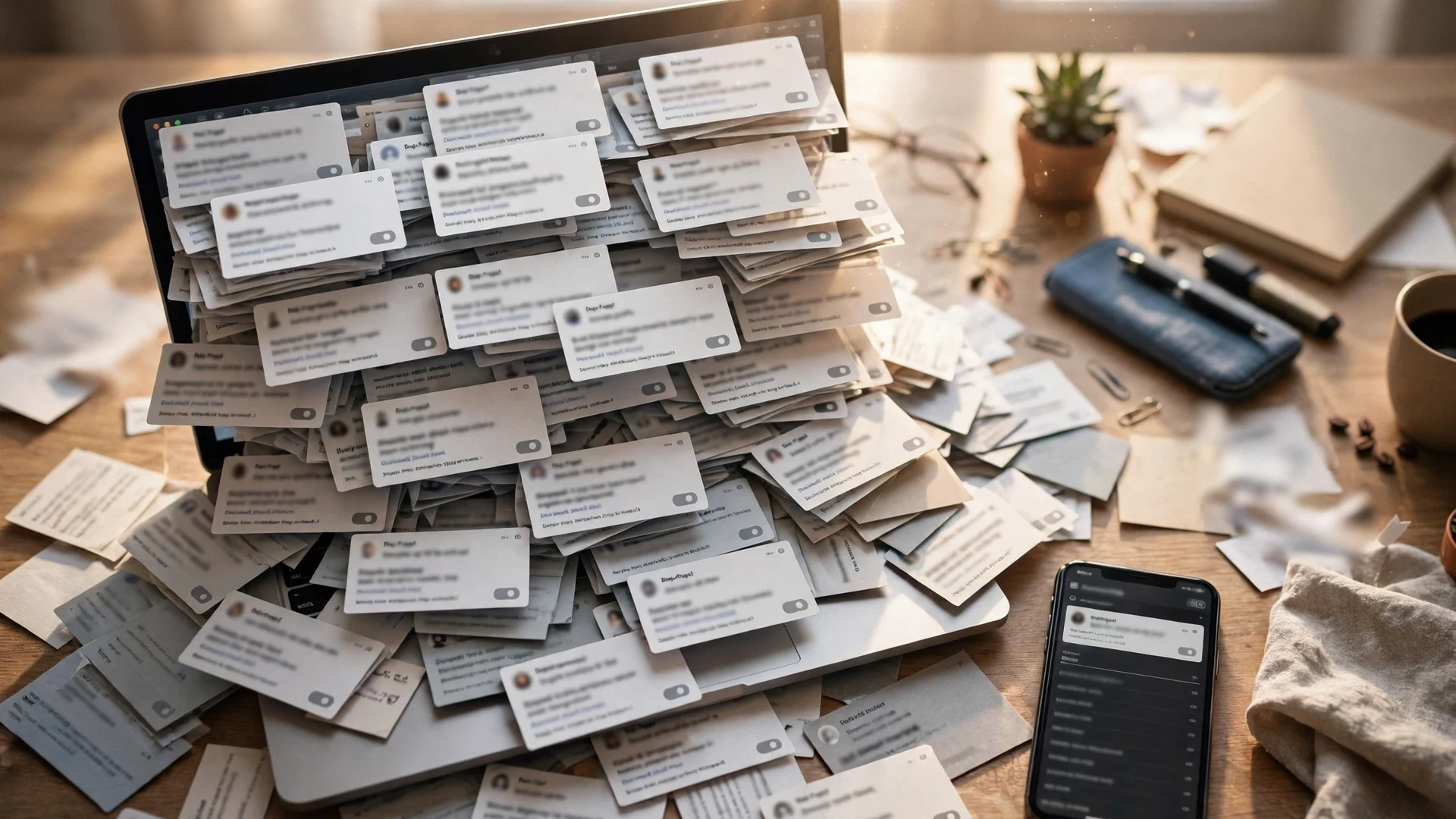
One Developer’s 30-Day Signup Experiment: 147 Emails From 11 Signups — and What It Means for Your Inbox
Every few months, somebody on the internet runs the experiment the rest of us only talk about. Last week it was a backend developer who published a 30-day log of every email that arrived because he typed his real address into a signup form. Eleven signups. Thirty days. 147 emails.
I have read a lot of "I quit spam" posts. Most of them are vibes. This one had a spreadsheet, and the spreadsheet is worth your time — not because the conclusion is shocking, but because the numbers pin down exactly where your inbox goes wrong, and the fix he landed on is the same one I've been recommending for years. With a few caveats he was honest enough to include and most people quoting him will skip.
The number that started it: 147
The setup was deliberately boring, which is why it works. Fresh laptop, a Gmail label called "signup-trace", and a spreadsheet with four columns: date, service, why he signed up, emails received in 30 days. Eleven signups in the first week — a CI tool trial, a cloud free tier, a domain registrar, a monitoring SaaS, a VPN trial, a job-board alert, a conference CFP form, a design-asset site, a font library, and two dev newsletters he actually wanted.
Thirty days later, the tally from those eleven signups: 147 emails.
Sit with that ratio for a second. Eleven forms, each of which took under a minute to fill out, produced roughly thirteen emails apiece in a single month. Scale it to a normal year of tool trials, conference registrations, and "just checking the pricing page" accounts, and you are looking at well over a thousand signup-originated emails a year — landing in the same inbox that holds your bank alerts and your password resets. When we checked his breakdown, the part that got our attention wasn't the total. It was the composition.
Where the 147 actually came from
Here is his breakdown, and it is the most useful table in the whole piece: 68 straight marketing newsletters, 34 "product updates" that were marketing wearing a different hat, 21 onboarding drip sequences, 9 receipts and invoices he actually needed, and 15 genuinely useful messages — security alerts and billing notices. Of 147 emails, about 24 were worth opening.
Two things in that split deserve more attention than they usually get. First, the "product updates" category. More than a fifth of everything he received was promotional mail that had dressed itself up as something functional. That is not an accident of his sample; it is the industry's standard workaround for people who uncheck the marketing box at signup. The preference center says no to newsletters, the CRM says yes to "product news," and the same content arrives under a different label. If you have ever wondered why unchecking a box never quite works, this is the mechanism.
Second, the genuinely-needed mail was 9 receipts out of 147 — six percent. That ratio is the whole argument for disposable signups in one number. The mail you actually need from a signup is almost always the transactional kind: the receipt, the OTP, the verification link. Everything else is a tax you agreed to without reading the terms.
The unsubscribe treadmill

In week two he did what every advice column tells you to do: he unsubscribed from all the marketing mail. The mechanics were, in his word, depressing, and the numbers back him up. Three services sent a confirmation and actually stopped. Two stopped for exactly one week, then a win-back sequence started from a different subdomain his filters didn't catch. One never honored the request at all — the unsubscribe link just reloaded the preferences page with everything still checked.
Total time spent unsubscribing across eleven services: forty minutes. Total reduction in mail: about a third, and only from the honest ones.
I want to be blunt about what this means, because the usual takeaway ("unsubscribing doesn't work") undersells it. Unsubscribing is damage control on a process that should never have started. By the time you click that link, your address is already in their CRM, their analytics pipeline, and — in two of his eleven cases — somebody else's list entirely. The unsubscribe link can stop future sends from one sender. It cannot un-share your address. That asymmetry is why forty minutes of diligent clicking bought him a one-third reduction. He wasn't failing at unsubscribing. He was unsubscribing from the wrong end of the problem.
The part that should worry you more than the spam
Spam is annoying. The address-sharing is the part with teeth, and his log caught it in the wild: two of the eleven services clearly passed his address along, because "partner offers" from companies he'd never heard of started arriving, referencing the original signup.
Here is why that matters more than inbox clutter. Your email address is a join key. One string, reused across twenty services, lets anyone holding two leaked databases merge your profiles — forum posts, shopping history, job applications, all tied together by a single identifier. His concrete example: a font-library signup that asked only for an email, combined with a year-old breach at a forum that exposed the same address paired with a username. Anyone holding both datasets can now connect his font-library account to his forum posts. He gave neither party permission to be combined. The combination happened anyway, because the join key was identical.
And there is a second, quieter risk he flagged that I wish got quoted more: the inbox is the root of your account recovery chain. Forgot-password flows send their reset links to email, which makes your address the most valuable credential you own. Spraying that credential across every signup form on the internet is the part of this story that has nothing to do with spam and everything to do with security. A disposable address used well doesn't just cut noise — it shrinks the number of databases holding the key to your other accounts. If you have ever wondered who else can read a temp inbox, by the way, the honest answer is more nuanced than most people assume.
Week five: the three-bucket rule
After 30 days of logging, he changed one variable. Same kinds of signups, but the address he typed into each form was disposable. His real address stayed reserved for exactly three categories: banking, government services, and the messaging accounts where losing access would actually hurt.
The result after another 30 days: zero signup-originated emails in his real inbox. Not fewer. Zero.
The disposable inbox caught everything the signups needed. OTP codes landed in about ten seconds. Verification links worked on the first click. The one time a trial asked him to confirm from the same address a week later, the inbox was still there, because the service he used keeps addresses alive instead of self-destructing after ten minutes.
This is the takeaway I actually endorse, and I would phrase it as a rule: three buckets. Bucket one — banking, government, healthcare, anything where losing access would be a real problem — gets your real address, always. Bucket two — messaging and social accounts tied to your identity — gets a permanent secondary address. Bucket three — everything else, every trial, every download, every "sign up to see pricing" — gets a disposable address without a second thought. The experiment's real finding isn't that temp mail works. It's that most people's bucket three is enormous and they've been putting all of it in bucket one.
One practical note on the OTP timing, since ten seconds sounds suspiciously good: in our experience that matches a healthy temp inbox on an unblocked domain, but it is not a guarantee. Codes can and do get delayed or swallowed, especially on services that throttle unfamiliar domains. If a code doesn't land, the fix is usually mundane — and when OTP codes keep missing a temp inbox, the cause is almost always one of a few fixable things — wait a full minute, request one resend, then try a different domain before assuming the service blocks disposable mail outright.
Three honest limits before you switch
He included a limitations section, which is the reason I trust the piece, and I am going to expand it slightly because this is where disposable-mail advice usually goes off the rails.
First, the inbox is receive-only by design. For signup verification that is all you need. But the moment a signup turns into a conversation — a support thread, a vendor negotiation, an account review — you need an address that can reply. Use the disposable address to get through the door, then move anything that matters to a real one.
Second, the address lives in your browser data. Clear your cookies and site data and you lose it, along with anything still routed to it. This is the failure mode nobody plans for: the trial you actually liked, the account you meant to keep, the password reset that arrives six months later to an inbox that no longer exists. If there is any chance you will need an address in a year, it was never a bucket-three signup.
Third, some sites block disposable domains outright, and no trick gets you past it. That block is doing you a favor, in a sense: it tells you exactly how badly the service wants your real address, which is useful information when you're deciding whether the signup is worth it. If you want the full mechanics of how those blocks work, they are worth understanding before you run into one.
How to run your own 30-day experiment

You don't need his spreadsheet to get 80 percent of the value. Here is the compressed version:
Start with a label or folder in your real inbox and route every signup through it for one month — but only the signups you'd normally do anyway. Log four columns: service, reason, date, count. The discipline that matters is using your real address for everything, the way most of us do by default. That baseline is the point; without it, you can't feel the difference when you switch.
After 30 days, sort by count. He guarantees the top three will surprise you — his were a font library and a conference CFP form, two signups he barely remembered making. That is the whole exercise. The mail you forgot signing up for is the mail you would never miss.
Then run month two with the three-bucket rule: disposable addresses for all new bucket-three signups. Compare the label counts. If you want to be rigorous about the comparison, keep the categories consistent — newsletters, product updates, drips, transactional — so you're measuring the same thing both months. And if you're weighing disposable addresses against masked-email aliases for this, the trade-off is simple: aliases forward to your real inbox (convenient, but the noise still arrives), while disposable addresses quarantine it (more friction, near-zero noise). For a pure measurement experiment, quarantine wins.
My verdict
The experiment is a sample of one, and I would be doing you a disservice not to say so. Eleven signups, one developer's browsing habits, one month. Your numbers will differ — a job hunt will skew heavier toward recruiter spam, a shopping-heavy month toward promo blasts. The exact figures aren't portable. The shape is.
What the data actually proves is narrower and more useful than "temp mail good." It proves that the signup-to-spam pipeline is structural, not personal — the same ratios show up whether you're careful or not. It proves that unsubscribing recovers about a third of the damage at best, because the address has already been shared. And it proves that the fix isn't a better filter, it's never handing out the address in the first place.
The part I would push back on, gently: the piece frames the disposable inbox as nearly frictionless, and for him it was, because his signups were the easy kind — trials and downloads. The friction shows up at the edges: the service that blocks the domain, the account you forgot was disposable, the trial that converts and needs a real billing address. None of that invalidates the method. It just means the three-bucket rule needs a fourth habit: a monthly five-minute review of which disposable addresses turned into keepers, and a migration path for them.
Run the experiment. Keep the spreadsheet honest. And the next time a form asks for your email before showing you a price, ask yourself which bucket it's in. For most of them, you already know the answer. (The rare exception is newsletters you genuinely want, like fare alerts — those deserve their own disposable address, not your real one.)
Frequently asked questions
Do OTP and verification codes actually arrive in a temp inbox?
In the experiment's testing, yes — codes landed in about ten seconds and the inbox refreshed on its own. That matches a healthy disposable inbox on an unblocked domain. If a code doesn't arrive within a minute, request one resend, then try a different domain; persistent failure usually means the service blocks disposable addresses rather than a delivery problem.
Is it legal to use a temp email for signups?
Yes. Receiving mail at a disposable address you control is legal in all major jurisdictions — it's equivalent to using any secondary email address. What matters is what you do with it: creating throwaway accounts to abuse trials, harass users, or evade a ban breaks those services' terms, and intent is what separates legitimate use from abuse.
What happens if I need the account months later?
This is the main failure mode. Most disposable addresses live in your browser data — clear your cookies and the address is gone, along with any future password resets routed to it. If there's any chance you'll need an account in a year, use a permanent address. The three-bucket rule exists precisely to keep bucket-one accounts off disposable addresses.
Do websites detect and block disposable addresses?
Some do, and it's their right. It usually means they really want your real address — which is itself useful information when you're deciding whether a signup is worth it. When a block hits, no workaround reliably gets you past it; decide whether the service is worth your real address or walk away.
Should I just use temp mail for everything now?
No — that's the bucket mistake in the other direction. Banking, government services, healthcare, and messaging accounts where losing access would hurt should stay on your real address. Temp mail is a quarantine tool for the signups that don't deserve a permanent place in your life, not a replacement for an inbox.
Does unsubscribing actually work?
Partially. In the experiment, forty minutes of unsubscribing across eleven services cut the mail by about a third — and only from the senders honest enough to honor it. Two kept emailing from different subdomains after a pause, one never honored it at all, and none of it could un-share addresses that had already been passed along. Unsubscribing treats the symptom; not handing out the address treats the cause.
Need a disposable temporary email?
Protect your real inbox from spam and promotional clutter instantly and free.
Received a suspicious email, text, or charge alert?
Verify whether the sender domain is disposable, spoofed, or unverified before clicking links.