

Temp Email for Flight and Hotel Deal Alerts: Track Fares Without the Inbox Avalanche
Thanksgiving is five weeks away — Thursday, November 26 — and right now, millions of Americans are doing the same thing: typing a destination into a fare tracker, toggling "alert me," and entering an email address. New York to Chicago. LA to Dallas. Boston to Orlando. Every one of those alert signups feels free. None of them is.
A fare alert is a trade. You get notified when the price drops; the alert company gets a direct line to your inbox, plus a profile of exactly where you want to go, when, and how price-sensitive you are. That profile is valuable — it is the raw material for a year of "deals" emails, partner promotions, and paid-tier upsells. This post is the honest playbook for tracking flight and hotel prices with a temporary email address: which alert tools actually need your email, where a disposable address works perfectly, and the bright line where your real inbox has to take over.
The deal-alert economy runs on your address
Start with the business model, because it explains everything that lands in your inbox afterward. Fare-alert companies are not charities running price servers out of kindness. They monetize your attention in three ways: affiliate commissions when you click through and book, paid premium tiers that unlock better alerts, and the marketing list itself — a list of people with proven travel intent, which is one of the most valuable audiences in advertising.
Consider the lineup. Going (formerly Scott's Cheap Flights) runs a free tier with a limited number of deal alerts and paid plans that unlock more — the free alerts are the top of a conversion funnel aimed at the paid subscription. Hopper is a free app that monetizes through in-app booking fees and add-ons like price-freeze and flight-disruption protection; its alerts are push notifications designed to keep you opening the app. Skyscanner and KAYAK are free comparison platforms that require an account for alerts and monetize through referral clicks to airlines and booking sites. Google Flights is the outlier: free, no booking fees, no account needed for basic tracking — but its price alerts arrive by email, and that email address becomes another signal in the Google ad profile.
None of this is hidden, and none of it is evil. But notice what every model has in common: your email address, or your account tied to an email address, is the handle they hold onto you with. The alert is the product you asked for; the ongoing relationship is the product they built. When we checked the current terms across the major trackers (October 2026 travel-press comparisons), every single one of them sends marketing email beyond the alerts themselves — deal roundups, destination inspiration, partner offers — and the alert signup is what opts you in.
A field guide to the alert tools (and what each one actually wants)

Not all fare alerts are built the same, and the differences decide whether a temporary address even works.
Google Flights is the simplest. Search a route, toggle "Track prices," and Google emails you when the fare moves significantly. No account required for basic tracking — just an email address where the alerts go. This is the single best fit for a disposable address: the alert is a pure notification, there is no account to maintain, and nothing else depends on that address.
Skyscanner wants an account. You search, hit "Get Price Alerts," and sign up with Google, Facebook, or an email address. Alerts fire on fare moves (travel guides put the trigger around a 5% change), and you manage them from the account dashboard. A disposable address works for the email field, but remember you created an account — if you ever need to log back in to manage or delete those alerts, you need access to that address. Use a longer-lived temp inbox, not a ten-minute one, and save any login details outside the inbox.
KAYAK also runs on an account, with daily email or push alerts and real-time pings on moves around 10%. Same logic as Skyscanner: the disposable address is fine for receiving, but the account behind it needs the address to stay reachable while the trip is still being planned.
Hopper is push-first. Its alerts live in the app as notifications with buy-or-wait advice, which means your email matters less here — but Hopper still asks for one at signup, and booking through the app ties confirmations to that address. The alert side needs no email strategy; the booking side does (more on that below).
Going is the email-native one. Its entire product is deal alerts by email — mistake fares, flash sales, curated deals from your home airport. The free tier limits how many alerts you get; the paid plans remove the limits. A disposable address works technically, but think about what you are signing up for: a newsletter business. If you use a temp address for Going's free tier, you are sampling the product without joining the list, which is exactly the point — but the moment you consider the paid plan, switch to a real address, because receipts and subscription management need to survive.
The pattern: alerts that are pure notifications love disposable addresses; alerts tied to accounts need the address to live as long as the account matters. Match the inbox lifespan to the job.
The temp-mail playbook for fare tracking
Here is the system that works, and it is boring in the best way.
One disposable address per trip. Not one for all travel forever — one per trip you are planning. Thanksgiving flights home on one address, the February ski weekend on another, the summer beach trip on a third. When the trip is booked and done, the address gets retired with it. If fare spam starts, you know exactly which trip leaked, and burning one address never touches the others. We recommend the same segmentation everywhere — dating apps, sweepstakes, coupon signups — because compartments limit blast radius everywhere.
Put the alert address only where alerts live. The fare trackers get the disposable address. The airline's own promo signup — the "get $50 off your first booking" pop-up on the carrier site — gets it too, if all you want is the coupon code. The moment a signup involves an account you will log into again, a booking, or money, the disposable address stays out of it.
Set a calendar reminder to kill the alerts. This is the step everyone skips. Fare alerts do not expire when you book. They keep firing — price drops on routes you already flew, "still interested in Chicago?" nudges months later. When the trip is booked, go back and delete the alerts (or just retire the whole address, which accomplishes the same thing in one move). An alert you no longer need is just spam with a good origin story.
Screenshot the fare that matters. If an alert catches a genuinely good price, screenshot it with the date and the fare details before you click through. Flash fares vanish — airlines reprice constantly, with fares moving hundreds of times per day on competitive routes — and the alert email is not a price guarantee. The screenshot is your reference when the booking page shows a different number ten minutes later.
Where temp mail backfires on travel: the bright line
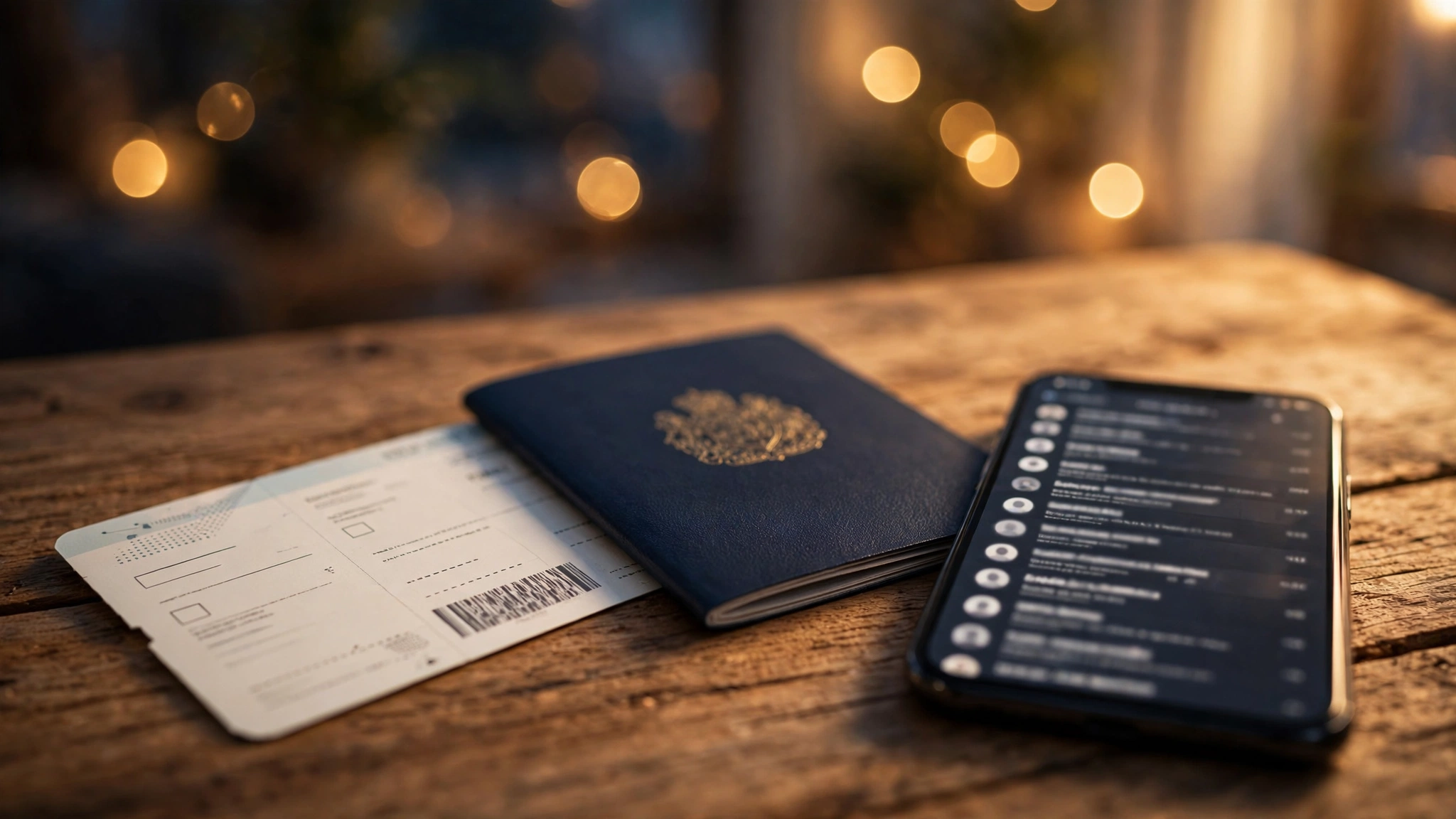
Everything above covers alerts — notifications about prices. Bookings are a different universe, and this is where people get burned. The rule is absolute: alerts get the disposable address; bookings get your real one. Here is why, concretely.
Boarding passes and itinerary changes go to the booking email. Airlines send schedule changes, gate changes, delay notifications, and check-in reminders to the address on the reservation. If that address is a dead temp inbox, you find out about the 6 AM schedule change when you arrive at the airport. This is not theoretical — US airlines routinely move flights by hours in the weeks before departure, and the email is often the only notice.
Hotel confirmations and "we need to verify" emails. Hotels send confirmation numbers, pre-arrival upsells, and occasionally "please confirm your reservation" emails that require a reply. A booking made from a dead address can turn into a front-desk argument at midnight.
Refunds, credits, and disruption rebooking. When a flight is cancelled, the airline's rebooking offers, refund confirmations, and travel-credit vouchers all go to the booking email. Travel credits in particular live and die by email — lose the address, lose the credit.
Car rentals and travel insurance. Same story: confirmation, pickup instructions, policy documents. Anything with money attached needs a permanent address.
The failure mode is always the same: someone uses one address for the whole journey — alerts and booking alike — because it was convenient at signup. Then the trip is three months out, the temp inbox is long dead, and the airline's "your flight changed" email bounces into nothing. Keep the two jobs on two addresses and this never happens.
One more travel-specific trap: itinerary details are personal data. Your alert and booking emails contain your full name, travel dates, destinations, and sometimes passport-adjacent details. Never let those sit in a public, no-password disposable inbox where anyone who guesses the address can read your travel plans. We covered the public-inbox problem in detail — for travel, the short version is that "flying to Chicago Nov 25–30" is exactly the kind of information that should never be public.
Hotel deal alerts are worse than flight alerts
Flight alerts are relatively clean: you track a route, the price moves, you get an email. Hotel deal alerts are a murkier business, and they deserve their own warning.
The big booking platforms — Booking.com, Expedia, Hotels.com — run some of the most aggressive email programs in travel. The pattern is familiar to anyone who has ever searched for a hotel: browse on Tuesday, and by Wednesday you are getting "price drop!" emails, "only 1 room left at this price" urgency nudges, and "complete your booking" reminders. Some of these are triggered by your search cookies as much as by an explicit alert signup — the platforms are watching your browsing and emailing you about it.
Then there is the loyalty layer. Hotel chains push their loyalty programs hard at booking — "join for free and save 10%" — and the loyalty signup is a marketing-list signup wearing a discount costume. The 10% is real; so is the next three years of "exclusive member rates" emails.
The playbook is the same as flights, with one addition: do your hotel browsing in a private window and put every hotel platform's email capture on the disposable address. Price-comparison browsing should never cost you a permanent inbox subscription. And when you actually book the hotel — real address, per the bright line above. The confirmation, the pre-arrival email, the folio receipt: all permanent-address material.
After the trip: the travel-marketing tail
Here is the part nobody thinks about while tracking fares. Long after you have flown home, the travel-marketing machine keeps running on every address you gave it.
The airline adds you to its deals newsletter. The hotel chain starts the "we miss you" re-engagement sequence. The booking platform emails "trending destinations" roundups. The travel insurance company you used once pitches annual plans. The airport parking service, the lounge pass company, the travel-pillow brand from the confirmation-page upsell — each got your address at some point in the journey, and each has its own multi-year email program. A single trip can easily generate a dozen permanent marketing subscriptions, and unlike the fare alerts, you never consciously signed up for most of them — they were bundled into bookings and loyalty joins.
This is where the disposable alert address pays its final dividend. The fare-tracker marketing — the deal roundups, the destination inspiration, the "prices are dropping to places you searched" — all went to the trip's disposable address. When the trip is over, you do not unsubscribe from five travel lists one by one. You retire the address, and the entire travel-marketing tail for that trip dies at once. The airline and hotel booking confirmations stay on your real address, exactly where they belong, and the marketing lists attached to those are the only ones worth the thirty seconds it takes to unsubscribe.
FAQ
Can I use a temporary email for Google Flights price tracking?
Yes — this is one of the best fits for temp mail anywhere. Google Flights tracking is a pure notification: no account, no booking, no money. Enter a disposable address, get the price-move emails, book the flight separately with your real address when the price is right.
Will fare alert sites block disposable email domains?
Some do. Account-based trackers like Skyscanner and KAYAK run the same disposable-domain blocklists as everyone else, and a blocked signup usually fails silently — no confirmation, no alerts. We explained the machinery in our guide to why websites reject temp email. If one domain is blocked, try another once; if the platform blocks temp mail as policy, use a dedicated secondary address for that tracker rather than your primary.
Should I book the flight with the same temp address I used for alerts?
No. This is the single most important rule in this post. Bookings need your real, permanent address for boarding passes, schedule-change notifications, refunds, and rebooking. The alert address did its job when it told you the price dropped; retire it from the booking flow entirely.
What about hotel loyalty programs — temp mail or real?
Real, with eyes open. Loyalty programs hold points, status, and free-night certificates — all things with monetary value that you claim later. Use your real address, and accept the marketing email as the price of the 10% discount. What goes on the disposable address is the browsing-phase capture: the booking platforms' deal alerts and promo pop-ups before you commit.
How long should I keep a trip's alert address alive?
Until the trip is over and you have saved anything worth keeping — the fare screenshot, the hotel confirmation number (which should be on your real address anyway). For most trips that means a few months. Then retire it. If you travel the same route regularly, keep one address per route rather than per trip, and review it once a year.
Is it legal to use temp mail for fare alerts?
Yes. Signing up for price notifications with a disposable address is an ordinary privacy practice — you are giving a working address where the alerts can reach you. The line, as always, is conduct: fake bookings, fare abuse, or chargeback schemes are different matters. We covered the legal picture in our honest legal guide.
Five weeks to Thanksgiving, and the fare trackers are humming. Set your alerts — Google Flights for the pure price watch, Skyscanner or KAYAK if you want account-based tracking across more sellers, Hopper if you live on your phone. Put every one of those signups on a disposable address dedicated to this trip. When the price drops, book with your real inbox, fly home, and retire the trip's address on the way back. The fares you tracked will be forgotten by New Year's. Your inbox doesn't have to remember them either.
Need a disposable temporary email?
Protect your real inbox from spam and promotional clutter instantly and free.
Received a suspicious email, text, or charge alert?
Verify whether the sender domain is disposable, spoofed, or unverified before clicking links.