
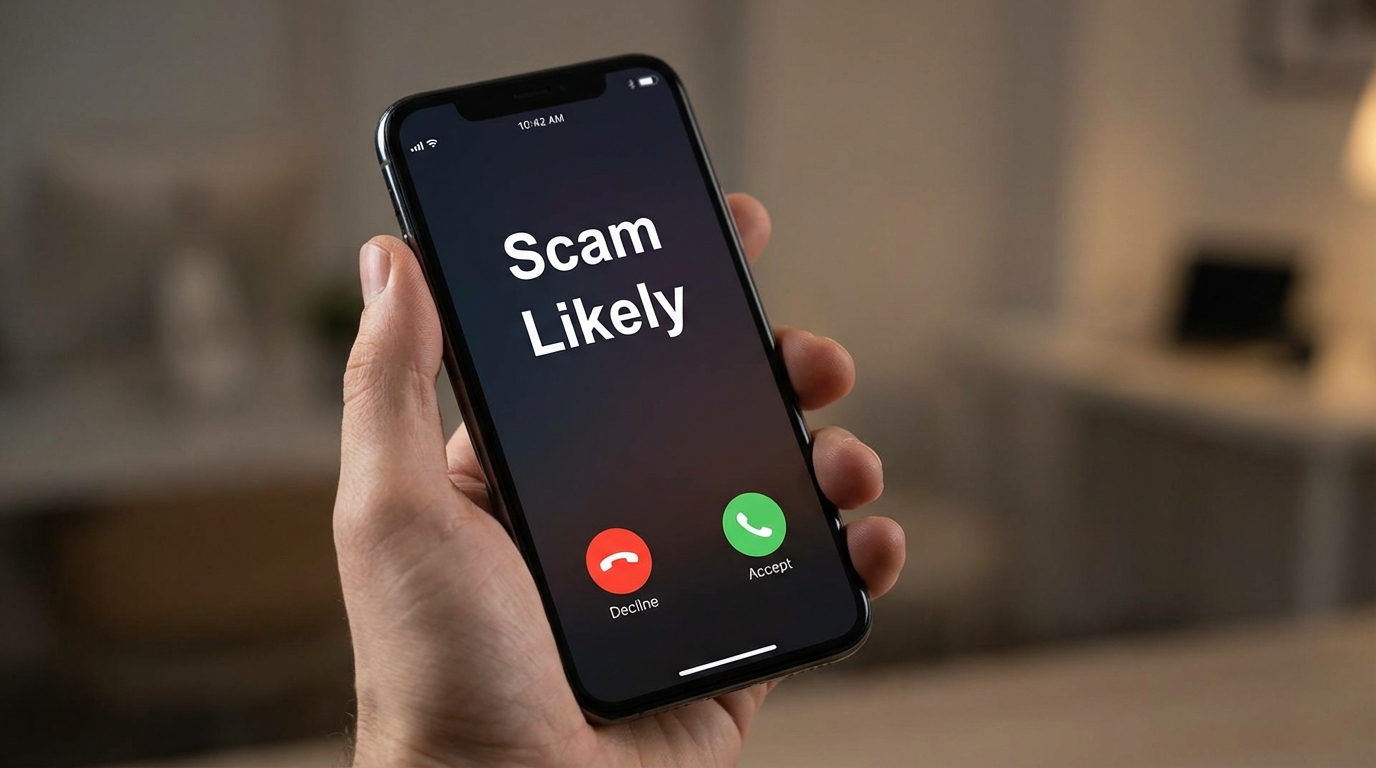
Why Your Phone Says ‘Scam Likely’ — And How to Stop These Calls for Good

Why Your Phone Keeps Showing “Scam Likely”
If your phone keeps lighting up with “Scam Likely,” you’re not alone.
It doesn’t mean you did anything wrong. It just means your number is already circulating in the same databases scammers use to make bulk calls.
Once your number gets into that system, the calls don’t really stop on their own.
What “Scam Likely” Actually Means
That label comes from your carrier, not from the caller.
Companies like T-Mobile, Verizon, and AT&T track calling patterns across their networks.
If a number is:
- making thousands of calls
- getting reported repeatedly
- or behaving like a robocaller
it gets flagged before it reaches you.
That’s why you see “Scam Likely” instead of a normal number.
Why You’re Getting So Many Calls
There are usually only a few reasons:
- Your number was part of a data breach
- You entered it on websites or apps
- It was sold by data brokers
- You answered a spam call once (this confirms your number is active)
Once that happens, your number gets reused and shared.
That’s why the calls can suddenly increase out of nowhere.
Why Blocking One Number Doesn’t Work
Most of these calls are not coming from a single number.
They use spoofing — meaning the number you see is often fake or temporarily generated.
So when you block one, another one appears.
That’s why basic blocking doesn’t solve the problem.
What Actually Works
If you want to reduce these calls, you need to stack multiple layers.
1. Use your carrier’s built-in protection
All major networks already filter spam to some extent.
For example:
- T-Mobile has Scam Shield
- Verizon has Call Filter
- AT&T has ActiveArmor
These work at the network level, so they stop many calls before your phone even rings.
2. Turn on your phone’s built-in filtering
On iPhone:
- Enable “Silence Unknown Callers”
On Android:
- Turn on “Caller ID & spam protection”
This won’t stop everything, but it removes most of the noise.
3. Stop answering unknown numbers
This is simple but important.
The moment you answer, your number gets marked as active.
That increases the number of calls you receive later.
4. Use a third-party app (if needed)
Apps like Truecaller or similar tools use shared databases to identify spam numbers.
They can help, but only if you’re okay with giving them access to call data.
5. Register on the Do Not Call list (limited impact)
You can register on the National Do Not Call Registry.
It won’t stop scammers, but it reduces legitimate telemarketing.
Which means:
any remaining calls are easier to identify as spam.
The Part Most People Ignore
Blocking calls doesn’t fix the root problem.
The real issue is that your number is already exposed.
That usually happens through:
- signups
- leaks
- reused data
Once it spreads, it keeps circulating.
How to Reduce Future Exposure
You can’t fully erase your number from these systems, but you can slow it down.
- Avoid entering your number unless necessary
- Don’t reuse the same contact details everywhere
- Be careful with “free offers” and unknown sites
The less your data spreads, the fewer new lists you end up on.
How Carriers Decide a Number Is Scam Likely
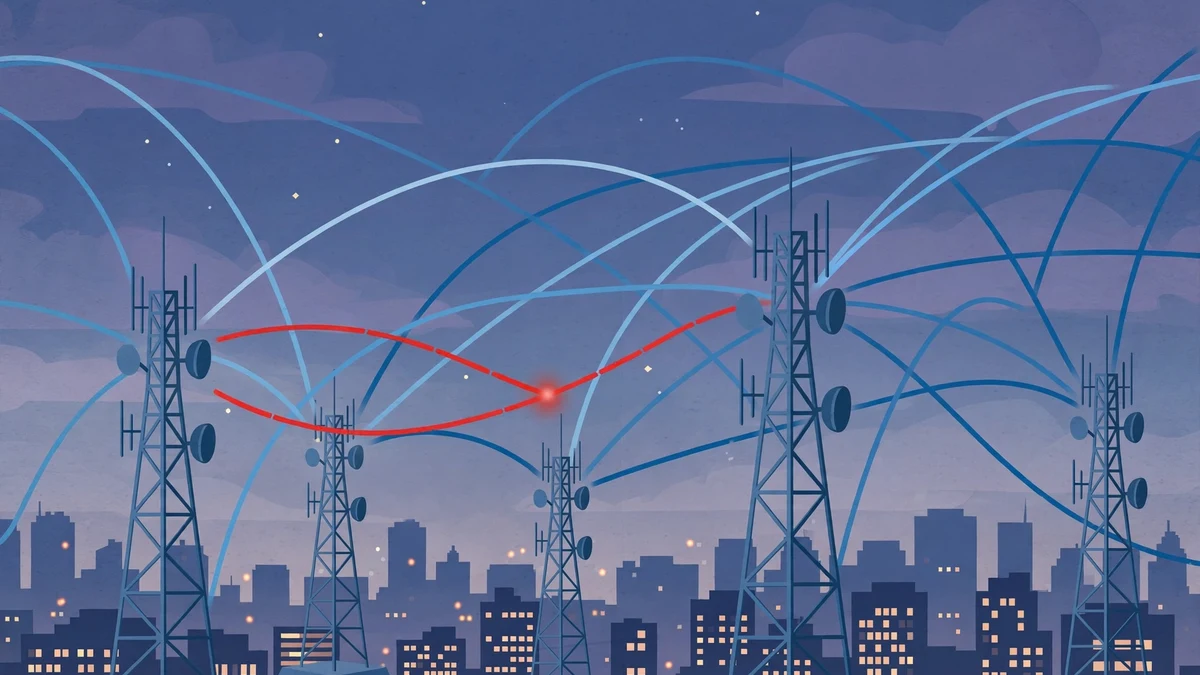
The label is not a guess. Carriers run analytics across their networks: numbers making thousands of calls in a short window, numbers reported repeatedly by recipients, and numbers behaving like robocallers get flagged before the call reaches you. On top of that, the STIR/SHAKEN framework — the caller-ID authentication system US carriers are required to use — lets networks verify whether the number on your screen is really the number making the call. A call that fails that check, or comes from a number with a bad reputation, is the one that shows up as Scam Likely.
That is also why the label is sometimes wrong: legitimate businesses using high-volume dialers can trip the same patterns. The label means the number looks like a bulk caller, not that the person behind it is definitely a criminal — which is why you should let unknown numbers go to voicemail instead of answering to find out.
Why Your Number Ends Up on Call Lists
Your number gets onto these lists the same way your email ends up on spam lists: data breaches, forms you filled in, apps that asked for your number, and data brokers who buy and sell contact details. Answering one spam call confirms the number is active and makes it more valuable, which is why the calls increase after the first answer. You cannot fully remove a number that is already circulating, but you can stop feeding it: use a temp number from TempoSMS or a temp email from TempoMailUSA for signups and trials, give your real number only to services that genuinely need it, and let unknown calls go to voicemail — silence is the only response that makes a number less valuable to a dialer.
Bottom Line
“Scam Likely” is actually your phone trying to protect you.
The calls won’t disappear completely, but they can be reduced a lot if you:
- stop answering unknown numbers
- enable filtering
- and limit where your number is shared
That’s the only combination that actually works long term.
Need a disposable temporary email?
Protect your real inbox from spam and promotional clutter instantly and free.
Received a suspicious email, text, or charge alert?
Verify whether the sender domain is disposable, spoofed, or unverified before clicking links.