
Your Verification Code Is Valid For How Long? The Expiry Times, Service by Service
Your Verification Code Is Valid For How Long? The Expiry Times, Service by Service
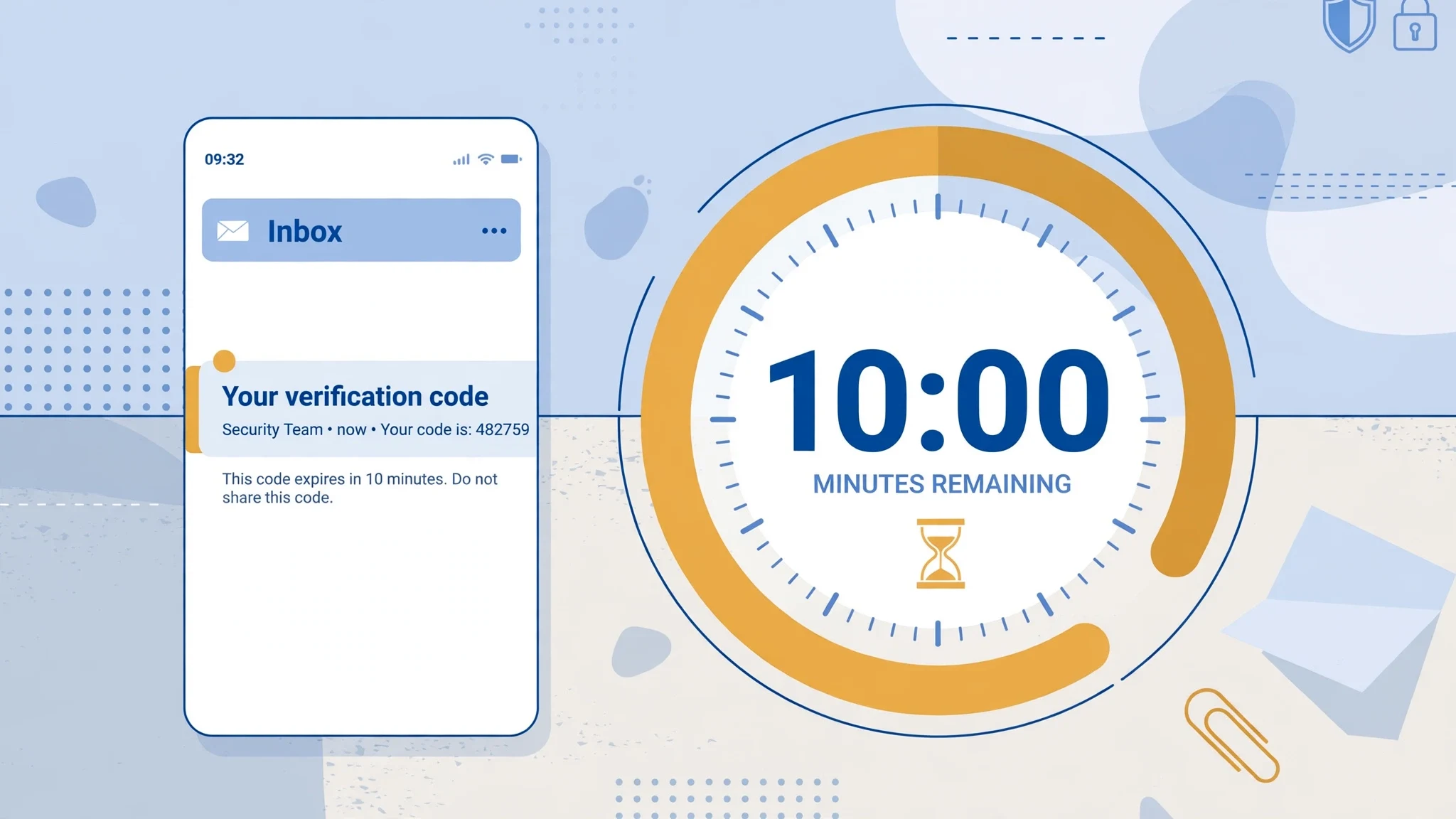
"Your verification code is 482913. Valid for 10 minutes."
That second sentence is doing more work than it looks. It is the whole deal, stated in six words: this string of digits is a key, and the lock changes in ten minutes. Most people read it once, switch apps, get distracted by a notification, and come back to a form that says "code expired" — and then they do the natural thing, which is type the same code again, harder, as if conviction helps. It does not. The code is dead. It was dead the moment the window closed, and no amount of retyping revives it.
So how long is a verification code actually valid for? The honest answer is that there is no single number. The code in your inbox right now is valid for however long the company that sent it decided, and that decision ranges from three minutes to thirty. But the range is not random, and it is not a secret either. The standards, the providers that send codes on behalf of half the internet, and the help pages of the services themselves all publish their numbers — they just publish them in different places, in different words, and almost never in the email itself. I went and collected them, and I tried to get a live code sent to a temporary inbox so I could watch one die in real time. What happened next is the most useful part of this article, because it is also the part nobody warns you about.
The test I ran: seven services, zero codes
I set out to do the obvious test: get a real verification code sent to a temporary inbox, read the "valid for" line in the email, type the code in immediately, then request a second code, wait past its window, and type it again to capture the exact expiry error. Two browser sessions and seven services later, I have no expiry error to show you — because no service sent me a numeric code at all. That failure is the finding, and it matters more than the test I planned, because it is exactly what happens to temp-mail users in real life.
Here is what happened, service by service, on the morning of November 25, 2026, using fresh TempoMailUSA addresses:
- Canva rejected the temporary address outright, before sending anything: "Temporary emails can't be used on Canva. Please use a different email or contact us with the error code RR5…" A second temp domain got the same rejection with a different error code. No email ever arrived.
- GitHub rejected the address at the signup form itself — "Email domain could not be verified" — for three different temp domains, with the Create account button disabled. No code was requested or sent. Getting to the form at all took clearing a DataDome slider challenge first.
- Manus accepted the temp address — no domain rejection, no phone step before the code — but its Cloudflare "Verify you are human" checkbox would not clear after six attempts across two browsers. The Continue button never enabled, so no code was ever requested.
- Kimi has no email verification path at all: WeChat QR or a +86 phone number only.
- Claude is closed to new users right now, after a failed hCaptcha.
- Dropbox and Figma both accepted temp addresses, and both sent verification emails in under a minute. But neither email contained a code. Dropbox's said, in full: "Hi Tempo, We just need to verify your email address before your sign up is complete!" with a Verify button. Figma's was the same shape: "Verify your email address — To start using Figma, just click the verify email button below." No digits. No "valid for" line. No expiry stated anywhere.
So the honest result: with a temporary inbox, the question "how long is my code valid for" often never gets asked, because the code never exists. Either the service refuses the address, or it verifies you with a link instead of a code, and links do not carry a printed window. The expiry times in the table below come from the standards and documentation the services publish — which, after this morning, I trust more than the idea that you can just test it yourself in five minutes. Sometimes you cannot. The gatekeepers decide whether you get a code at all.
Read the sentence, not the number
Before the table, learn to read the line. The "valid for" wording in a verification email comes in four shapes, and they do not all mean the same thing.
"Valid for 10 minutes" is the clearest. The clock starts when the code is sent, not when you open the message. If the email sat in your inbox for six minutes while you were in a meeting, you have four left, and the email will not tell you that.
"Expires in 5 minutes" means the same thing, phrased as a countdown. Same rule: sent time, not read time.
"This code expires at 2:47 PM" is rarer and better, because it gives you an absolute time. A few services do this. Most do not, because absolute times create support tickets from people in other time zones.
No wording at all is the most common shape, and the most dangerous. The Dropbox verification email I received during my test this morning said nothing about time — no digits, no code, no expiry line. The Figma one was the same. Many services simply never state a window, and then show you "code expired" as if you should have known. If your code email has no "valid for" line, assume ten minutes and hurry. Ten is the ceiling the US standards body sets, and almost nothing in the email world lives longer than that.
There is one more phrase worth decoding: "Your code is valid for one use." That is a different clock. A single-use code can die two ways — by time, or by being entered once. Enter it correctly and it is spent. Enter it wrong too many times and some services kill it early, before the time is up. More on that below.
The table: how long codes actually last
Here is the part the search results bury. Every number below comes from a published standard, a provider's documentation, or a service's own help page — not from a roundup copying another roundup.
| Code type | How long it lasts | Who sets it | The detail that changes the answer |
|---|---|---|---|
| Authenticator app code (TOTP) | 30 seconds | RFC 6238, the time-based one-time password standard | A new code every 30 seconds, calculated from the time, not sent to you at all |
| Email or SMS code, NIST rule | No more than 10 minutes | NIST SP 800-63B, the US federal authentication standard | The authentication is invalid unless completed within 10 minutes of the code being sent |
| Codes sent through Twilio Verify | 10 minutes by default | The company using Twilio, which can ask for anything from 2 minutes to 24 hours | Asking again inside the window sends you the same code, not a new one |
| Okta SMS code | 5 minutes | Okta, and it is not configurable | The clock starts at sending, not at reading |
| Okta email code | 5 minutes by default | The organisation's administrator, in 5-minute steps up to 30 | Okta itself calls 10 minutes or less the accepted best practice |
| Amazon Cognito code | 3 to 15 minutes | The app's developer | The code lives exactly as long as the sign-in session it belongs to |
| Otter.ai verification code | 3 minutes | Otter.ai's own help centre | One of the shortest windows of any major service |
| 101domain one-time code | 5 minutes | 101domain's help centre | You can request a new code two minutes after the first — and the first dies instantly |
| Supplier.io registration code | 30 minutes | Supplier.io's help centre | The longest standard window I found; registration codes get more slack than login codes |
| AliasFleet destination code | 15 minutes | AliasFleet's own docs | Three wrong attempts lock verification for 15 minutes on top of the expiry |
Two patterns jump out. First, the 5-to-10-minute band covers nearly everything. The SMS OTP best-practice guides say the same thing in plain language: five to ten minutes is long enough for a real person to switch apps and type six digits, and short enough that a stolen code is worthless within minutes. Second, the exceptions have reasons. Login codes are short because a login is a single moment. Registration codes run longer because signing up takes longer — you are choosing a username, reading terms, getting distracted. TOTP codes are 30 seconds because they are never sent anywhere; they are computed on your phone from the current time, so the window can be tiny without punishing you.
The single most useful number in that table is not any one service's window. It is the NIST ceiling: ten minutes. If you remember one thing from this article, remember that a code sent by text or email is, in the worst case, good for ten minutes from the moment it was sent — and in the best case for you, the service that sent it chose five. Plan for five, hope for ten, and never plan for thirty.
Why the window is that short
It feels ungenerous. You asked for a code, the code took a minute to arrive, and now you have four minutes left to find the tab you opened it from. The shortness is deliberate, and the reasoning is arithmetic, not cruelty.
A six-digit code has one million possible combinations. That sounds like a lot until you remember that the code is also sitting in an inbox, a notification shade, and possibly a lock screen — three places where it can be seen by someone who is not you. Every minute it stays valid is a minute in which a forwarded screenshot, a shoulder-surfed notification, or a compromised inbox turns into an account. The expiry is the part of the system that limits the damage when the code leaks. A code that lived for a day would be a password with extra steps. A code that lives for five minutes is a key that melts.
The second reason is brute force. With a short window and a limit on wrong guesses, guessing is pointless: the code expires long before a million combinations can be tried. Stretch the window to an hour, keep the same six digits, and the maths gets uncomfortable. That is why the services with the longest windows — the 15- and 30-minute ones — are also the ones with the strictest attempt limits. The window and the attempt cap are one mechanism, not two. Short window, generous attempts; long window, three strikes and you are locked out.
And the third reason is the one nobody puts in their documentation: expiry is how services clean up after themselves. Every live code is a row in a database, a session held open, a promise the server has to remember. Short windows mean the server forgets quickly, which is cheaper, simpler, and safer all at once.
What happens the minute it expires
Nothing dramatic. That is the confusing part. An expired code does not announce itself. It looks exactly like a live one — same six digits, same email, same formatting. The failure only appears when you submit it, and the message you get depends on the service. The common ones:
- "Code expired" / "This code has expired" — the honest one. Request a new code.
- "Invalid code" / "Incorrect code" — the same failure wearing a different label. Many services do not distinguish an expired code from a mistyped one, which is why people retype the same dead code three times and then get locked out for too many attempts.
- "Please request a new code" — the helpful one, and the only one that tells you the fix in the error itself.
- Silence, or a loop back to the same screen — the worst one. Some flows simply return you to the code entry box with no message. If that happens after a code that used to work, assume expiry and request a fresh one.
Here is the rule that saves the most time: never retype an expired code, and never request a second code and then type the first one. Requesting a new code kills the old one at nearly every service — 101domain says so explicitly in its help centre, and it is the default behaviour at Twilio, Okta, and most others. How soon you can ask again is governed by the resend timer, usually 30 to 60 seconds between requests. The inbox will then hold two codes, and only the newest works. The older one is not a backup. It is a trap, and it is the single most common reason people conclude that "verification codes never work for me". They do work. The user is typing the code that the service already replaced.
Wrong attempts make it worse. AliasFleet locks verification for 15 minutes after three wrong entries. WhatsApp-style OTP services typically allow five attempts per code. Each wrong guess spends one of your few attempts on a code that may already be dead — so if you are unsure whether the code expired, do not test it by guessing. Request a fresh code instead. The fresh code resets both clocks: the time window and the attempt count.
The temp-mail race: when your inbox dies before the code does
This is where the expiry question collides with temporary email, and it is the reason this article lives on this site. A verification code and a disposable inbox are both on a countdown — and they are rarely the same countdown.
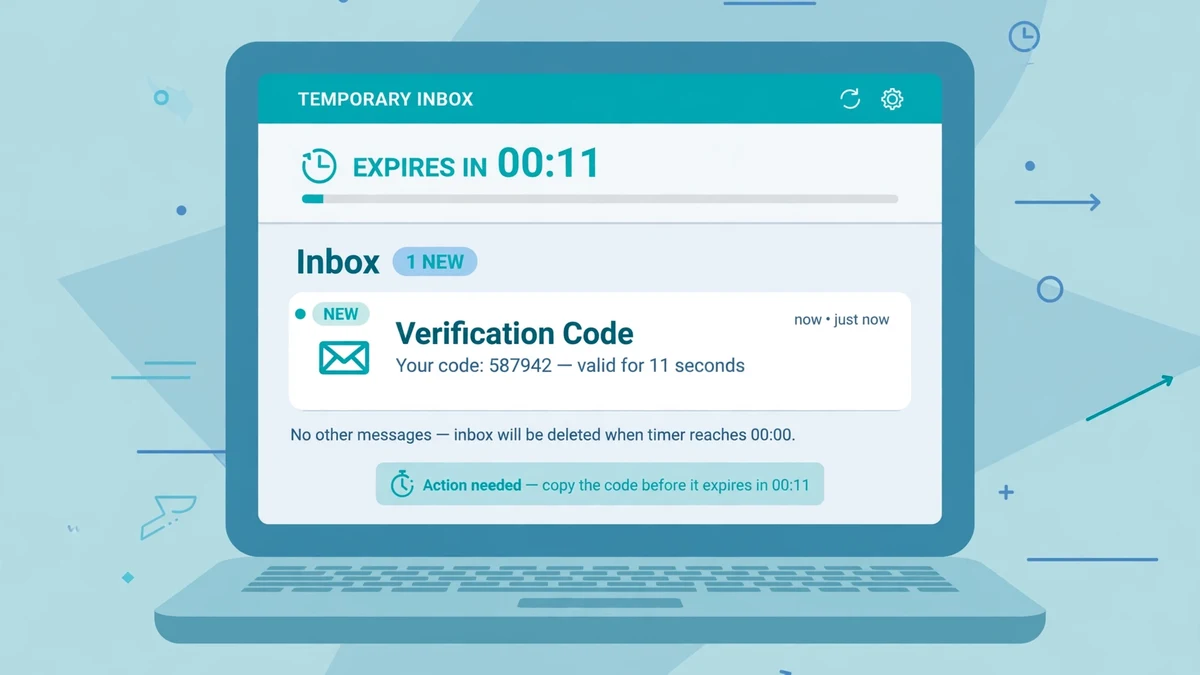
A typical 10-minute-mail inbox lives for ten minutes from creation. A typical verification code lives for five to ten minutes from sending. If you create the inbox, then sign up, then wait a minute for the code email to arrive, the two clocks are already misaligned: your inbox may die before the code does, or the code may die while you are still reading the inbox. Either way, you lose, and the error message will blame the code when the real failure was the inbox.
The fix is boring and it works: create the inbox first, then immediately request the code, and keep the inbox tab open. Do not create the inbox, wander off to compare services, and come back nine minutes later. The inbox clock starts at creation, not at first use. If the service you are verifying with is one of the slow ones — the code takes two or three minutes to arrive — a 10-minute inbox is already a gamble, and a longer-lived temporary inbox is the right tool. TempoMailUSA's free inbox lasts 30 days, which removes the race entirely: the code can expire on its own schedule without the inbox vanishing underneath it.
There is a second, quieter catch. Some services do not send codes at all — they send links. In my test this morning, Dropbox and Figma both accepted temporary addresses and both sent verification links, not codes. The Dropbox email arrived in under a minute and said, in full: "Hi Tempo, We just need to verify your email address before your sign up is complete!" with a Verify button. The Figma email was the same shape: "Verify your email address — To start using Figma, just click the verify email button below." Neither email contained digits. Neither stated any expiry. A link has its own validity window — usually longer than a code's, often 15 minutes to 24 hours — but the service does not print it, so you cannot plan around it. Click it promptly or request a fresh one. And if you are using a disposable inbox for a service that verifies by link, remember the link only works while the inbox exists to receive it — another reason a short-lived inbox is the wrong tool for signups you might need to recover later.
One more honest note from that test: two of the biggest services would not even start. Canva rejected the temporary address outright — "Temporary emails can't be used on Canva" — and GitHub rejected the domain at the email field with "Email domain could not be verified". If your code never arrives, the problem may not be expiry or spam folders at all. It may be that the service refuses disposable addresses before it sends anything, and no code exists to expire. That is worth checking before you spend twenty minutes refreshing an inbox.
The resend trap, and the routine that actually works
Put the whole article into a routine you can run in thirty seconds:
- Request the code once. One request, one code, one clock.
- Read the "valid for" line first. If it says five minutes, you have five minutes from sending, not from reading. Start the timer in your head at the send, not at the open.
- Type it immediately, in the same session. Do not switch apps, do not answer the message that just arrived, do not put the phone down. The window is designed for people who type now.
- If it fails, do not retype it. Request a fresh code and type the newest one. Delete or ignore the old email so you cannot mistake it for the new one.
- If the fresh code also fails, stop and check the address. Wrong email, spam folder, a service that blocks disposable domains — the code cannot arrive at an address the service will not send to. That is a different problem with a different fix, and no amount of resending solves it.
- After three failed attempts, wait. Most services lock you out for 15 minutes after a handful of wrong guesses. Hammering the form only extends the lockout.
And if there is no "valid for" line at all, use ten minutes as your plan and five as your hope. That is the ceiling the standard sets and the floor the careful services choose, and it will be right far more often than any guess you make from the shape of the email.
FAQ
What is a verification code?
A short numeric code — usually six digits — that a service sends to your email or phone to prove you control that address or number. It is a single-use, time-limited password that exists only for one login or signup attempt. Our full explainer covers what a verification code is, why services use them instead of passwords for this step, and what each kind means.
What does "your verification code is valid for 10 minutes" mean?
It means the code stops working ten minutes after it was sent, not ten minutes after you read the email. If the message sat unread for six minutes, four remain. After the window closes, the code is dead and you need to request a fresh one — retyping the old one will fail, and at many services it counts as a wrong attempt.
What is a verification code, exactly — is it the same as an OTP?
Yes. "Verification code", "OTP" (one-time password), and "one-time code" are the same thing wearing different labels: a short-lived numeric secret that proves you received the message. The difference that matters is not the name but the delivery — an authenticator-app code is computed on your phone and changes every 30 seconds, while an email or SMS code is sent to you and lives for 5 to 10 minutes. The email version is the one this article is about, and its journey from server to inbox is its own story.
Why did I randomly get a verification code I didn't request?
Somebody — or something — entered your email address or phone number into a login or signup form, or tried to reset a password on your account. The code itself is not dangerous; it is a symptom. Do not enter it anywhere, do not share it, and do not click anything in the message. If you did not request it, treat it as a prompt to check that account: change the password, turn on two-factor authentication, and look at the recent sign-in activity. A code you did not ask for is the service telling you someone is knocking.
Can I reuse a verification code after it expires?
No. Expiry is permanent, and so is use: a code that has been entered successfully is spent even if time remains on its window. There is no way to revive either kind of dead code. Request a fresh one and use the newest code in your inbox, not the first one you see.
What if the code never arrives?
Check the spam folder first, then check the address for typos, then wait two minutes — delivery is usually under a minute, and my test this morning saw both delivered emails land in under sixty seconds. If it still has not arrived, the service may block disposable addresses (Canva and GitHub both did in my test), or the address may be wrong. Requesting a fifth code to the same blocked address changes nothing. Use an address the service accepts, or a longer-lived inbox, and start over.
Does requesting a new code cancel the old one?
Almost always, yes. The new code replaces the old one the moment it is sent. This is the single most common cause of "the code doesn't work" — the inbox holds two codes and the user types the first. Always use the newest code, and delete the old message so you cannot pick it by mistake.
The short version
Your verification code is valid for 5 to 10 minutes at most services — 3 minutes at the strictest, 30 at the most generous, 30 seconds if it comes from an authenticator app. The clock starts when the code is sent, the email often does not say so, and requesting a new code kills the old one. Type the newest code immediately, and if it fails, do not retype it: request a fresh one. And if you are verifying with a temporary inbox, remember you are racing two clocks at once — give yourself an inbox that outlives the code, not one that dies first.
Need a disposable temporary email?
Protect your real inbox from spam and promotional clutter instantly and free.
Received a suspicious email, text, or charge alert?
Verify whether the sender domain is disposable, spoofed, or unverified before clicking links.