

Best Temporary Email for One-Time Passwords: 5 Picks

A disposable address can keep a one-time password out of your personal inbox. But the code only helps if you can still read the inbox, and no one else can get into it. Here are five temporary email services for one-time passwords, with clear notes on when each fits and when it doesn’t.
1. TempoMailUSA — disposable inboxes with upgrade options
TempoMailUSA gives you a disposable email address for sign-ups and verification. Its free plan supports one active inbox, and the site lets you try any of its 427 domains. Your first message is free to read. Pro lets you read every message and keep inboxes for up to 365 days.
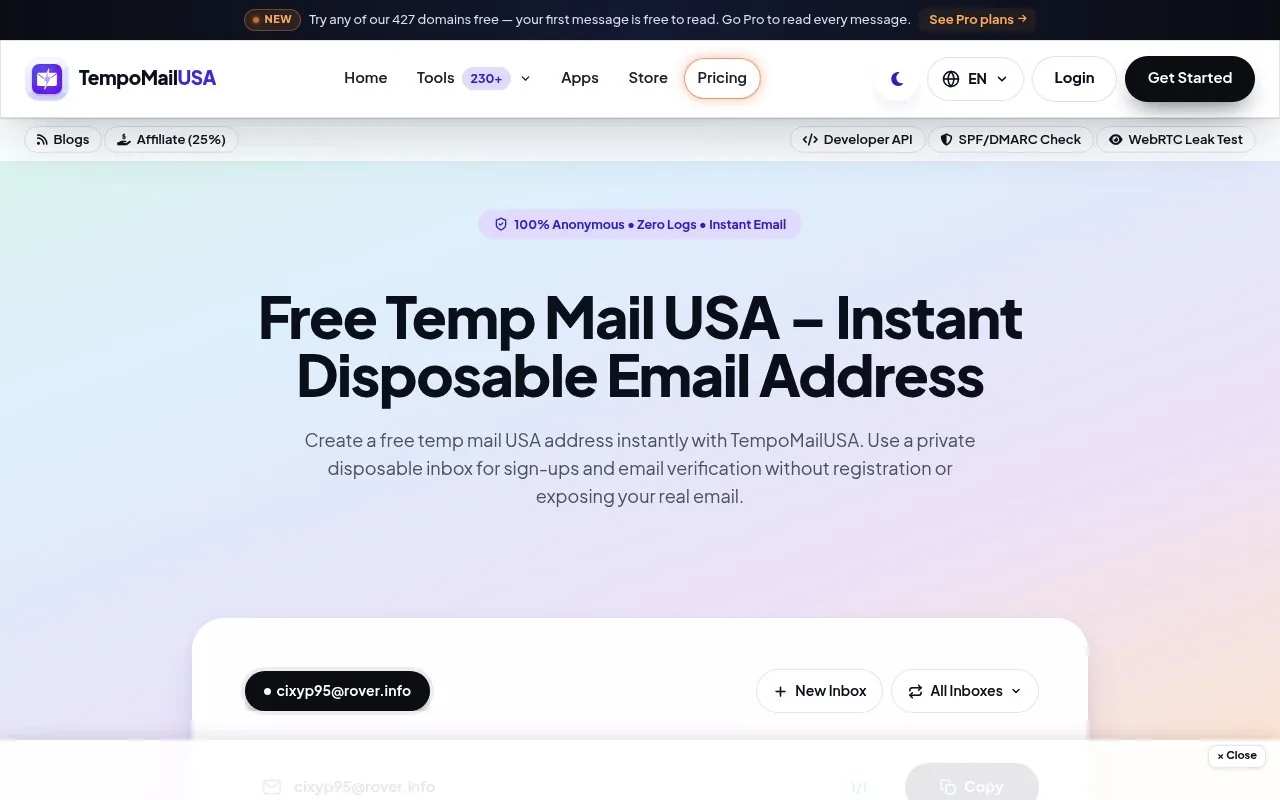
That longer window is useful when a service sends a delayed verification email or you need a second code later. If you’re testing a sign-up flow, you can also manage up to 50 Pro inboxes at once. Paid plans include options for multiple inboxes, longer retention, and extra domains.
To use it for a low-risk signup, open an inbox, copy its address into the service’s email field, then request the code. Keep the signup page open while you wait. When the message arrives, check that it matches the action you just took before entering the code.
For more detail on what an inbox can and can’t do, see this plain-language explanation of temporary email. A temporary inbox is best for a one-off interaction. If you may need account recovery later, use an address you can keep.
One detail to plan around: the free plan lets you read your first message. From the second message on, you’ll need Pro to read every message, or you can unlock a single message. That matters if you expect a resend or a later follow-up.
For a basic OTP, one message may be enough. For a test run with repeated verification emails, check the plan details before relying on that inbox. You can learn how email OTPs work before deciding whether the verification flow suits a disposable address.
2. AdGuard Temp Mail: a free option with a stated inactivity window
AdGuard Temp Mail provides disposable addresses and has a free tier. It also integrates with AdGuard products and has strong privacy commitments. That makes it an option to consider when you want to check a code without using your regular email address.
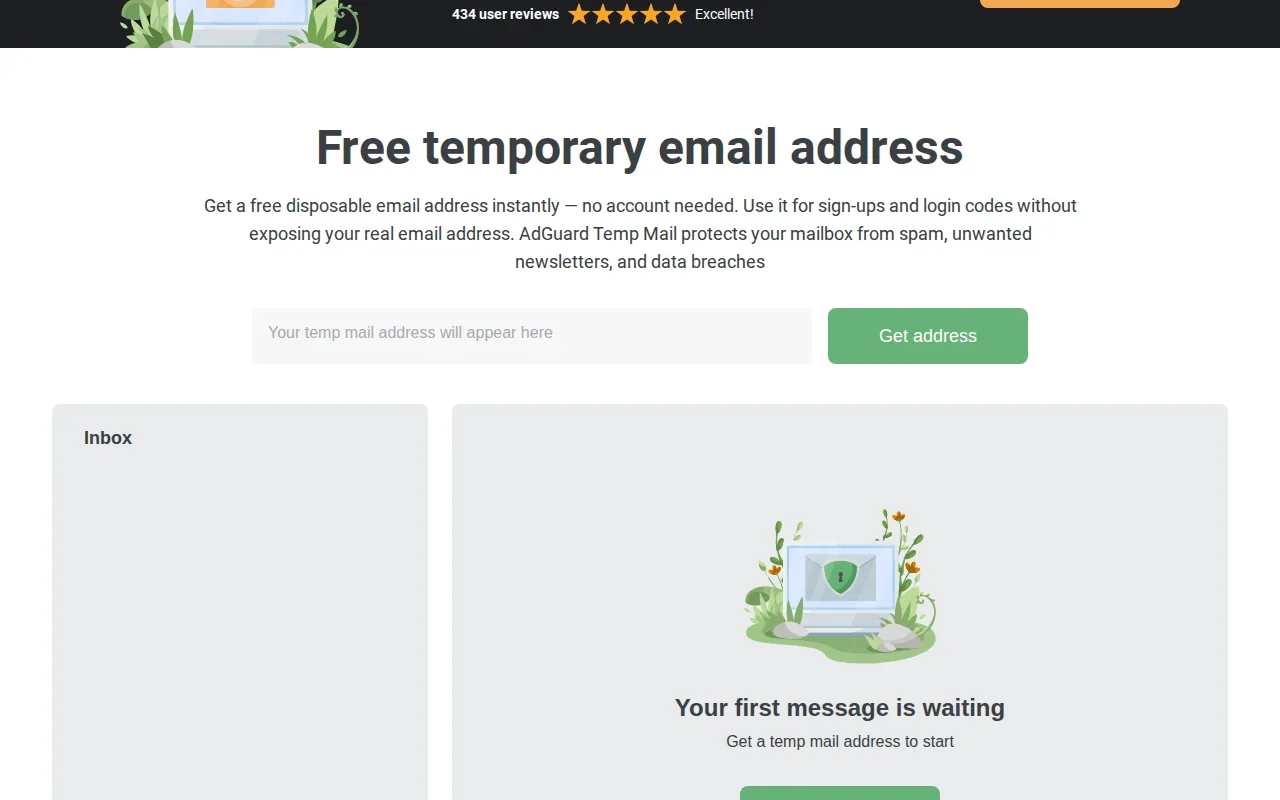
Messages are deleted after 7 days of inactivity. The inactivity window is worth keeping in mind if you only need the inbox once, or if you might need to return to it later.
For a one-time code, open the inbox before you start the signup. Copy the address, request the email code, then return to the inbox and look for the message. If the site sends a second code later, don’t assume the old inbox will still be available after a long idle period.
For a single confirmation, a disposable address can reduce the need to use your regular email address. Before using one, consider whether you’ll need to keep the address for later access or account recovery.
For a simple email OTP, focus on receiving the message before proceeding. If a signup expects an ongoing conversation or a file, consider whether a disposable address fits that need. The same goes for account recovery: think about whether you may need to receive another message at the address later.
Before requesting a code, check that the address shown is the one you entered on the signup form. Read any needed code promptly, and consider whether you’ll need the address again before relying on it for a later reset email.
AdGuard Temp Mail may suit a quick, low-risk signup when a disposable address is appropriate. Choose an option suited to longer-term access if you expect repeat use or account recovery.
3. Temp Mail Pro: disposable email with virus scanning
Temp Mail Pro is a disposable email service that promotes virus scanning for incoming messages. It offers a free address instantly. That may fit a quick signup when you want to separate the verification email from your main mailbox.
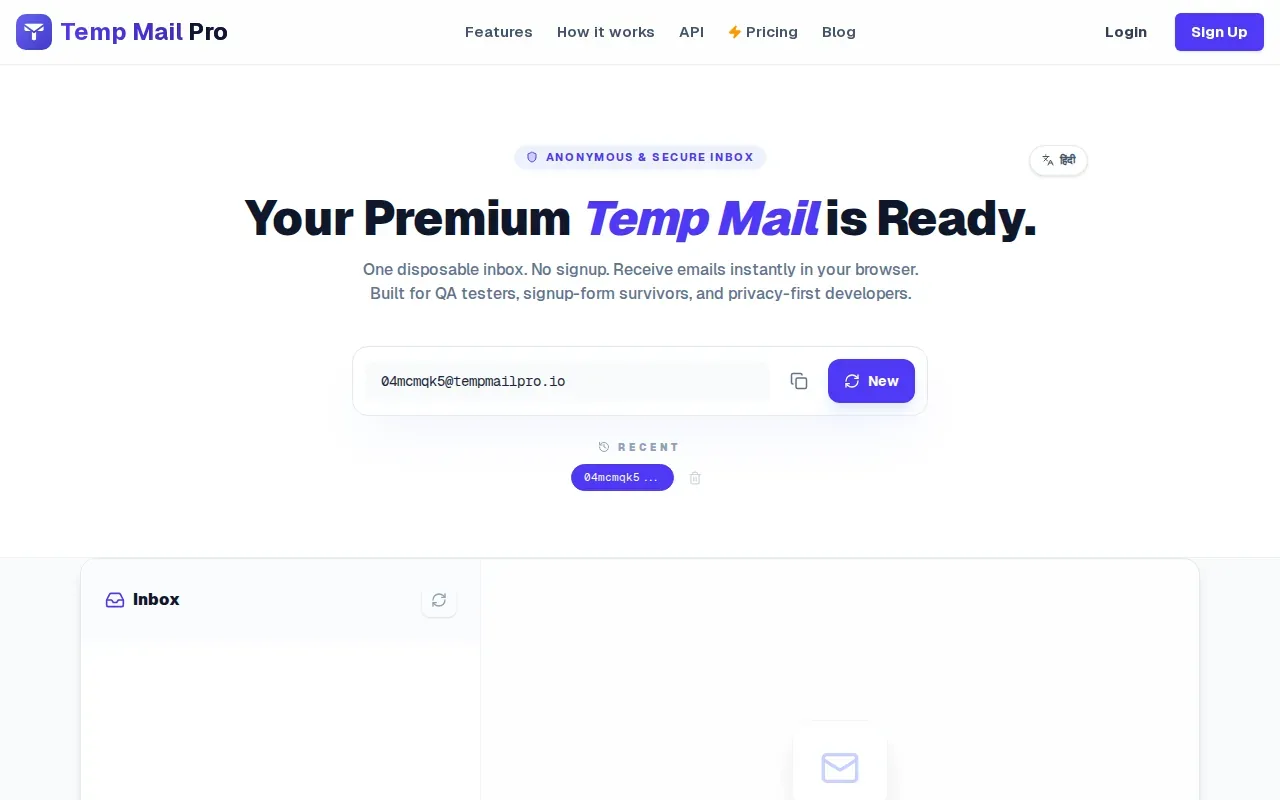
The basic flow is familiar: open the service, get an address, copy it into the signup form, and return to the inbox for the message. Use the newest code that matches your signup attempt. If the first code fails, pause before requesting another because a new code can replace the earlier one.
Temp Mail Pro offers virus scanning. So treat that claim as one part of the service’s stated offer, not a reason to trust every message. Check the sender and the destination of any link yourself.
A temporary address protects your personal inbox from a signup’s later newsletters, but it doesn’t make an account recoverable. If the account becomes important, switch it to a permanent email address while you still control the temporary inbox. That gives future password resets a stable destination.
Don’t use a disposable address for banking, government services, work accounts, health portals, or anything tied to payments. A code proves that someone could read the inbox at that moment. It doesn’t prove who they are, and it won’t restore access if the inbox expires.
Temp Mail Pro may be worth considering for a short signup where its scanning feature matters to you. For a higher-stakes account, a disposable inbox is the wrong foundation, even if the verification email arrives on time.
4. Temp Postal: a fast throwaway inbox with a stated free-use window
Temp Postal is a free throwaway email service that says it can create an inbox in half a second, without signup. Its stated free-use window is 48 hours. That gives you more time than an inbox built for a very short verification task, which can help if a confirmation email arrives late.
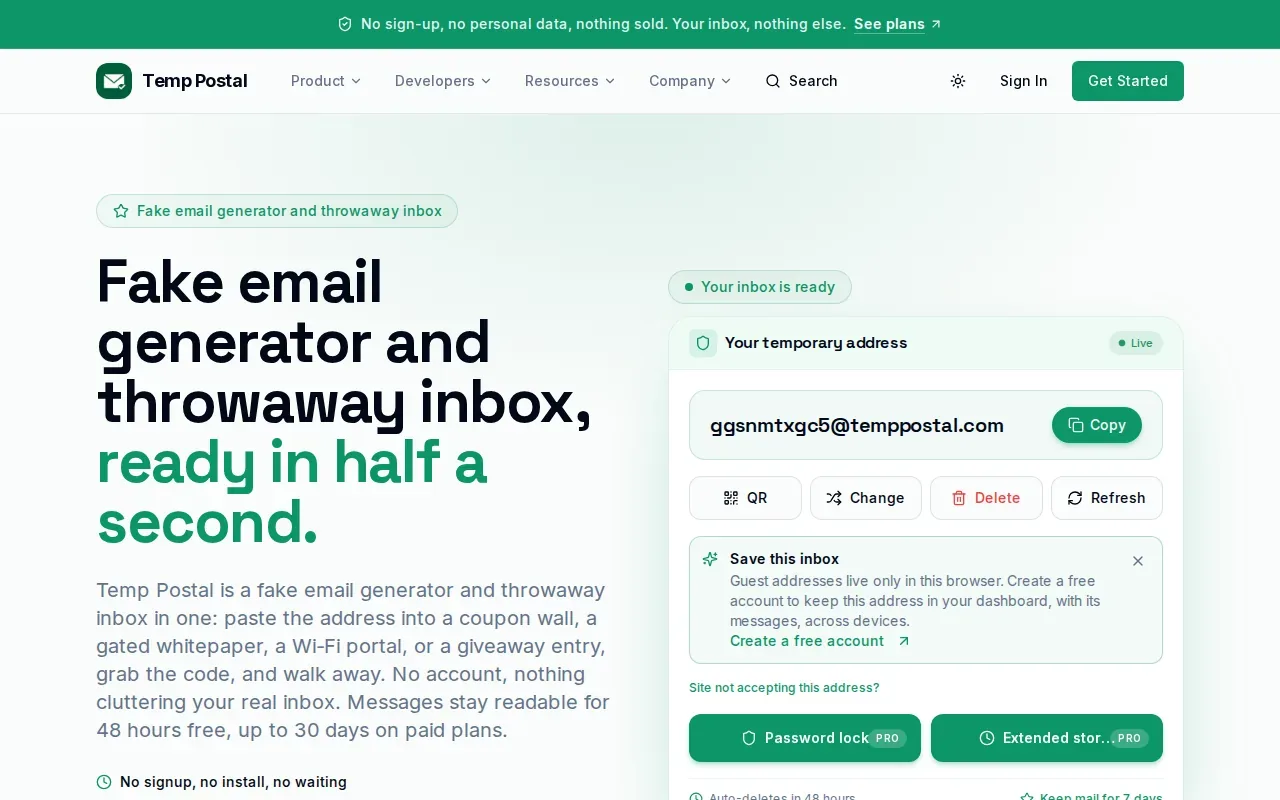
For an OTP, speed is only useful if you can read the code and finish the signup. Open the inbox first, copy the address, then request the code from the original signup page. If it doesn’t arrive right away, refresh the inbox and check for the sender you expected before asking for another.
The stated 48-hour window is a fit for follow-up mail that may arrive later the same day or the next day. It isn’t a reason to attach a lasting account to a temporary inbox. If you might need to reset the password after the window ends, use a permanent address instead.
Paid plans can extend use up to 30 days. That longer period may help during a short testing cycle, where a developer needs to revisit a signup inbox. Keep test accounts separate from real customer accounts, and don’t put real personal data into test mail.
One-time email codes are not the same as text-message codes. A disposable email inbox can receive a code sent by email, but it won’t receive an SMS sent to a phone number. Check the destination shown on the signup page before waiting for a message.
Temp Postal is a reasonable fit when you want a no-signup address and a stated two-day free window. The main decision is whether you need a temporary receipt or an address you can trust for future recovery. Those are different jobs.
5. Maildrop: a simple choice for low-risk testing
Maildrop is a simple disposable inbox designed for developer use. You can choose a custom username at its mail domain without signing up. A blocklist helps filter spam, which can be useful when checking a test signup or a message sent by an app you’re building.
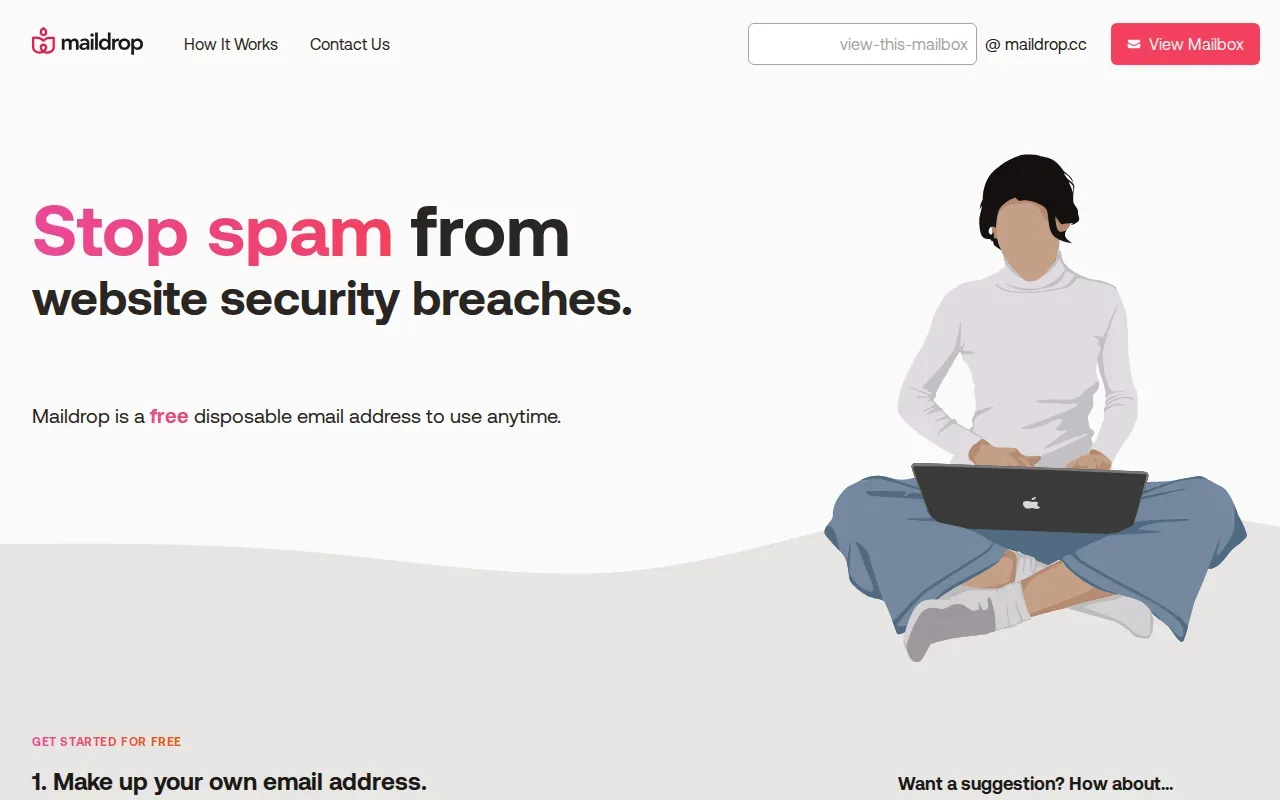
Its key limitation is the inbox model: Maildrop inboxes are public. Anyone who knows the address can read messages sent there. That makes it a poor choice for a personal account, even if the message only contains a short verification code.
For a controlled QA test, public access can be useful. A team can send a test message to a known address and check whether the email arrived. Keep the test data fake and non-sensitive. Don’t reuse that inbox for a real account or for any service where a password reset could expose private information.
Maildrop fits test mail that has no private data and doesn’t need to stay accessible. For personal OTPs, privacy should come before convenience. A public inbox can expose the code to anyone who knows its address.
Teams working on sign-up flows may also need help with their broader launch work. A guide to fractional go-to-market services for B2B founders covers a related planning need, while Maildrop itself is best kept to isolated test messages.
Quick comparison: which temporary email service fits your OTP use?
The right fit depends on how long you need the inbox and who can open it. A code that arrives quickly is only part of the decision. Think about whether you might need another code later, whether the inbox is private, and whether the account needs recovery.
| Service | Best fit | Inbox access or retention detail | Watch-out |
|---|---|---|---|
| TempoMailUSA | OTP use with more inbox and domain options | Free tier; one active inbox; first message free to read; Pro inboxes last up to 365 days | Free message access is limited after the first message |
| AdGuard Temp Mail | Quick signup with a free guest inbox | One guest inbox; deletion after a week of no use | Temporary addresses can’t reply or receive attachments |
| Temp Mail Pro | Quick use where stated virus scanning is relevant | Free address available instantly | Verify the sender and links yourself |
| Temp Postal | No-signup use with a stated free window | Free for 48 hours | Still temporary, so don’t rely on it for lasting account recovery |
| Maildrop | Low-risk developer testing | Public inboxes; deleted after 24 hours without a visit | Anyone who knows the address can read the mail |
For personal, low-risk verification, TempoMailUSA is the most flexible option in this shortlist: it has a free tier, multiple domain choices, and a longer Pro inbox window. If you’re comparing the free and paid details, the TempoMailUSA plans and inbox options explain what changes.
Public access should rule Maildrop out for private signups. AdGuard Temp Mail suits a single inbox with a stated inactivity window. Temp Postal gives you a defined free period. Temp Mail Pro’s scanning feature may matter for message handling, but it doesn’t remove the need to check each email.
For businesses that handle shared inbox work beyond testing, the right setup may involve an assigned person or service. This overview of virtual assistant email management services is related to ongoing email workflows, not a substitute for choosing a safe OTP inbox.
Signup forms can also be designed to make the verification step clearer. A discussion of guest-language calls to action looks at how small wording choices affect how people respond to a prompt, a useful angle when teams review their own signup flow.
Frequently asked questions
Can I use a temporary email for a one-time password?
Yes, you can use a temporary email for an OTP when the signup is low-risk and the site accepts the address. Copy the inbox address into the email field, request one code, then check the newest matching message. Don’t use a disposable inbox for accounts that need future recovery, contain private data, or involve money.
Will a temporary email receive every verification code?
No, delivery isn’t guaranteed. A site may reject known disposable domains, delay its message, or send the code by text instead of email. Confirm the destination shown on the signup page. If the message is late, check the address for a typo and wait before requesting one careful resend.
Are public temporary inboxes safe for OTPs?
Public inboxes aren’t safe for sensitive OTPs because anyone who knows the address may be able to read the message. That code may grant access to the account during its valid period. Use a public inbox only for non-sensitive testing with fake data, never for personal accounts or password resets.
Can I use a temporary email for banking or account recovery?
No, use a permanent email address for banking and any account you may need to recover. A temporary inbox can expire or become unavailable, leaving password resets and security alerts out of reach. The same caution applies to work, health, government, and paid accounts tied to your identity.
What should I do if the OTP doesn’t arrive?
First, check that the site is sending the code by email and that you entered the right address. Look for the expected sender in the inbox, then wait briefly before requesting a resend. Use the newest code that matches your signup session. If the site blocks disposable addresses, use an address it accepts.
Conclusion
For a low-risk signup where you want flexibility and a longer inbox option, start with TempoMailUSA. Open a free inbox, copy its address into the signup form, and check the first message for your code. For accounts you may need later, use a permanent address instead.
Need a disposable temporary email?
Protect your real inbox from spam and promotional clutter instantly and free.
Received a suspicious email, text, or charge alert?
Verify whether the sender domain is disposable, spoofed, or unverified before clicking links.