
Temp Mail for WhatsApp: The Signup Doesn't Ask for an Email — but Three Other Places Do
The search query is a category error, and almost every post ranking for it refuses to say so. People type "temp mail for WhatsApp signup" into Google because every other app they sign up for asks for an email address, so they assume WhatsApp must too. It doesn't. WhatsApp has never once, in its entire history, asked a new user for an email address. The registration screen asks for exactly one thing: a phone number that can receive a text message or a voice call.
That doesn't make the question useless. It makes the honest answer a map instead of a yes-or-no. Because while the front door is phone-only, email shows up in three other places in the WhatsApp ecosystem — the optional PIN recovery email, the Meta Business Account behind the WhatsApp Business Platform, and the inboxes of the third-party tools people bolt onto WhatsApp. Each one has its own rules about temporary mail, and two of them have traps that can lock you out of an account worth far more than the throwaway you were trying to protect.
Most competitor posts either pretend temp mail is a registration method (it's not — you can't register with an email at all) or copy each other's thin "use temp mail for WhatsApp business" paragraph without explaining what actually breaks. This post is the opposite: a field map of where an email address touches WhatsApp, what goes wrong when that email is disposable, and the specific setup that works.
The one door that matters: a phone number
When you install WhatsApp and open it for the first time, the flow is: enter your phone number, confirm it's correct, wait for the SMS with a six-digit code, type it in. If the SMS doesn't arrive, WhatsApp offers a voice call that reads the code aloud. That's the entire identity model. The number is the account. This is the same architecture as Telegram's phone-first signup — and it means the entire concept of "registering for WhatsApp with temp mail" is a non-starter, not a clever hack that sometimes works.
This is worth stating bluntly because the failure mode here isn't "it might get blocked." It's "there is no email field to paste anything into." Anyone telling you to paste a temp address into WhatsApp's registration flow is describing a screen that doesn't exist.
The honest adjacent question is about temp numbers — and that's where most people actually end up when they search for this. Virtual number providers sell the idea that you can register WhatsApp on a number that isn't yours. The reality is messier than the marketing. WhatsApp's own documentation and years of community reports agree on the pattern: virtual, VoIP, and toll-free numbers are routinely rejected or fail to receive the code, and the paid services that do work (dedicated rentals, not free public inboxes) cost real money per activation. If your code never arrives, the problem is usually the same class of delivery failure people hit with email OTP codes that never arrive — except with SMS you have no "check the spam folder" escape hatch. You either get the text or you don't.
Where email does enter the picture: the PIN recovery email
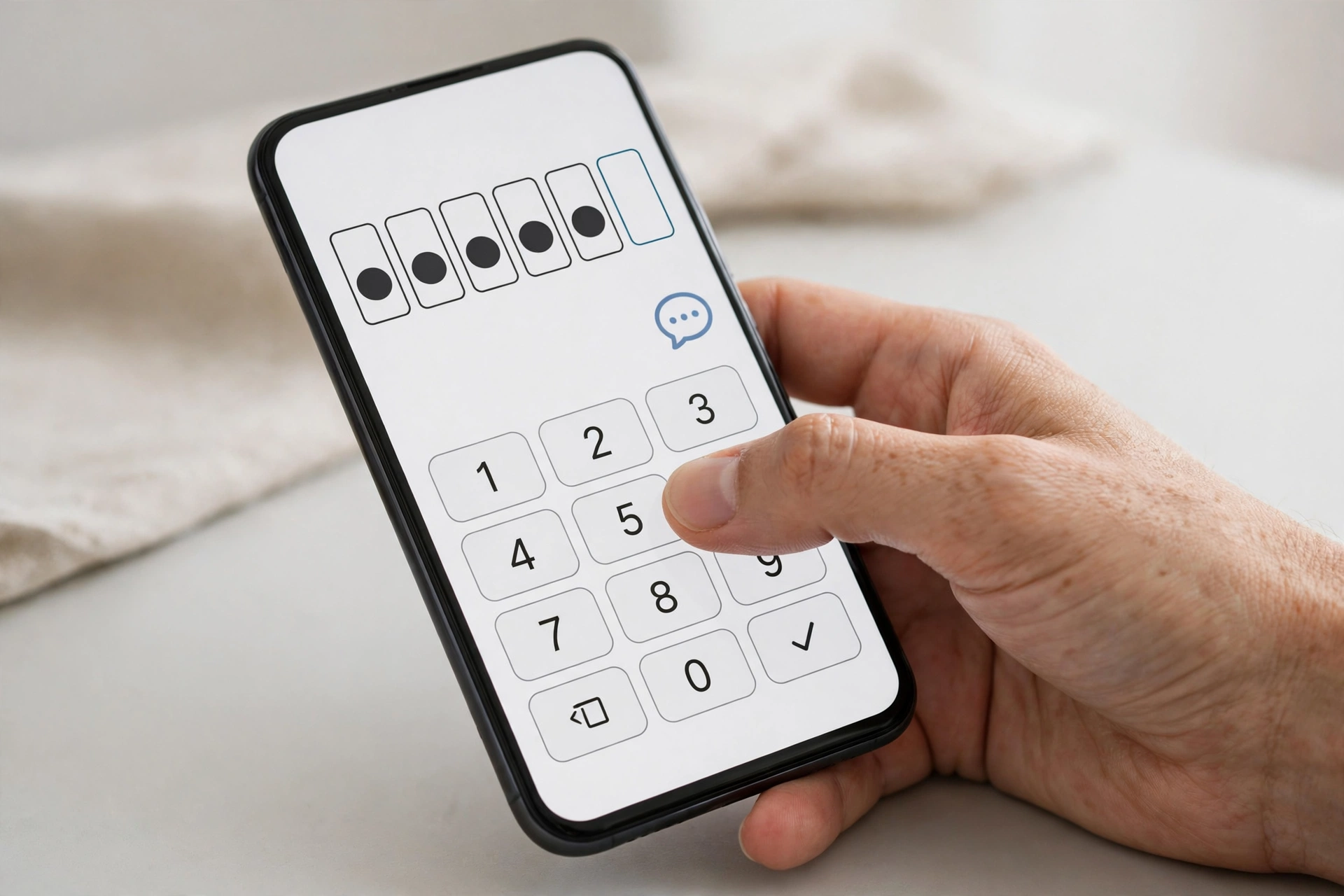
Here is the email door, and it's the one almost nobody warns you about correctly. WhatsApp has an optional two-step verification feature under Settings → Account → Two-step verification. When you enable it, you set a six-digit PIN, and WhatsApp prompts you to add a recovery email address. That email is the only way to reset the PIN if you forget it.
The PIN matters more than people think. WhatsApp periodically asks you to re-enter it to confirm you still remember it, and it demands the PIN every time the number is re-registered — new phone, reinstall, second device. Forget the PIN and lose access to the recovery email, and WhatsApp puts the account into a lockout: you wait out a seven-day timer before you can re-register without the PIN. Seven days of a business line or a group-admin number being dead, because of one forgotten number attached to one inbox you can't open.
This is where temp mail goes from irrelevant to actively dangerous. A disposable inbox that self-destructs in ten minutes is fine for a newsletter signup. It is a catastrophic choice for a recovery email, because the failure is silent and delayed: everything works for weeks or months, until the one morning the PIN prompt appears and the recovery link goes to an inbox that no longer exists. The usual advice — never use a throwaway for anything you might need to recover — is doubly true when the inbox itself is public or shared, since anyone watching that inbox could grab your reset link first.
My rule, and I'll be opinionated here: if the WhatsApp account is attached to your real number and your real conversations, the recovery email must be your real email — one you check, one with its own recovery options intact. Temp mail for the PIN recovery email is only sane on an account you'd delete without a shrug.
The business side: Meta Business Accounts and API provider emails
The second email door is the WhatsApp Business Platform — the official API that businesses use to send notifications and run support through WhatsApp. Here's what the process actually involves, because the blogosphere keeps hand-waving it: you need a Meta Business Account, a business portfolio, and business verification with real legal documents. The phone number you register to the API must be capable of receiving calls or SMS, and it cannot be a number already used with consumer WhatsApp or the WhatsApp Business app.
An email address appears in several places along this road: the Meta Business Account signup, the business portfolio, the onboarding forms of Business Solution Providers (BSPs) — the Twilio-style intermediaries most companies actually go through. This is the one zone where temp mail has a legitimate, defensible use: testing. If you're a developer evaluating three BSPs' onboarding flows, or setting up a sandbox business portfolio for a client demo you'll tear down on Friday, you don't want your personal inbox tied to three trial accounts and a demo portfolio. A disposable address keeps the trial spam contained and the demo data clean.
The catch is the same one that applies to every business-grade trial: many verification systems reject disposable domains outright, and BSP onboarding often includes human review. A temp address on a form that a salesperson is going to review will, at best, look unserious and, at worst, get the trial flagged. Use temp mail for the automated sandbox signups; use your real address the moment a human enters the process.
The temp-number trap: recycled numbers and dead re-verifications
Back to numbers, because this is where the real damage happens. The most common "clever" setup — free public SMS inboxes, the cheapest virtual number, a number from a friend who "doesn't use it anymore" — fails in two specific ways that are worth understanding before you choose.
First, WhatsApp actively filters numbers. Numbers from heavily abused pools get silently blacklisted, which is why the code "never arrives." There's no error message explaining this; it just looks like delivery failure. Paid dedicated numbers from established virtual providers succeed more often, but even they can get flagged if the pool is shared.
Second, and more dangerous: recycled numbers. Phone carriers reassign numbers constantly. If you register WhatsApp on a number that previously belonged to someone else, you may inherit their reality — contacts who message "you" thinking you're the previous owner, groups you're suddenly a member of, and the previous owner's account being in its own recovery limbo. WhatsApp has documented guidance for this because it happens at scale. And on the flip side, if you lose a temp number — the rental expires, the free service rotates it — you lose the ability to re-verify. WhatsApp periodically re-verifies, and a number change on an active account requires the old number to be reachable. The account becomes an island: usable until the day it asks for proof, then gone.
The honest summary: temp numbers are a time-limited costume, not an identity. They work for testing, for a weekend project, for separating a short-lived side gig from your personal number. They do not work as the foundation of an account you need in six months. Anyone selling you "permanent anonymous WhatsApp" on a five-dollar number is selling you the first half of that sentence.
Where temp mail genuinely helps around WhatsApp
After all that, here is the fair list — the uses that survive contact with reality:
- BSP and tool trials. Evaluating third-party WhatsApp tools, chatbots, or analytics platforms that ask for an email to start a trial. Disposable keeps your real inbox out of five vendors' marketing funnels.
- Sandbox Meta Business portfolios. Developer and agency test setups you're going to delete. The business verification step will stop you before anything real happens anyway.
- PIN recovery on a true burner. A WhatsApp account on a rental number, used for testing, where losing access costs you nothing. Temp mail for the recovery email is fine here — the account's value matches the inbox's lifespan.
- The newsletter problem. WhatsApp-adjacent newsletters, "WhatsApp marketing guides," webinar invites from BSPs. This is temp mail's home turf and nothing about WhatsApp changes that.
Notice what's missing from the list: the actual WhatsApp account on your actual number. That one gets your real email, full stop.

The 10-minute setup that doesn't blow up
If you want the useful parts of this without the traps, here's the sequence I'd actually follow:
- Decide which WhatsApp asset you're protecting. Your daily-driver account on your real number? Your real email goes on the PIN recovery — no temp mail anywhere near it. A test account? Proceed to step 2.
- Generate the temp address from a provider whose inbox lives long enough for a PIN-reset cycle — minutes are fine for a trial signup, but pick one with a longer-lived option if it's guarding anything at all.
- For the number on a test account, rent a dedicated virtual number rather than using a free public inbox, and set a calendar reminder for the rental's expiry date. The number is the account; when the number dies, the account dies.
- Enable two-step verification on every account you keep, and write the PIN down somewhere that isn't your phone. Password managers exist for exactly this.
- When a BSP or tool asks for an email during a trial, temp mail is fine — until a human salesperson appears in the thread. Then switch to your real address.
- Never paste anything sensitive into the chat of a test account and never use a test account's recovery email for password resets of other services. Temp inboxes are read-only by design — anything that needs a reply, a confirmation click from your main identity, or a follow-up conversation doesn't belong there.
Frequently asked questions
Can I create a WhatsApp account with a temporary email address?
No. WhatsApp registration asks for a phone number, not an email address. There is no email field in the signup flow, so a temp email can't be used at that step at all.
Can I use a temporary or virtual phone number for WhatsApp?
Sometimes, briefly. WhatsApp rejects many virtual, VoIP, toll-free, and heavily reused numbers — the verification code simply never arrives. Dedicated rented numbers work more often than free public inboxes, but the number remains the account's only identity, so losing the number means losing the account.
Where does WhatsApp actually use an email address?
Two places: the optional recovery email for two-step verification (Settings → Account → Two-step verification), and the business side — Meta Business Accounts, business portfolios, and BSP onboarding forms for the WhatsApp Business Platform.
Is it safe to use temp mail as my WhatsApp PIN recovery email?
Only on an account you don't care about losing. Forget the PIN with a dead recovery inbox and WhatsApp imposes a seven-day lockout before you can re-register without it. On a real account, use a real email.
Why didn't my WhatsApp verification code arrive on my virtual number?
The number's pool is likely flagged. WhatsApp filters numbers from abused or recycled pools without telling you. Try a dedicated number from a different provider, or use the voice-call code option — and if the account matters, register it on a real SIM.
Can I use temp mail to sign up for WhatsApp Business API providers?
For automated sandbox and trial signups, yes — it's a reasonable way to keep vendor spam out of your real inbox. But business verification requires real legal documents, and anything involving human review should use your real business email.
What happens if someone else gets my old WhatsApp number?
Carriers recycle numbers. The new owner can register WhatsApp on it, which can expose your profile photo, about text, and group memberships, and may deliver your contacts' messages to a stranger. Change your WhatsApp number before giving up a SIM, inside the app's Settings → Account → Change number.
The verdict
Temp mail for WhatsApp is a trick question with a useful answer. The trick: you can't sign up for WhatsApp with any email, temporary or otherwise — the signup is phone-number-only, and the temp-number workaround is a short-lived costume that WhatsApp's filters and number recycling both punish. The useful answer: email touches WhatsApp in the PIN recovery, the Business Platform, and the vendor ecosystem around it, and in exactly two of those places a disposable address is the right tool — trials and sandboxes you'll delete.
The line that separates the good uses from the bad is simple: does the email guard something you'd miss? A trial signup — no. A demo portfolio — no. The PIN on the number your customers, your family, and your group chats all reach you on — yes, and that one gets your real address, your real recovery options, and a written-down PIN. Everything else is just choosing which inbox takes the spam.
Need a disposable temporary email?
Protect your real inbox from spam and promotional clutter instantly and free.
Received a suspicious email, text, or charge alert?
Verify whether the sender domain is disposable, spoofed, or unverified before clicking links.