

Temp Mail for TikTok: Signup Takes Two Minutes — the Lockout Comes Later
Temp Mail for TikTok: Signup Takes Two Minutes — the Lockout Comes Later
Every temp-mail blog on the internet makes the same promise about TikTok: generate an address, paste it in, grab the code, done in two minutes. And that part is true. The signup works. What those guides leave out is what happens in month three, when TikTok decides it isn't sure you're you, sends a verification code to an inbox that expired six weeks ago, and your account — with its followers, drafts, and liked videos — becomes a brick you can look at but never open again.
This is the post about the part after the signup. The part nobody screenshots.
Yes, the signup works — here is the actual sequence
TikTok offers an email signup path alongside phone, Google, Apple, and Facebook options. Pick email, type in the address, and TikTok sends a numeric verification code to that inbox. There is usually a puzzle CAPTCHA in the mix, and you will be asked for a date of birth (TikTok requires users to be at least 13). Enter the code, pick a username, and the account is live.
A temporary inbox handles this fine because it is exactly the kind of mail it was built for: one incoming verification email, no reply needed, no attachments, no ongoing conversation. When we checked the current signup flow, nothing in it required a persistent, personal address — the code arrives the same way whether the inbox belongs to a ten-year-old Gmail account or a ten-minute-old disposable one. The failure point, if there is one at this stage, is the domain blocklist: some disposable domains get rejected at the form, which is the same quiet wall every major platform runs. Our explainer on why websites reject temp email addresses covers how those blocklists work and why swapping domains sometimes clears it.
So: signup, yes. Two minutes, yes. The problems start the day after.
Wall one: one email, one account — and no spares
TikTok's help pages state that an email address can be linked to only one TikTok account at a time. That rule sounds trivial until you realize what it quietly eliminates: your backup plan.
With a normal service, if an account gets locked, you make a second one with the same email and sort it out. On TikTok, that second signup is rejected at the door — the address is already taken, by your own locked account. And because a disposable address is, by design, something you threw away, you cannot even receive the recovery email for the account you already have. Each temp address is single-use for TikTok in the most literal sense: one account, one shot, no re-entry.
This also kills the "five niche accounts" fantasy that burner-email guides love to sell. Yes, you can generate five addresses and register five accounts. But TikTok does not only look at the email. Accounts get linked by device, network, and contact-list signals — reviewers who study TikTok's multi-account behavior consistently find that two accounts run from the same phone and Wi-Fi are treated as one operator whether or not the emails match. That is not against the rules by itself, but it means your five "separate" burner accounts are, in TikTok's eyes, one person with five chances to get flagged.
Wall two: the "prove it's you" check you didn't budget for
Here is the sentence that should be in every temp-mail-for-TikTok guide and isn't. It comes from TikTok's own Community Guidelines, in the Accounts and Features section released in August 2025:
"If suspicious activity is detected, we may also require a user to complete some verification steps — such as SMS or email confirmation, CAPTCHA, or a login via a verified mobile device — to confirm that they own the account."
Read that again. *SMS or email confirmation.* When TikTok's risk system gets nervous — a login from a new phone, an unusual burst of follows, a password reset request, a session that looks odd — it asks you to prove ownership through the contact methods on the account. If the email on file is a disposable inbox that expired last month, the email-confirmation path is a dead end. And the SMS path? There never was one, because you signed up with email precisely to avoid handing over a phone number.
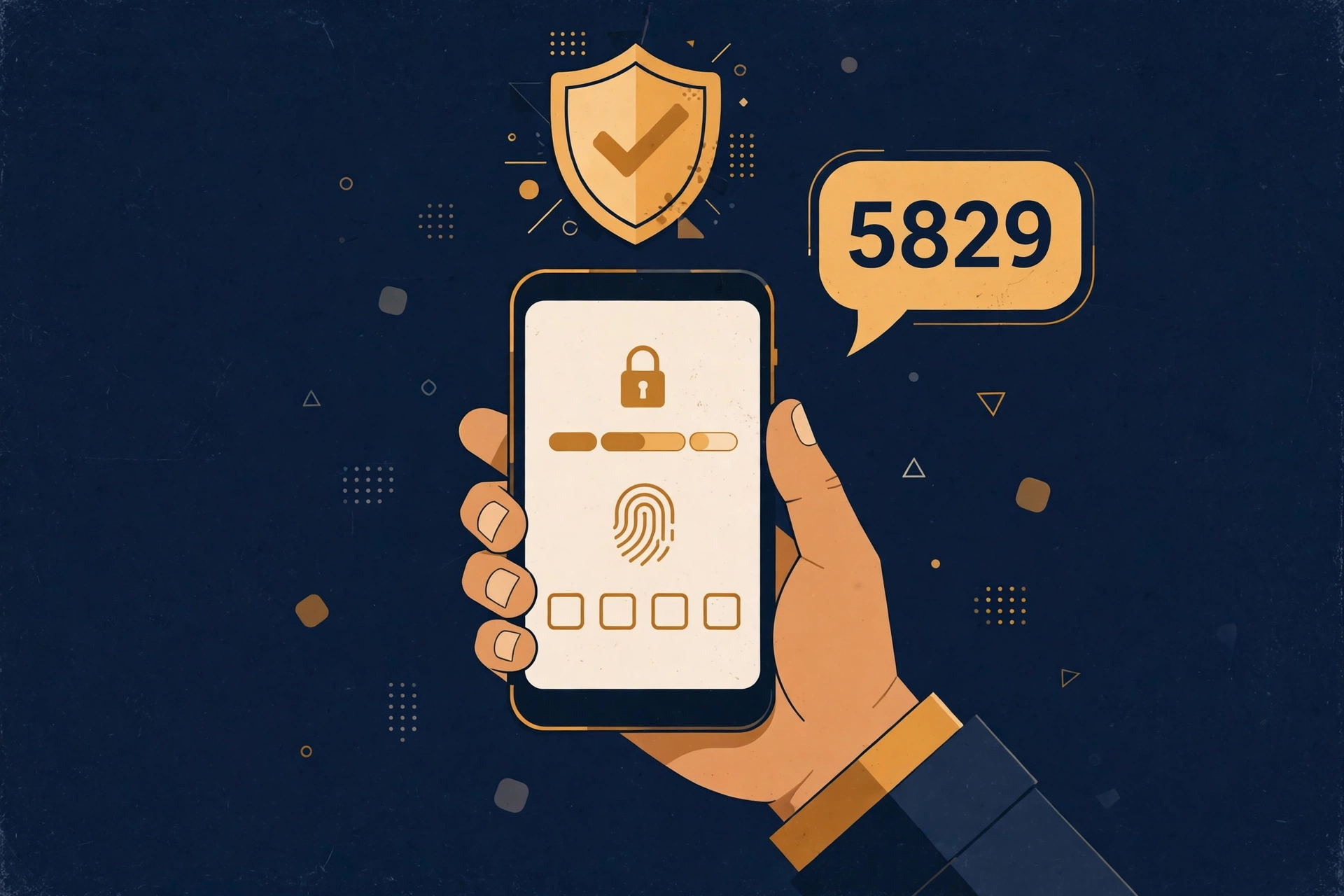
This is not a rare edge case. It is the standard lifecycle of a burner social account: works fine while nothing looks unusual, then one ordinary event — new device, travel, a forgotten password — triggers a check the account structurally cannot pass. The same dynamic wrecked plenty of Discord accounts before this; our Discord reality check walks through the identical pattern on that platform.
There is a related frustration worth naming: the verification code that never arrives in the first place. Disposable inboxes occasionally eat codes or deliver them late, and TikTok's code window is not generous. If your code is missing, our guide to OTP codes that never reach a temp inbox covers the actual causes — greylisting, blocklisted domains, expired inboxes — instead of the usual "just wait longer" advice.
Wall three: the dead inbox
TikTok does not email you once and forget you. Over the life of an account, the address on file receives login alerts, security notifications, password-reset links, and those periodic "verify it's still you" codes. Every one of them assumes the inbox still exists.
Temporary inboxes do not exist for long. The classic ones expire in minutes or hours; the reusable ones last as long as you keep the access token and the provider keeps the service running. Either way, the address has a shorter life expectancy than the account it created, and TikTok accounts are built to last years. The math only goes one way: sooner or later, TikTok needs to reach you and the mailbox is gone.
There is a second, quieter risk with the mailbox itself. Many disposable inboxes are readable by anyone who guesses the address — no password, no login. Our piece on who can read your temp inbox explains the public-inbox problem in detail. Apply it to TikTok: anyone who lands on your old temp address can read TikTok's password-reset emails sent to it. The account you abandoned is not necessarily an account nobody can get into.
What TikTok's own rules actually say
Strip away the forum lore and TikTok's position is written down in two places.
The Terms of Service require you to provide "accurate and up-to-date information" when creating an account and to keep it current. TikTok reserves the right to disable an account "at any time" if you fail to comply with the Terms, or if activity on the account "would or might cause damage to or impair the Services" — in its sole discretion. That is broad language, and it is deliberately broad: it covers everything from bot behavior to ban evasion without needing to name disposable email specifically.
The European terms go further on enforcement mechanics: on a suspected breach, TikTok may investigate, take down content, or suspend access to features while it looks into it — and if an account was previously terminated, opening a new one does not reset the clock. TikTok states it is "entitled to suspend or terminate any such accounts." So the classic burner playbook — lose an account, spin up a fresh one — is explicitly covered. The new account is not a clean slate; it is a continuation, and TikTok says so in writing.
None of this means TikTok hunts down disposable-email signups. It means the email was never the part TikTok cared about. The platform cares about behavior, and its enforcement tools — verification checks, suspensions, termination — all assume you can be reached. A temp address makes you unreachable by design. That is the entire conflict, and it cannot be patched with a better domain.
Where a temp address for TikTok actually makes sense
Honesty cuts both ways. There are uses where the fragility does not matter:
- Testing the app. You want to see what TikTok looks like from a fresh account, check how the algorithm treats a new user, or preview a feature. The account's lifespan is an afternoon. A temp address is perfect.
- Lurker accounts. You only watch, never post, never follow anyone who matters. If it gets locked, you lose nothing.
- One-off experiments. Trying a niche content idea for a week before committing your real identity to it. Disposable by design.
- Separation from your main identity. A faceless or topical account you genuinely do not want linked to your name — with the clear-eyed understanding that "not linked" is aspirational, not guaranteed.
In every one of these cases, the account is worth exactly what you would pay to lose it: nothing. That is the correct price for an account built on a temporary inbox.
Where it will burn you
Do not build anything you care about on a disposable address. Specifically:
- Creator accounts with an audience. Followers cannot be transferred. If a verification check locks you out, your audience stays on the other side of the glass.
- TikTok Shop or monetization. Anything touching money needs durable recovery. A payout dispute with no working email is a special kind of helplessness.
- Accounts tied to a brand or business. The business outlives every temp inbox ever made.
- Your "main" account. If TikTok is where your friends find you, the address on file should be one you will control in five years.
The Instagram version of this lesson is already on this site — Instagram's verification reality — and the pattern is identical across every major social platform: signup is the easy part they let you have; recovery is the hard part they assume you planned for.
The damage-control playbook, if you're doing it anyway
If the use case is right — low stakes, short life, nothing to lose — you can still lower the odds of a stupid lockout:
- Use a reusable inbox, not a 10-minute one. A temp address with an access token you can reopen beats a single-session inbox for anything that lives longer than an hour. Save the token somewhere that is not the browser tab.
- Write the address down. You will need it again — for login on a new device, for the "prove it's you" check, for password reset. "It was something like xyz123@..." is not a recovery strategy.
- Check the inbox before TikTok needs it. Open it once a month. Providers shut down, domains get dropped, tokens get lost. Discovering that during a lockout is too late.
- One address per account, and mean it. Reusing one temp address across signups collides with the one-email-one-account rule and hands TikTok a tidy little cluster of your accounts.
- Do not batch-create accounts from one device and network. TikTok links accounts by device and network signals. Five burner accounts made in an afternoon from the same phone look like exactly what they are.
- Expect the phone nudge and have a plan. TikTok periodically pushes email-based accounts to add a phone number for recovery. Decide in advance whether this account is worth a number — a VoIP number often fails these checks — or whether it stays disposable and therefore losable.
FAQ
Can you use temp mail for TikTok?
Yes, for signup. TikTok's email registration sends a numeric verification code that a temporary inbox receives like any other mail. The signup is the part that works. Everything after it — verification checks, password resets, login alerts — assumes an inbox that still exists months later, which is where temporary addresses fail.
Will TikTok ban me for using a disposable email?
TikTok does not ban accounts for the email provider on the signup form. Bans and suspensions come from behavior: Community Guidelines violations, bot-like activity, ban evasion, or suspicious logins. The email becomes a problem indirectly — when a "prove it's you" check sends a code to an inbox you no longer control.
Why is TikTok asking for a phone number when I signed up with email?
TikTok's risk system asks for stronger verification when something looks unusual: a new device, a new network, rapid-fire actions after signup, or a disposable-looking email domain. Adding a phone number is TikTok's recommended recovery path, and the prompt is a sign the account has been flagged as higher-risk — not a bug in the signup.
Can I make multiple TikTok accounts with temp emails?
Technically yes — one fresh temp address per account, since TikTok ties each account to a single email. Practically, it is fragile: TikTok links accounts through device, network, and contact signals, so five accounts from one phone are visible as one operator. And each account inherits the same dead-inbox problem.
What happens if I lose access to the temp inbox?
You lose every recovery path that runs through email: password resets, login verification codes, and security confirmations. If a "prove it's you" check fires after the inbox is gone, the account is effectively unrecoverable unless a phone number or another linked login method is attached.
Is it legal to use a fake email for TikTok?
Using a temporary email address is legal — it is a privacy tool, not a crime. But TikTok's Terms require accurate, up-to-date account information and users to be at least 13, and the platform can disable accounts that breach the Terms. Legal does not mean consequence-free.
The verdict
Temp mail for TikTok is a two-minute solution to a two-minute problem — the signup — attached to an account that TikTok expects to live for years and to be reachable the entire time. Every enforcement mechanism TikTok has, from the "prove it's you" verification checks in its Community Guidelines to the disable-at-any-time clause in its Terms, assumes there is a working inbox on file. A disposable address breaks that assumption on purpose.
Use it for the throwaway, the test, the lurker account you would shrug at losing. For anything with followers, money, or your name on it, the temp inbox is not protecting your privacy — it is just pre-scheduling your lockout.
Need a disposable temporary email?
Protect your real inbox from spam and promotional clutter instantly and free.
Received a suspicious email, text, or charge alert?
Verify whether the sender domain is disposable, spoofed, or unverified before clicking links.