
Temp Mail for Snapchat: The Honest Reality in 2026
Snapchat is the odd one out among the big social apps, and almost nobody writing about temp mail says so plainly. Instagram, TikTok, WhatsApp, Telegram, X — every one of them treats your phone number as the backbone of your account. Snapchat alone keeps a second front door open: on the signup screen, under the phone number field, sits a quiet link that reads "Sign up with email instead." Tap it and the phone step disappears. Name, birthday, username, email, password, one verification code — and you are in, with no phone number anywhere in the process.
That makes "can I use temp mail for Snapchat?" an unusually concrete question. It is not a trick, a loophole, or something that works until the next app update. Email signup is a first-class, officially supported path. So the honest answer is yes — followed by three asterisks that decide whether you will be glad you did it. The first is the domain lottery: whether Snapchat's blocklist already knows your provider's domains. The second is the lock-in trap: what you stand to lose when that inbox dies. The third is the phone squeeze: the ways Snapchat nudges, and sometimes shoves, you toward adding a number later.
Most competitor posts pick one of two lazy positions. "Yes, it works, here are the steps" — true for the first five minutes, silent about the next five months. Or a keyword-stuffed page that never actually touches the signup screen. This guide is the full picture: where temp mail genuinely fits Snapchat, where it quietly sets a trap, and the exact setup that keeps you out of both.
The door nobody else has: Snapchat's email-only signup
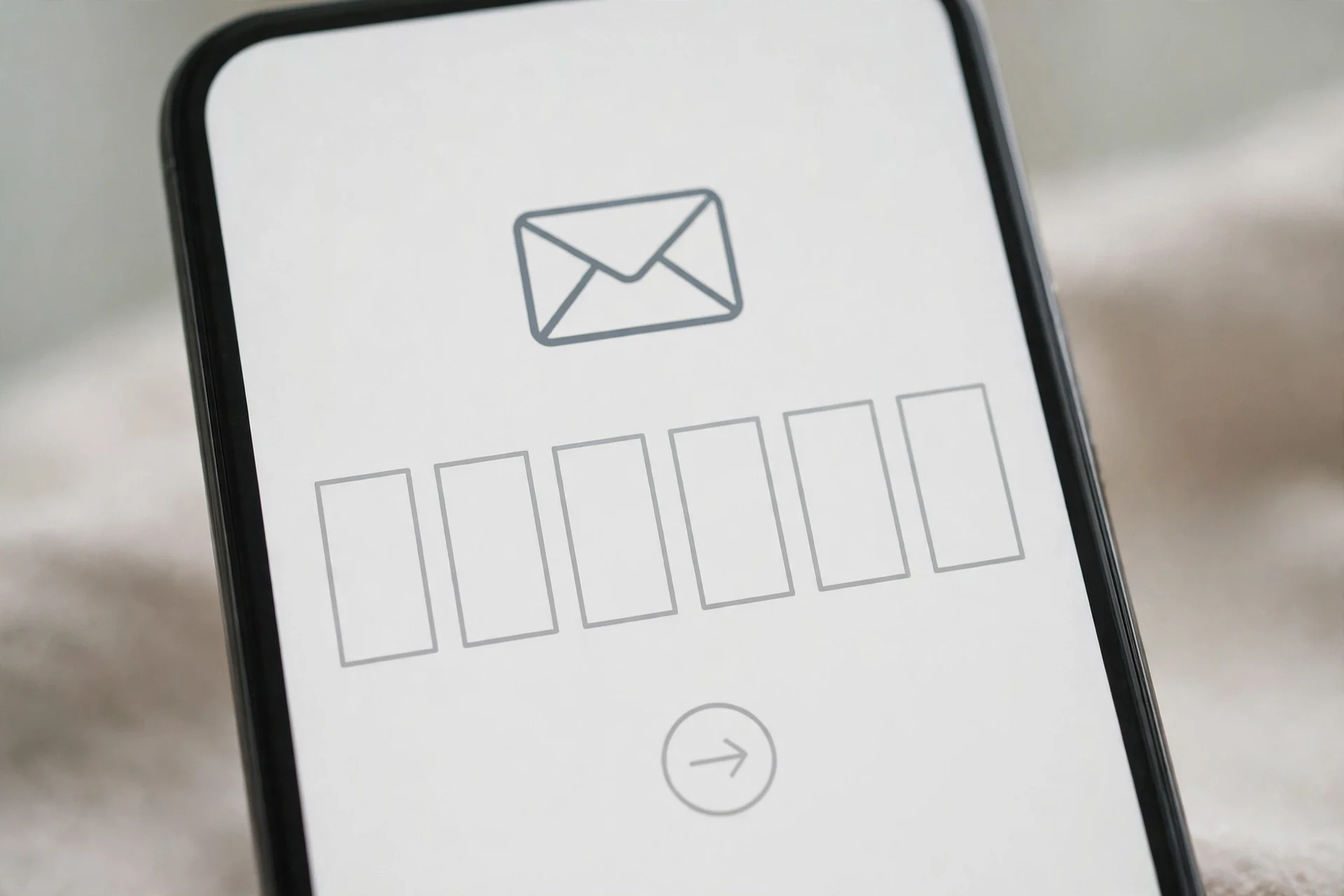
Here is the actual flow, as the app presents it today. Install Snapchat and tap Sign Up. Enter your name, then your birthday — you must be 13 or older, and Snapchat enforces the minimum by blocking younger birth years outright. Pick a username, and choose carefully: Snapchat lets you change it only once a year. Then, where most apps would demand a phone number, you get a choice: enter a number, or tap "Sign up with email instead." Paste your temp address, set a password, and Snapchat sends a verification code to that inbox. Type it in and the account is live.
Two practical notes from this flow. First, keep the temp inbox tab open through the whole signup. Verification codes are time-limited, and some temp inboxes are session-bound — close the tab and the inbox, along with the code, can vanish. Second, do not hammer the resend button. Requesting five codes in a row looks like abuse to every rate limiter on the internet, Snapchat's included. One code, one patient minute, then a single resend if nothing arrived.
The contrast with the rest of social media is worth naming, because it is why this guide exists at all. We ran the same honest walkthrough for TikTok, where signup pushes you toward a phone number from the first screen and email is the fallback, not the equal option. On Snapchat the two paths are peers. That single design decision is what makes temp mail a real strategy here instead of a hack.
The domain lottery: why the same temp address fails today and works tomorrow
Getting past the form is where most temp-mail attempts die, and the failure is deliberately unhelpful. Paste a blocked address and Snapchat does not say "we do not accept disposable email." It says something like "please enter a valid email address" — the same message you would see for a typo. Nothing about it tells you a blocklist fired. So people retype the address, try again, and conclude Snapchat is broken, when in fact the domain was dead on arrival.
The rule behind it is simple, and worth understanding properly, because it governs every site that rejects temp mail — not just this one. Providers keep lists of known disposable domains and screen the domain before they ever send a verification email. We explained that blocklist machine in detail: the most famous temp-mail services are the most thoroughly blocked, because their domains sit in every list. Lesser-known providers, and services that rotate fresh domains, pass far more often — not because they are better products, but because they are not on the list yet.
That is the lottery. The same provider can work on Monday and fail on Friday, once its newest domain gets added somewhere. When a signup rejects your address, the correct response is not to fight the form. Generate an address on a different domain — a different provider if you have to — and try once more. Two failed attempts across two domains is a signal to stop for the day, not to keep rolling the dice. Repeated rapid signups from the same IP and device are exactly the pattern abuse filters are built to catch.
One more caution before you celebrate a working signup: on many temp services, anyone who knows the address can open the inbox. Your verification code is only as private as the address is obscure. If the account will matter to you at all, treat the temp inbox as a public waiting room rather than a private mailbox — anyone with the address can read what lands there.
The lock-in trap: Streaks, Memories, and everything a dead inbox cannot save

This is the section the "yes, it works" guides skip, and it is the one that costs people the most. Snapchat does not forget your email after signup. The address on file becomes the channel for password resets, security alerts, and the "was this you?" challenges that fire when you log in from a new device or an unusual location. Every one of those is a message that must reach a living inbox at the exact moment you need it.
Now weigh that against what a Snapchat account accumulates. Streaks — the daily back-and-forth counters Snapchat turned into a genuine social currency — die the moment you cannot log in to keep them alive. Memories holds years of saved Snaps for heavy users; it is the camera roll people forget is not actually on their phone. Losing access to all of that because a reset email went to an inbox that expired eight months ago is not a minor inconvenience. It is permanent.
The failure pattern is depressingly consistent: the account was created with a temp address, the phone was replaced a year later, the login challenge fires, the verification goes to a dead inbox, there is no phone number on the account either, and support has nothing to work with. Snapchat cannot verify you are you without one of the two channels. The account, with its streaks and Memories, is gone.
The good news is that Snapchat gives you an exit ramp most people never use: you can change the email on your account at any time, in Settings, before anything breaks. The honest rule is a calendar rule. If you signed up with a temp address and the account started to matter, swap in a real email you control while the temp inbox is still alive. Treat the temp address as scaffolding — load-bearing for a day, removed once the building stands. If this section made you uneasy, read the deeper version of the argument: what really happens to a disposable address after it expires.
The phone squeeze: why Snapchat eventually asks for your number anyway
Nothing in the signup requires a phone number. Much of the life of the account quietly assumes you have one. Add friends from your contacts and Snapchat wants your number. Turn on two-factor authentication — the one thing that actually protects an account whose email you barely control — and it wants your number. Log in from a new phone in a new city and the "verify it's you" challenge often routes through SMS. The number is optional the way a seatbelt is optional: the car drives fine until the day it doesn't.
This is by design, not oversight. A social graph app wants a durable, hard-to-fake identifier, and a phone number is the cheapest one available. Snapchat will not lock you out on day one for skipping it. But every month you run a phone-less account, you run without a safety net — one forgotten password, one suspicious-login flag, one expired inbox away from the lock-in trap above.
My take, stated plainly: if you are keeping the account, add a phone number you control. Not your primary number if privacy is the point — a secondary line, a work number, whatever you actually answer — but a real one. The temp email kept your real inbox out of Snapchat's marketing machine; the phone keeps you out of the unrecoverable-account club. Both can be true at once.
The honest playbook: five situations, five verdicts
Enough theory. Here is where temp mail fits Snapchat and where it doesn't, situation by situation.
- A one-day test, a group trip account, a throwaway for an event. Temp mail is perfect. Create it, verify it, use it, let it die. There is nothing to recover and nothing to lose. This is the use case disposable email was invented for.
- A second account you want to keep separate from your main identity. Temp mail works — with one non-negotiable step. Before the inbox expires, attach a recovery path you control: either swap the email for a permanent address you own, or add a phone number you answer. Skip this and you are not keeping a separate account; you are renting one, and the lease ends when the inbox does.
- An account with Streaks or Memories you care about. Real email, no debate. The entire value of the account lives inside Snapchat's servers, and the email is the only key. A disposable key for a vault you care about is not privacy — it is negligence.
- A creator or business account. Real email, and ideally a custom domain you own. Support tickets, verification, monetization paperwork, and ad account recovery all route through that address for years. Nobody has ever regretted having a stable email on a business asset.
- Testing your own app's Snapchat login integration. Temp mail is ideal — a fresh address per test run keeps fixtures isolated. Just build the teardown into your process: the test accounts are disposable by design.
Notice the pattern. Temp mail is a tool for accounts with a planned end date. The moment an account's lifespan becomes indefinite, its contact email must be too.
The code never arrived: the three-minute fix
Verification codes fail for boring reasons far more often than for interesting ones. Work this checklist before you blame the provider:
- Refresh the inbox. Many temp inboxes do not auto-update; the code is sitting there behind a manual refresh.
- Wait a full minute before resending. Delivery takes 10–60 seconds normally, and each resend can invalidate the previous code.
- Check you are still in the same session. If your temp service ties inboxes to a browser tab, a closed or reloaded tab can orphan the address.
- Try a different domain, not the same form five times. If the form itself rejected the address, no code was ever sent — the fix is a new domain, not a new request.
- Stop after two domains. Persistent failure across providers usually means IP or device-level rate limiting, and waiting an hour beats burning more addresses.
If codes consistently die on the way to temp inboxes in general — not just Snapchat — the problem is usually upstream of any one app, and the full diagnosis is worth the read.
Frequently asked questions
Can you sign up for Snapchat without a phone number?
Yes. On the signup screen, tap "Sign up with email instead" and complete registration with an email address alone. It is an officially supported path, not a workaround — though Snapchat may ask for a phone number later for features like Find Friends or login verification.
Will Snapchat block my temp email?
Sometimes. Snapchat screens known disposable domains at the signup form and rejects them with a generic "invalid email" message. Famous temp-mail providers are blocked most often; lesser-known or freshly rotated domains pass more reliably. If one domain is rejected, try a different provider rather than retrying the same address.
Can I change the email on my Snapchat account later?
Yes. In Settings you can replace the email address on file at any time — which is exactly what you should do if you signed up with a temp address and the account started to matter. Make the swap while the temp inbox is still alive.
What happens if my temp email expires and I forget my password?
The reset email goes to a dead inbox and never reaches you. If there is also no phone number on the account, there is no remaining recovery path, and the account — Streaks, Memories, everything — is effectively lost. This is the single most expensive mistake in this guide.
Is using temp mail against Snapchat's rules?
Snapchat's terms target inauthentic behavior — fake identities, spam, bulk account creation — not the type of email address on a single honestly-used account. A disposable inbox for one test or secondary account is not what enforcement is aimed at. Creating dozens of fake accounts will get you banned regardless of which email you use.
Does Snapchat send security alerts to the email on file?
Yes. Login alerts, password-change confirmations, and suspicious-activity challenges go to the address on your account. That is precisely why a dead inbox is dangerous: the warnings about someone else accessing your account arrive at an address nobody reads.
The verdict, in one paragraph: Snapchat's email-only signup makes temp mail genuinely useful here — more so than on any other major social app. Use it for accounts with an end date, swap in a real email the moment an account matters, and never let a disposable inbox be the only recovery path for something you would miss. That is the whole honest playbook.
Need a disposable temporary email?
Protect your real inbox from spam and promotional clutter instantly and free.
Received a suspicious email, text, or charge alert?
Verify whether the sender domain is disposable, spoofed, or unverified before clicking links.