
Temp Mail for Pinterest: Your Boards Outlive Every Inbox — Plan for That
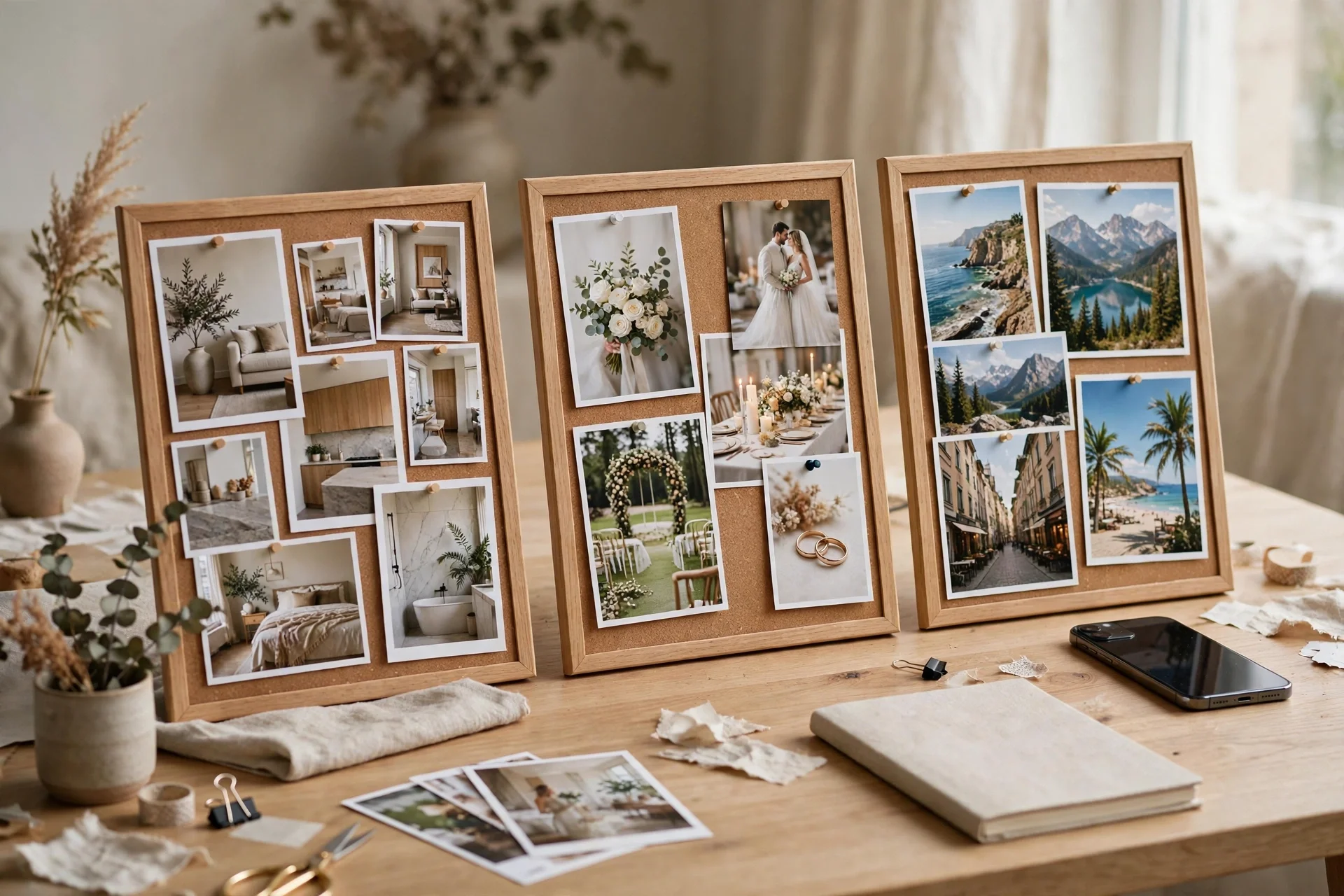
Most temp-mail guides treat every social signup the same way: paste a disposable address, grab the code, move on, forget the account. Pinterest breaks that template, and it breaks it in a direction nobody warns you about. A Pinterest account is not a throwaway profile you abandon after a weekend. It is a collection you build slowly — a board for the kitchen you will remodel someday, a board for a wedding, a board of places you want to see before you are forty. People keep Pinterest accounts for years, and they keep adding to them in quiet weeks when nothing else is happening. That slow accumulation is exactly what makes the wrong email choice expensive here. You do not lose a login. You lose the archive.
The pattern in the support threads is always the same: someone signs up quickly, uses an address they no longer control, forgets a password two years later, and discovers that Pinterest's recovery system has one door and they threw away the key. This post maps the signup as it actually works, the rule that makes temp mail genuinely useful here, the trap that rule hides, and the setup I would use myself.
What Pinterest actually asks for at signup
Pinterest's own help page lays the flow out without mystery. On the app, creating a personal account runs: enter your email address, create a password, enter your full name, enter your age, say how you identify, pick your country or region, then select five or more topics before you ever see a feed. You must be at least 13 to register. You can also sign up through Google, Facebook, or Apple instead of an email address, which matters later — a Google-linked login can become your escape hatch if the email dies, but only if you set it up while you still have access.
Two things about that flow are worth noticing. First, the email is not a formality Pinterest forgets about after signup. It is the account's anchor: password resets, login alerts, and the business tools below all hang off it. Second, the verification step is not the hard part — Pinterest sends a confirmation, you click it, you are in. The hard part comes years later, and it has nothing to do with getting in.
If the form rejects your disposable address outright, that is the usual machinery at work: the domain is on a blocklist, and the rejection happens before any email is sent. The blocklist system behind those rejections is worth understanding, because it explains why switching to a fresher domain sometimes works and sometimes does not. And if the form accepts the address but the confirmation never shows up, the code is dying somewhere on its journey — the six gates a verification code passes will tell you which one killed it. Neither failure is the interesting one on Pinterest, though. The interesting failure is silent, delayed, and total.
The one rule that makes temp mail useful: one email, one account

Pinterest's help pages state the rule plainly: "Each email address can only be linked to one Pinterest account at a time." One email, one account, no exceptions, no plus-addressing workaround that Pinterest blesses. That single rule is the whole reason temp mail has a legitimate job on this platform, and it is a job most guides miss because they are busy repeating the signup steps.
People do not live one Pinterest life. They live several. There is the public-facing board collection — home decor, recipes, travel — and then there are the boards nobody needs to see attached to their name: the wedding board started before the engagement is announced, the job-hunt board full of interview outfits, the side-business board testing whether an idea has legs, the gift board for a partner who follows your main account. Pinterest lets one person hold up to four accounts and switch between them, but each additional account needs its own email address. Your real inbox can only anchor one of them.
This is where a disposable address stops being a shortcut and starts being a separator. A second account for a wedding, a third for a business experiment, a fourth for the gift board — each on its own temp address — keeps those worlds apart without handing your real email to a fourth profile. For accounts that are experiments by design, a temp address matches the account's lifespan honestly. If the experiment dies, nothing of value dies with it.
My opinion, stated directly: this is the best legitimate use of temp mail on any social platform I have covered this month, because it uses the tool for separation rather than evasion. You are using Pinterest's own one-email rule the way it was designed, with an address per account. The catch is that the separation cuts both ways: the account you separate from your real inbox is also separated from your real inbox's recovery power.
The trap, stated in Pinterest's own words: lose the email, lose the account

Here is the sentence from Pinterest's password help that should decide every email choice on this platform: "If you no longer have access to the email address linked to your Pinterest account, you won't be able to reset your password." Read that again slowly, because Pinterest does not soften what comes next. If that happens, its own advice is to create a new account and save your public pins from the old account to the new one. Not recover. Not appeal with ID. Re-save, by hand, whatever was public, and accept that secret boards, drafts, and everything private is gone.
That is a harsher policy than most social platforms publish so bluntly, and it reframes the entire temp-mail question. On TikTok or Snapchat, a dead inbox costs you an account you can rebuild in an afternoon. On Pinterest, a dead inbox costs you a collection built over years, and the recovery Pinterest offers is manual re-saving of public pins. A wedding board with 400 pins does not get "re-saved" on a Sunday afternoon. It gets abandoned.
There is a second layer to the trap. Temp inboxes are often public by design: anyone who knows or guesses the address can open the same inbox. That public-inbox exposure turns a password reset link into a prize for whoever watches the address — unrecoverable if the inbox is dead, potentially claimable by a stranger if it is live. My rule for Pinterest is stricter than for most platforms: if the board collection would hurt to lose, the email on it must be an address you will still own in five years. Pinterest collections age in years, so the email anchoring them has to age in years too.
The business fork: converting keeps your pins, but the money side needs a real address
Pinterest offers a fork in the road that changes the stakes again. A personal account can be converted to a business account, keeping every pin and follower, and switching back is allowed. That sounds like a free upgrade, and for the boards themselves it is. But the business side brings email dependencies the personal side never had: a business profile, a claimed website, and, if you run ads, billing and advertiser verification. Claiming a website means proving you control it, usually through an email or a file on the domain. Running ads means Pinterest needs to reach a human who can pay a bill and answer a policy question.
None of that works on a disposable address for long. A claimed website tied to a dead inbox cannot be re-verified when Pinterest asks again, and an ad account whose billing contact is unreachable gets paused, not politely reminded. Temp inboxes are receive-only by design, so a business inquiry that needs an answer cannot be answered from the address on the account. For a personal board that is a quirk. For a business profile it is a lost deal wearing a technicality.
The honest split, then: use temp mail to test whether a business idea deserves a Pinterest presence at all, and convert the experiment to a real-address business account the week it shows signs of life. Do not build the business on the temp address and hope the conversion conversation never happens. It always happens, usually at the worst moment: the first ad campaign, the first brand email, the first website claim check.
Where temp mail genuinely earns its place on Pinterest
After the warnings, here is the fair list — the uses that survive contact with Pinterest's actual rules:
- Separate niche accounts. The wedding board, the gift board, the side-project board. One temp address per account, matching Pinterest's own one-email rule, keeping worlds apart.
- Short experiments. Testing whether a board idea, a niche, or a posting rhythm is worth your time. If the experiment dies in a month, the temp address dies with it and nothing is lost.
- Newsletter and notification triage. Pinterest sends a steady stream of "pins you may like" and weekly digests. A temp address on a low-stakes account keeps that stream out of your real inbox entirely.
- Pre-announcement boards. Anything you are collecting before you are ready to attach your name to it — a move, a career change, a gift, a business idea. The separation is the feature.
- One-off browsing walls. The "create an account to keep browsing" wall on a shared device or a borrowed laptop, where you want to save ten pins and walk away.
Notice what every item on that list shares: the account's value is either low, or temporary, or deliberately separated from your identity. None of them is the main collection.
Where it will cost you
The other list is shorter and more painful, because each entry is a story someone has already lived:
- Your main board collection. Years of pins, secret boards, drafts, and the search history that trained your feed. This account gets your real email, full stop. The three-question filter for when a real address is mandatory puts it plainly: will you need this account in a year? On Pinterest, the answer for a main collection is always yes.
- Any claimed website or shop. Re-verification will come, and it will go to an inbox you no longer own.
- Any business or creator account with followers. Followers are an audience, and an audience needs a reachable human behind it.
- Any account where you saved pins for someone else. A gift board, a collaborator's shared board, a client's mood board — losing it breaks a promise, not just a login.
- Any account you have already linked to Google or Apple through a temp address. That link does not rescue you if the underlying email is gone and the social login was never set up as a separate path in.
The test I use is simple enough to run in ten seconds before typing any address: if I opened Pinterest in three years and this account was gone, would I shrug or would I swear? Shrug means temp mail is fine. Swear means real email. Most people's main Pinterest account is a swear, and they do not realize it until the password reset page tells them so.
The setup that survives contact with reality
If you want the useful parts of temp mail on Pinterest without the trap, here is the sequence I would actually follow:
- Sort your Pinterest lives before you create anything. Main collection, public identity, long-term boards — those get your real email. Experiments, separations, and pre-announcement boards get temp addresses. Write the list down; the sorting is the whole trick.
- For each temp-mail account, pick a provider whose inbox lives longer than a few minutes. A ten-minute inbox is fine for a newsletter signup and useless for an account you will open again next week. You need the inbox alive for the verification click and for any login alert that follows.
- While you still have access, add a second way in: link Google or Apple login to any account you might keep, and save the password in a password manager the same day. Pinterest's help is blunt that an inaccessible email plus no alternate login means the account is gone — so build the alternate login before you need it.
- Set a calendar reminder for every temp-mail Pinterest account at the one-month mark. Open it, look at what it holds, and decide: kill it, or migrate it to a real address while the temp inbox is still alive. Migration takes two minutes inside the account settings. Migration after the inbox dies takes a support ticket and a prayer.
- Never let a temp-mail account become the business account by accident. The day a board starts earning followers, inquiries, or ad spend, move it to a real address that same week — before the first brand email, not after.
- For the main account, turn on every recovery option Pinterest offers and check once a year that the email on file is still one you own. People change jobs, lose domains, and abandon old addresses; the annual check catches the slow version of the trap.
Frequently asked questions
Can I sign up for Pinterest with a temp email?
Yes, if the domain is not blocked. Pinterest's signup asks for an email address, a password, your name, and your age, then five or more topics. A disposable address that passes the form will receive the confirmation email like any other address.
Does Pinterest block disposable email addresses?
Sometimes. Like most large platforms, Pinterest can reject known disposable domains at signup. If the form refuses your address, try a fresher domain from a rotating pool; if it accepts the address but no confirmation arrives, the code likely died on its way to the inbox.
Can I have multiple Pinterest accounts with temp mail?
Yes, and this is temp mail's best use on Pinterest. Each email address can only be linked to one Pinterest account at a time, so a separate temp address per account is how you keep a wedding board, a gift board, and a side project genuinely separate.
What happens if I lose access to the email on my Pinterest account?
Pinterest's own help says you will not be able to reset your password, and its advice is to create a new account and re-save your public pins from the old one. Secret boards and drafts do not survive that move.
Should I use temp mail for a Pinterest business account?
Only for a short test. Converting a personal account to business keeps your pins, but claimed websites, ad billing, and brand contact all need a reachable, reply-capable email. Move to a real address the week the business shows signs of life.
Can I change the email on my Pinterest account later?
Yes, from inside the account settings while you are still logged in. That is the rescue move: swap a temp address for a permanent one while the temp inbox is still alive, confirm the change, and the trap closes behind you.
Is a Pinterest account on temp mail private from strangers?
Not necessarily. Many temp inboxes are public by design, so anyone who knows the address could read a password reset link sent to it. Use a random, unguessable address, and never put a temp address on an account whose reset link you could not afford to lose.
The verdict
Pinterest is the rare platform where temp mail is both more useful and more dangerous than the generic guides admit. More useful, because the one-email-one-account rule turns a disposable address into a legitimate separator for the several Pinterest lives one person actually lives. More dangerous, because the thing you lose when the inbox dies is not a login but a collection — years of pins, secret boards, and a feed trained by your taste — and Pinterest tells you plainly that it will not give it back, only that you can start over and re-save what was public.
The line is drawn by the value of what sits behind the email. An experiment, a separation, a pre-announcement board — temp mail, gladly. The main collection, the claimed website, the business profile, the board you built for someone else — real email, no debate. Sort your Pinterest lives first, give each one the address its lifespan deserves, and set the one-month reminder that turns experiments into decisions instead of accidents. Skip that, and the most honest sentence on Pinterest's help pages will be the one you meet last: no access to the email, no reset, start again.
Need a disposable temporary email?
Protect your real inbox from spam and promotional clutter instantly and free.
Received a suspicious email, text, or charge alert?
Verify whether the sender domain is disposable, spoofed, or unverified before clicking links.