
Temp Email for VEED Signup: the Code Arrives — but the Watermark Stays, and Your Free Clips May Train the AI
The signup is the least interesting part of VEED
Most tools in this series guard the door. VEED barely has one. You can open its editor, drop in a clip, cut it, caption it, and watch the timeline play back — all before VEED knows your name. The account only becomes unavoidable when you want to keep the project, use the AI tools properly, or export something you can show another human being. That ordering changes the temp-email question completely. It is not "will VEED accept a disposable address" — it is "what are you actually buying with that address, and what is VEED taking in return."
The short answer, from everything I could verify on 26–27 November 2026: the address works. A disposable inbox receives VEED's verification code — there is a screen-recorded demo from July 2026 showing exactly that, code landing in the temp inbox and being typed back into VEED's form. The wobble in that demo comes after the code, not before it. And the real price of the free plan is not the signup at all. It is a watermark burned into every export, a 720p ceiling, and a privacy-policy clause that lets VEED train its AI models on uploads from free accounts.
One honesty note before the detail, in the same spirit as the rest of this series: I did not create a live VEED account with a temp address for this post. What follows is built from VEED's own pricing page and help centre as read by independent reviewers between October and November 2026, from VEED's own tool pages, and from the disposable-domain census numbers below. Where VEED's own pages disagree with each other — and on the trial and on exporting without an account, they do — I give you both versions instead of picking one.
You can start cutting before VEED knows your name
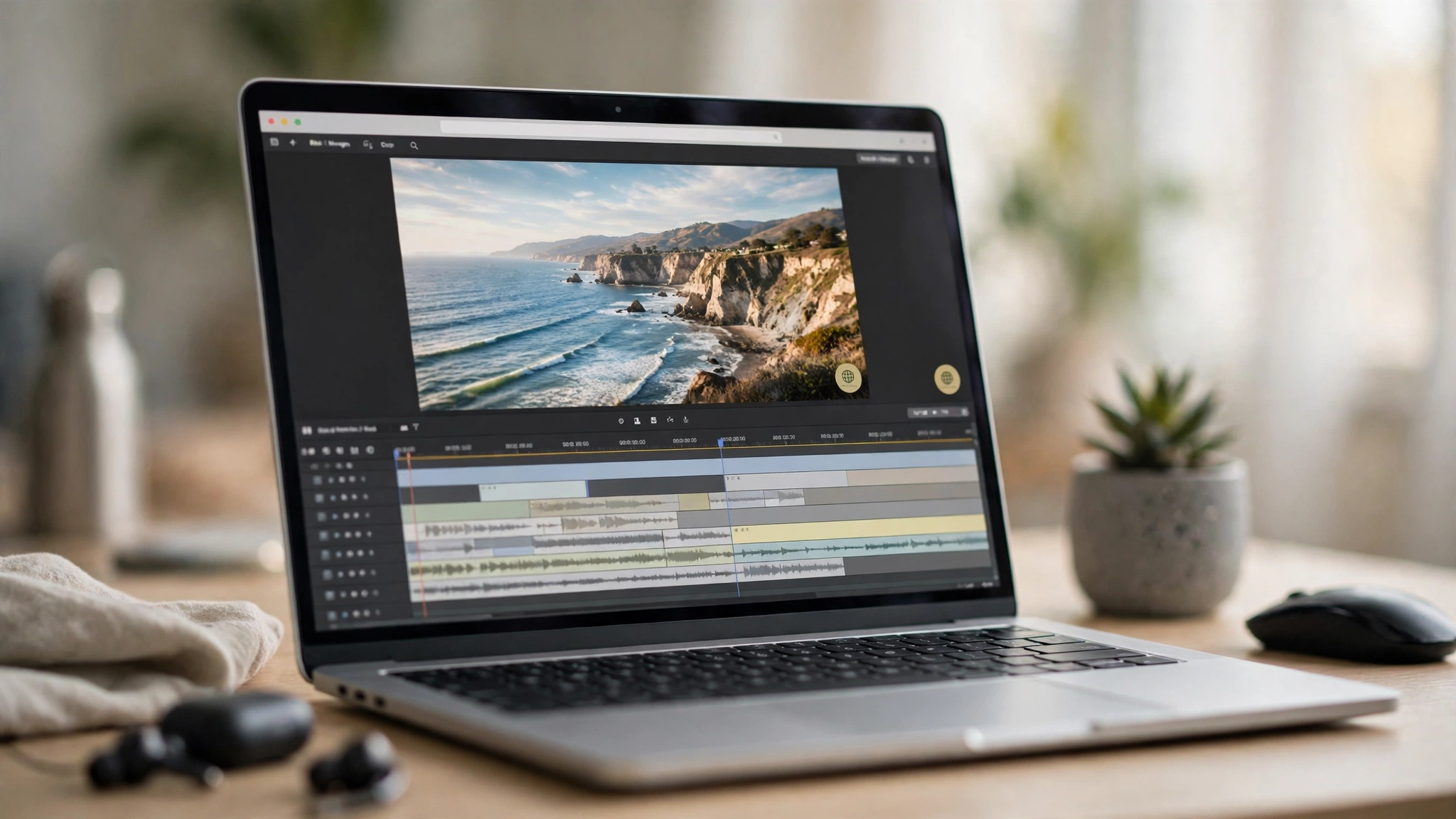
VEED is a browser-based video editor: timeline, auto-subtitles, screen and camera recorder with a teleprompter, background removal, translation, dubbing, and a generation layer it calls Fabric. Nothing installs. That is the whole pitch, and it is also why the signup question is odd here. Several independent comparisons checked in November 2026 found you can open the editor and work without an account at all. FlexClip's own roundup puts it plainly: VEED lets you trim, cut, crop, add subtitles and more without registration, and download your video directly without signing up — with a watermark attached.
VEED's own pages are less generous about the exact line. Its AI video assistant page says you can edit without signing up, "though you'll need to sign up to export your project." A comparison that read VEED's pricing and help pages on 7 November 2026 concluded the opposite: VEED lets you export without logging in, watermarked. I could not settle that disagreement from the documents alone, and I am not going to pretend otherwise. The safe reading is the one both sides agree on: editing is free and accountless; saving the project to a workspace and using the AI tools properly needs an account; and whatever you export without paying carries the watermark either way.
That matters for the temp-email decision because it shrinks the job the address has to do. If you have one clip to caption and you do not care about the watermark, you may not need an account at all — and an address you do not give away cannot leak. The account only earns its keep when the work repeats: a second video, a saved project, subtitles you want to keep, a brand kit. That is when the email address enters the picture, and that is when the question becomes whether the address should be one you keep.
The code does arrive. The wobble comes after it
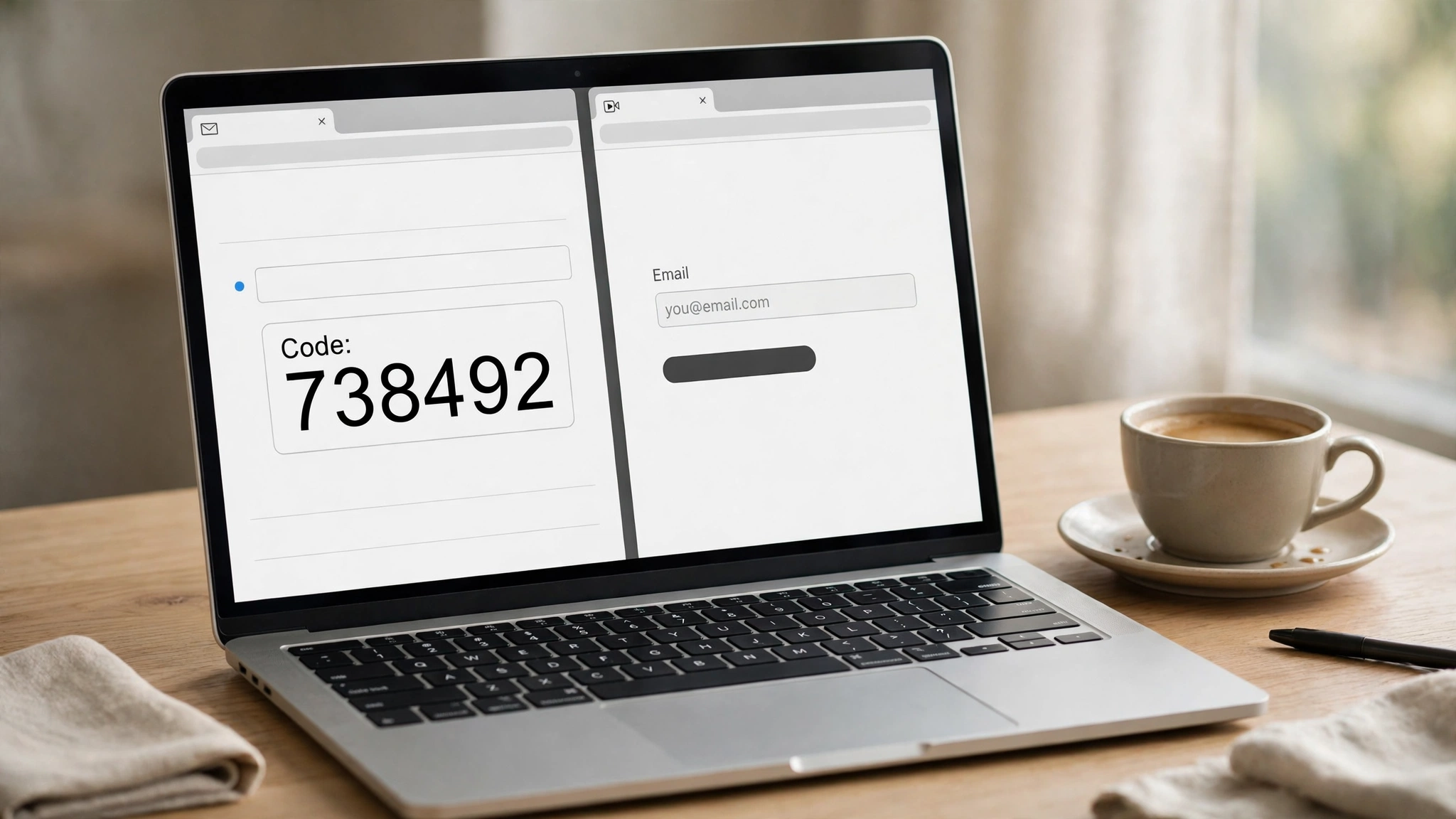
The clearest evidence I found is a screen-recorded demo posted 2 July 2026. A presenter opens a temp-mail site, copies a freshly generated disposable address, pastes it into VEED's registration field, and submits. The verification email arrives in the temp inbox carrying a numeric code. He copies the code back into VEED — and then an error message appears on VEED's side after the code entry. His own commentary is the useful part: generate another disposable address and retry. The code got through. Something downstream did not, at least on that attempt, on that day.
That is a single data point from July, and I am treating it as one, not as a guarantee. But it fits what is known about how sites police disposable mail. The check almost always looks at the domain after the @, not the name before it. Public blocklists of disposable domains, validation services like ZeroBounce and Kickbox, and MX-record checks that catch whole families of temp domains sharing one mail server — those are the three mechanisms every temp-mail guide names. A November 2026 census of disposable domains counted 228,253 of them, with 37.31% still alive. VEED does not publish a list of domains it refuses, and I found no VEED help page saying "temporary email services are not supported," the exact sentence some stricter tools show at the form. The July demo suggests VEED is softer at the door than most: the form took the address and the code was sent.
The failure mode to plan for is therefore not a red error at the form. It is the quieter pair: the code never arriving because the sending side silently dropped the message, or an error after the code that forces a retry with a fresh address. Both are recoverable in the moment — a new address costs ten seconds — and both are reasons to do the signup while the temp inbox is open in the next tab, not an hour later. Temp inboxes die. VEED's code does not wait for you.
Free forever, watermarked forever: the numbers that decide it
VEED's free plan is permanent. It never expires, it never asks for a card, and every independent review checked in October and November 2026 agrees on its shape. The disagreements are at the edges — the AI credit count, the Studio price — and I have marked them in the table rather than smoothing them away.
| Plan | Price (USD, per editor seat) | Export | Storage | AI credits |
|---|---|---|---|---|
| Free | $0 | Watermarked, 720p, 10 minutes max per video | 2 GB total, 1 GB per file | ~50/month (one comparison table lists none) |
| Creator | $25/mo monthly, $12.25/mo annual ($147/yr) | No watermark, 1080p, unlimited length | 5 GB | 500/month |
| Pro | $45/mo monthly, $22.08/mo annual ($265/yr) | No watermark, 4K, unlimited length | 50 GB | 1,500/month (one reviewer lists 2,500) |
| Studio | $79/mo monthly (one October check lists $70) | No watermark, 4K, unlimited length | Unlimited | 15,000/month |
Three numbers in that table do the real work. The first is 10 minutes: a free export stops at ten minutes per video, and the auto-subtitle allowance is 10 minutes a month — roughly one short-form video. The second is 2 GB: a single 4K phone clip can eat a gigabyte in well under ten minutes of screen time, so the storage row, not the watermark, is what ends most free projects early. The third is 50 credits. VEED's Fabric video generation costs 8 credits a second at 720p, so the whole monthly free allowance buys about six seconds of AI-generated video. The free tier is a measuring instrument, not a workspace — the same shape I found in the D-ID signup post and the Sora signup post, and Synthesia's credit meter works the same way.
Two traps sit behind the headline prices. The first is per-seat billing: the price multiplies by the number of editors in your workspace, so a three-person team on Creator is not $25 a month, it is $75. The second is that VEED has run pricing experiments — one October 2026 guide reports an A/B test that served the Pro plan at a higher monthly rate to some visitors — so the price you see and the price your colleague sees can genuinely differ. VEED says annual billing saves up to 51% over monthly. Check the checkout page, not a review, before you pay anything.
The clause nobody reads: your free uploads train the models
Here is the part of the free plan that no pricing table shows. VEED's privacy policy says free-plan uploads — except those from the mobile apps — are used to train its AI models. That sentence was flagged by a November 2026 review of the free tier, and it is the single most important fact in this post for anyone editing client footage, unreleased work, or anything with another person's face in it.

Read it plainly: the clips you upload on the free plan can become training data. Not your exports, not your account details — your uploads. The footage itself. There is no toggle on the free plan to opt out, and the paid plans are where the training use stops being the default assumption. If you are cutting a family holiday video, that is a shrug. If you are cutting a client's unreleased product launch, a job interview recording, or footage of children, it is a reason to stop and think before the upload, not after it.
This is also the point where the temp-email logic inverts. A disposable address protects your inbox. It does nothing for the footage, because the footage is the product VEED is collecting on the free tier. The privacy move that matters here is not which email you sign up with — it is whether you upload sensitive material to a free account at all. A temp address plus a careless upload is privacy theatre. A real address plus a decision to keep sensitive footage off the free tier is an actual privacy decision.
The escape hatch actually works
This is where VEED is better than most tools in this series, and it is the fact that most changes the verdict. VEED lets you change the email address on your account yourself, from inside the dashboard: click your name at the bottom-left, open Profile, click the pen icon next to your email, type the new address, save, and confirm through the link VEED sends to the new address. VEED's own help centre documents the flow, and it was updated two days before I wrote this. The only stated limitation is that you cannot switch to an address already attached to another account.
Compare that with D-ID, where I found no self-serve email change anywhere in the public help pages — there, the temp address you sign up with is the address you are stuck with unless support intervenes. On VEED, the temp address is a starting point, not a life sentence. The play writes itself: sign up with the disposable address, test the editor with throwaway footage, and the moment the account holds anything you want to keep — a saved project, a brand kit, a subtitle style you tuned for an hour — swap the email to a real address you control and confirm it. Do the swap while the temp inbox is still alive, because the confirmation link goes to the new address, not the old one, and a dead inbox cannot receive a password reset if you lock yourself out later.
Account deletion is self-serve too, with one catch worth knowing in advance: VEED's help centre says you cannot delete an account while it has an active subscription. Cancelling stops future charges, but the subscription stays active until the end of the billing cycle, and deletion only becomes possible once that period ends. Deletion itself is permanent and GDPR-backed — projects, subscriptions and payment methods go with it — so export anything you want to keep before you press it.
The paid ladder, and the trial that may not exist
VEED's paid plans start at Creator, and the step from free to Creator is where the product actually begins for anyone publishing: no watermark, 1080p exports, unlimited export length, 500 AI credits a month, 5 GB of storage, unlimited auto-subtitles, and subtitle file downloads — the free plan cannot download subtitle files at all. Pro adds 4K, 50 GB, multiple brand kits, translation into more than 50 languages, and AI dubbing. Studio is the team tier at 15,000 credits a month.
Whether any of those plans comes with a free trial is genuinely disputed, and the dispute is worth stating in full because it decides whether you can test-drive the watermark-free export before paying. Two guides checked in October and November 2026 say there is no time-limited trial of the paid plans at all — the free plan is the trial, and a trial is offered only to Enterprise buyers. A third guide, updated 22 November 2026, says the opposite: VEED's official FAQ states every paid plan has a free trial and no credit card is required. An older February 2026 review mentions a 7-day trial requiring a card for Pro and Enterprise. Those cannot all be true at once, and the likeliest explanation is the one the guides themselves offer: VEED has renamed its plans more than once in 2026 — the old Lite, Basic and Business tiers no longer exist — and its pages have served different variants to different visitors. If the trial matters to your decision, do not take any review's word for it, including this one. Open the pricing page, click the plan, and read what the checkout screen itself promises before you enter any payment detail.
That is also the right moment to note the company behind the page. VEED was founded in London in 2018 by Sabba Keynejad and Timur Mamedov, and is backed by Sequoia Capital. It is not a weekend project that might vanish with your projects inside it — which is more than can be said for some of the tools in this series. The risk with VEED is not disappearance. It is the slow, ordinary kind: a free tier that trains on your uploads, a watermark that brands your work, and a per-seat price that triples quietly when the team grows.
Who should sign up with a temp address — and who shouldn't
| Your situation | Temp address? | Why |
|---|---|---|
| One clip to caption, watermark doesn't matter | Skip the account entirely | You may not need to sign up at all — edit and export without logging in |
| Testing VEED before deciding | Yes | The code arrives; test with throwaway footage, then swap to a real address if the account becomes permanent |
| Client work or unreleased footage | No — and reconsider the free tier itself | The training clause, not the email, is the risk; use a paid plan or a different editor |
| A team that will publish weekly | No | Per-seat pricing and brand kits need an address the whole team can recover |
| You already pay for CapCut or another editor | Probably not | VEED's free tier is a worse version of what you already have; the watermark and 720p cap are the tell |
The pattern across this series keeps repeating, and VEED is the cleanest example of it yet: the email door is the easy part. Every tool lets a disposable address in or keeps it out in some documented way, and the code usually arrives. What decides whether the signup was a good idea is always the second half of the deal — the watermark, the meter, the clause, the lock-in. On VEED, the deal is unusually legible. The free plan costs $0, no card, no expiry. It charges you in branding and in footage instead. If that trade is acceptable for the video in front of you, a temp address is a fine way to start. If it is not, no email trick fixes it — pay for Creator, or edit somewhere else. The address was never the decision. The footage was.
FAQ
Does VEED accept temp email for signup?
Yes, as far as the evidence goes. A screen-recorded demo from July 2026 shows a disposable address receiving VEED's numeric verification code and the code being accepted. VEED publishes no help page refusing temporary addresses. The failure mode in that demo came after the code entry, not at the form — so have a fresh address ready to retry.
Do I need an account to use VEED at all?
Not to edit. Multiple comparisons checked in November 2026 found you can open the editor and work without an account. Whether you can export without logging in is disputed — VEED's own AI assistant page says signup is needed to export, while a 7 November 2026 comparison found export works without login, watermarked. Saving projects and using AI tools properly needs an account either way.
Does the VEED free plan add a watermark?
Yes, on every export. VEED's own FAQ says the watermark shows in the corner of videos made on the free plan, and only a paid plan removes it. Exports are also capped at 720p and 10 minutes per video, and videos exported before upgrading keep the watermark — you have to export again after paying.
Can I change the email on my VEED account later?
Yes, and this is VEED's best feature for temp-mail users. Dashboard → your name → Profile → pen icon next to your email → new address → save → confirm via the link sent to the new address. You cannot switch to an address already on another account. Do the swap while your temp inbox is still alive.
Does VEED use my videos to train AI?
On the free plan, yes — VEED's privacy policy says free-plan uploads, except those from the mobile apps, are used to train its AI models. That is the strongest reason not to upload client footage, unreleased work, or anything sensitive to a free account, whatever email you signed up with.
Is there a free trial of VEED's paid plans?
Sources disagree. Two guides checked in October–November 2026 say there is no time-limited trial — the free plan is the trial, with trials only for Enterprise buyers. A third guide updated 22 November 2026 says the official FAQ promises a free trial on every paid plan with no card required. Check the checkout page itself before paying; do not rely on any review, including this one.
How much does VEED cost if I upgrade?
As checked in November 2026, in USD per editor seat: Creator $25 a month monthly or $12.25 a month billed annually ($147 a year); Pro $45 a month monthly or $22.08 a month billed annually ($265 a year); Studio $79 a month monthly, though one October check lists $70. Prices vary by region and VEED has run pricing experiments, so confirm on the checkout page.
Need a disposable temporary email?
Protect your real inbox from spam and promotional clutter instantly and free.
Received a suspicious email, text, or charge alert?
Verify whether the sender domain is disposable, spoofed, or unverified before clicking links.