
Temp Email for Udio Signup: the Email Door Opens — but Your Song Can Never Leave the Platform
The song you make on Udio stays on Udio
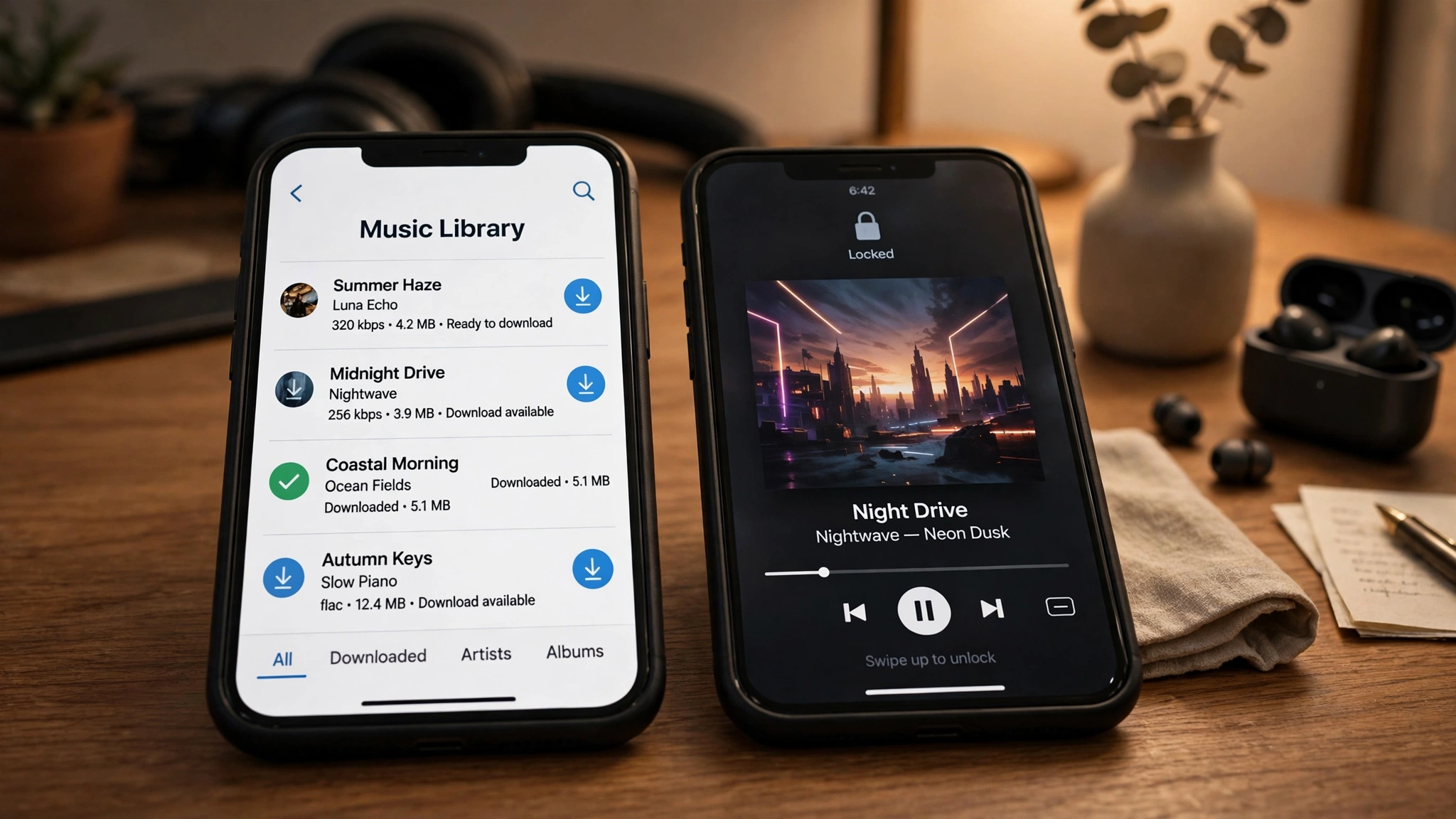
Yes, a temp email works for Udio signup. The email door is open, the free tier asks for no credit card, and the whole signup takes under two minutes. That is the easy half of the answer, and it is the half most guides stop at. The other half is the reason this post exists: since October 29, 2025, you cannot download anything you make on Udio. Not on the free plan, not on Standard at $10 a month, not on Pro at $30. Audio, video, and stems are all disabled, on every plan, and the songs you generate live inside Udio's platform and nowhere else. A share link is the most you can take with you.
That is not a bug or a temporary outage. It is the settlement. Udio spent 2024 and 2025 being sued by the three major record labels, and the deal it struck with Universal Music Group on October 29, 2025 traded downloads for a licence. Udio's CEO, Andrew Sanchez, wrote the same day: "Starting today, downloads from the platform will be unavailable." The product still generates songs — prompt in, full track with vocals out — but it now runs, in the company's own phrase, "with creations controlled within a walled garden." So the temp-email question has a different shape here than it did for the video tools in this series. The inbox is not the trap. The platform is.
One honesty note before the details: I did not create a live Udio account for this post, so I am not going to pretend I clicked through the form with a temp inbox myself. What follows is built from Udio's own pricing page, help centre, terms of service, and blog, from the labels' own settlement announcements, and from four independent reviews that re-checked the official pages between October 8 and November 16, 2026. Where the sources disagree — and on commercial rights they genuinely do — I give you both versions with dates, instead of picking the one that makes a tidier story.
A year of lawsuits in five dates
Udio launched in April 2024 as an AI music generator from Uncharted Labs: type a description of a song, get back a full track with vocals and instruments, then extend it, remix it, and restyle it. Within months it was one of the two names in AI music, alongside Suno, and within months both companies were being sued. In 2024, Universal Music Group, Sony, and Warner Music Group sued Udio and Suno for copyright infringement, arguing the models were trained on their catalogues without permission. That lawsuit is the whole story of Udio in 2025 and 2026, so here it is as a timeline, with every date checked against the source that published it.
October 29, 2025: Udio and Universal settle. The joint announcement says the companies settled the copyright litigation and signed licences, and that a new licensed platform "will be launched in 2026." Sanchez's blog post the same day switches downloads off immediately and describes the existing product as running inside a walled garden until the new platform arrives. November 3, 2025: after users object, Udio opens a 48-hour window to download songs made before the switch. That window is long closed, and nothing since has reopened it. November 12, 2025: the terms of service are revised. Clause 1.2 reads: "You may not download copies of any Output or any other output generated by the Services." Use is personal and non-commercial only. November 19, 2025: Warner Music signs its own licence, and Udio's blog says the arrangement "resolves the companies' copyright litigation" with Warner. February 17, 2026: Udio's help centre states plainly that "downloading of audio, video, and stems has been disabled."
Then the story goes quiet in public and busy in private. On April 30, 2026, Udio co-hosted a private webinar with Kobalt, and the reporting from it — by Water & Music and Music Business Worldwide on May 25, 2026 — is the only public picture of what comes next. The new app is called Starstruck, a mobile-first fan app with four modes: Cover, Reimagine, Remix, and Create. Every song starts from someone else's music. The recording "would be owned by the rights holder of the participating artist." Nothing leaves: "Every creation on Starstruck will live exclusively inside the app's 'walled garden'," locked three ways with stream encryption, watermarks, and fingerprints. Sanchez told Music Business Worldwide the same month that "a highly controlled ecosystem is necessary for most rightsholders and artists to be comfortable with this extraordinary and potentially transformative technology." On July 14, 2026, Udio picked BuyDRM to encrypt its streams, a deal announced on July 20.
And as of November 2026, that is still where it stands. A check of Udio's own pages on November 16, 2026 found the blog's newest post is still the Warner announcement from November 19, 2025, and the help-centre changelog dated January 28, 2026 lists Voices — from September 11, 2025 — as the most recent major launch. The models are still v1, v1.5, and v1.5 Allegro. No launch date for the licensed platform has been announced. The state of Sony's case against Udio was not found in a reputable source as of November 6, 2026. A full year after the settlement, the walled garden is not a transition anymore. It is the product.
The signup itself is the easy part
With that context set, the signup is almost anticlimactic. Go to udio.com and click Sign Up. You can register with an email address, or with Google, Discord, X, or Apple — that list comes from Udio's own help centre, read on October 8, 2026. On the email route you enter your address, and you may be asked to verify it. One guide updated in April 2026 reports that you do not even need to verify your email to start generating — you land on the Create page and your free credits are already sitting in the top-right corner. I am reporting that as the guide's claim, dated April 2026, because I did not test it myself and Udio's own pages do not promise it; the safe assumption is that a verification step may appear, and that it will arrive by email. Either way, the free tier needs no credit card, and the guides agree the whole thing takes under two minutes. Codes, where they appear, expire like every other service's codes, so it is worth knowing how long verification codes stay valid before you start the clock.
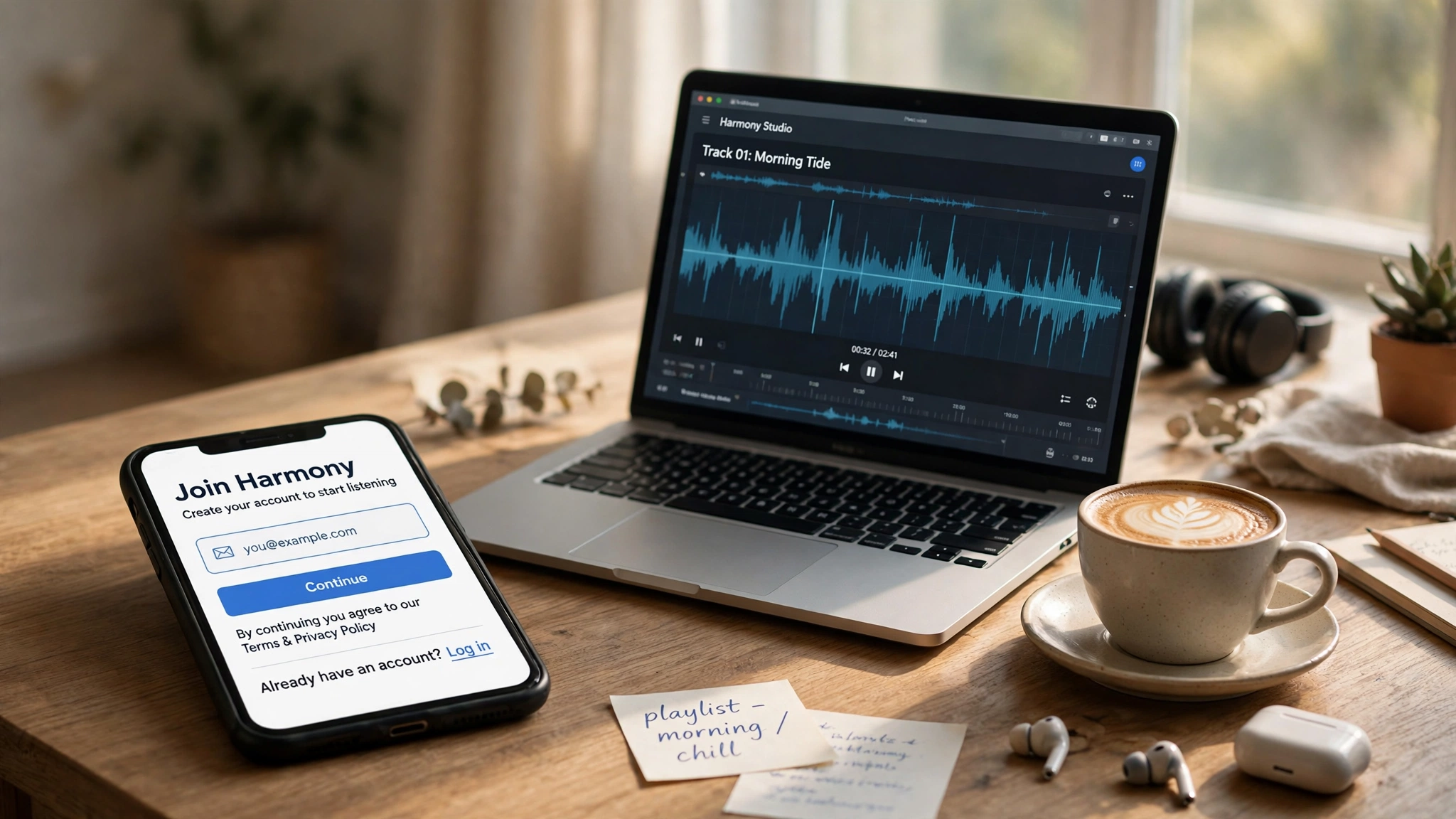
Two platform details matter for the temp-email reader. First, Udio runs on the web and on an official iPhone app, and its help page says it does not currently have an Android app. Udio warns that unofficial "Udio" apps on Google Play are not official — do not install one and hand it your email. Second, Udio runs a student and educator program that adds free monthly credits, but it requires a valid .edu email or school ID. A temp inbox cannot do that one, by design. If you are a student, that program is the only Udio offer that actually asks you to prove who you are, and it is the one place a disposable address fails at the door.
What the free tier actually buys you
Udio runs on credits, and the pricing page has been stable enough across the October and November 2026 checks that the numbers are worth quoting precisely. Free is $0: 10 credits a day plus 100 credits a month, up to 4 songs generated at the same time, and a cap of 3 full-length generations a day. A full-length song is 130 seconds, or 2:10. Standard is $10 a month, or $96 a year ($8 a month billed annually): 2,400 credits a month, up to 6 songs at once, and the editing tools — voice control, music and lyric editing, audio upload, style references, and custom cover art. Pro is $30 a month, or $288 a year ($24 a month billed annually): 6,000 credits a month and up to 10 songs at once. If you run out, top-ups are $3 for 100 credits or $25 for 1,000. Purchased credits never expire; subscription credits do not roll over.
The credit math is where the free tier's real size shows. Each Create, Extend, Remix, Inpaint, or Edit makes two songs. A pair of 32-second songs costs 2 credits; a pair of full-length 130-second songs costs 4 credits. Trimming is free. So 10 daily credits buys you two pairs of short songs, or one pair of full-length songs plus change — and the 3-full-length-a-day cap binds before the credits do. One roundup does the arithmetic out to roughly 55 songs a month maximum on the free tier; that is the source's calculation, not an official figure, and the daily cap means you cannot burn a month's credits in one sitting even if you wanted to. It is a tasting menu, not a studio: enough to hear whether the vocals and the prompt adherence are as good as the reputation says, not enough to build a catalogue. Kling rations its free tier the same way — a daily credit meter that looks generous until you do the division — but Kling at least lets you keep the file.
Two more numbers moved this year, and both moved in the subscriber's favour. Standard's monthly credits rose from 1,200 to 2,400 after the Universal deal, and Pro's from 4,800 to 6,000, with a one-time credit grant to existing subscribers. That is Udio compensating for the download ban with more generation, which tells you how the company sees the trade: you get more songs, you just cannot take any of them anywhere.
Then there is the disagreement I promised you, and it matters. One pricing roundup checked on October 31, 2026 says free users "can use music commercially but must provide Udio attribution" — the old 'Created with Udio' rule. The live terms of service, revised November 12, 2025, say the opposite: use is personal and non-commercial only, and you may not download copies of any output at all. The terms win. They are the document that governs the account, they are newer than the attribution rule, and the attribution rule only made sense in a world where you could download a file and put it somewhere. Some roundups are still repeating the pre-settlement rule a year after it stopped being true, which is exactly why this post dates everything.
The trial that bills annually if you blink
The sharpest edge in Udio's pricing is not the free tier or the monthly prices. It is the 7-day free Standard trial, and the sentence in the help centre that governs it: an uncancelled trial is charged at the annual price unless you switch it to monthly first. Read that twice. The trial does not convert to $10 a month. It converts to $96 a year. If you start the trial with a temp email and let the inbox expire, the receipt, the renewal notice, and the cancellation link all go to an address that no longer exists, and the charge lands anyway — $96, not $10. That is the one place in this post where a disposable inbox can cost you real money, and it costs it silently.
This is also the place where the temp-email logic inverts. For most tools in this series, the advice is: test with a temp inbox, and if the tool earns a place in your day, move the account to a real inbox before you configure anything. For Udio, the advice is narrower: test with a temp inbox, never start the trial on a temp inbox, and never enter a payment method on an account whose email you do not control. The free tier is genuinely free and genuinely useful for an afternoon. The trial is a billing relationship, and billing relationships belong on an inbox you own.
Udio vs Suno, on the one question that matters
Udio's only real rival is Suno, and the comparison is now decided by a single question: do you need the file? Suno's free tier gives 50 credits a day — roughly 10 songs — with 7 lifetime downloads and no commercial rights, and its paid plans include downloads and commercial use. Warner settled with Suno in November 2025 too, and Suno's free songs are now playable and shareable but no longer downloadable; only paying subscribers can export files. Universal and Sony are still suing Suno separately in federal court in Massachusetts, so Suno's legal exposure is not fully resolved either. But Suno still exports. Udio does not, on any plan, at any price.
There is a third option worth naming, because it changes the comparison from a two-horse race into a real choice. ElevenLabs shipped Music v2 in May 2026, trained on licensed data and explicitly cleared for commercial use, with better vocals and arrangement than the v1 model. If the job is music you can actually publish — a YouTube intro, a podcast bed, a client's ad — ElevenLabs Music is the tool built for that job right now, and Udio, by its own settlement, is not. Udio's reputation for prompt adherence is intact; the songs still stick close to what you asked for, with strong remix and extend tools. But reputation is not a file format. A song you cannot export is a demo, however good it sounds.
So the honest ranking, as of November 25, 2026: to hear what AI music can do, Udio's free tier is one of the best free listens available. To use AI music anywhere else, Udio is currently the worst option of the three, at any price. That is a strange sentence to write about a tool that was, two years ago, the co-leader of the category. It is also the sentence the settlement wrote.
Where a temp email helps — and where it changes nothing
A temp email does exactly one useful thing on Udio: it gets you through the door without handing a music startup your real address. The code arrives, you enter it, you are in, and the free credits are waiting. What it cannot do is change anything about the lock-in, because the lock-in is not tied to your inbox. Your songs live on Udio's servers whether you signed up with a temp address, a Gmail, or a Google account. Losing the inbox does not lose the songs — they were never yours to take in the first place, in the only sense that matters for a creator. What losing the inbox does lose is the password reset, the trial billing notices, and the account recovery path, the same as everywhere else. The guides for choosing a burner email that actually works cover the middle ground: a stable alias you control, which keeps the spam out of your real inbox without handing your account to an address with a ten-minute lifespan.
There is one more angle worth stating plainly, because it cuts against the usual temp-email advice. For most tools, the risk of a temp inbox is that you build something valuable inside an account you cannot get back into. On Udio, that risk is capped by the product itself: you cannot build anything portable there at all. The account holds your generations, your playlists, your credits — and none of it leaves. So the temp-email test is unusually safe on Udio, and unusually pointless as a long-term plan. Safe, because there is nothing to lose. Pointless, because there is nothing to keep.
The five-minute test
If you want to answer the question for yourself, here is the whole test, in order. One, open a temp inbox and keep the tab open — the code, if one is asked for, has to arrive while the inbox is alive. Two, go to udio.com and sign up with the temp address, or with a Google account if you would rather skip the email question entirely. Three, generate two songs: one 32-second pair to hear the quality, one full-length pair to feel the credit meter move. Four, extend the better one and try to download it. You cannot — that failed download is the test result, not a glitch. Five, decide before you spend anything: if the songs are only ever going to live inside Udio, the free tier is enough, and a temp inbox was the right call. If you need a file, stop here and test Suno or ElevenLabs instead. The test costs five minutes and one disposable address. The mistake costs $96 a year on a trial you started with an inbox that no longer exists.
FAQ
Can I sign up for Udio with a temp email?
Yes. The email route accepts any working address, and a temp inbox receives the verification code where one is asked for. You can also sign up with Google, Discord, X, or Apple, which skips the email question entirely. The free tier needs no credit card.
Can I download songs from Udio?
No. Downloads of audio, video, and stems have been disabled on every plan since October 29, 2025, when Udio settled with Universal Music Group. Songs can be played and shared by udio.com link, including with people who have no account. The 48-hour download window Udio opened on November 3, 2025 closed the same week.
What does the Udio free tier include in November 2026?
10 credits a day plus 100 credits a month, up to 4 songs generated at the same time, and a cap of 3 full-length (130-second) generations a day. No credit card is required. A pair of 32-second songs costs 2 credits; a pair of full-length songs costs 4 credits.
How much is Udio Standard and Pro?
Standard is $10 a month or $96 a year, with 2,400 credits a month. Pro is $30 a month or $288 a year, with 6,000 credits a month. Top-ups are $3 for 100 credits or $25 for 1,000. Purchased credits never expire; subscription credits do not roll over.
Is Udio better than Suno?
It depends on the job. Udio still has the stronger reputation for prompt adherence, and its free tier is generous for listening. But Suno's paid plans let you download and use songs commercially, and Udio's do not — downloads are disabled on every Udio plan. If you need the file, Suno or ElevenLabs Music is the better tool.
What happens if my temp inbox expires after I sign up?
You lose password resets and billing notices, the same as any other service. Your songs stay on Udio either way — they were never downloadable. The expensive version of this mistake is starting the 7-day Standard trial on a temp inbox: an uncancelled trial converts to the $96 annual price, and the notices go to an inbox that no longer exists.
The verdict
Udio is the strangest temp-email test in this series, because the signup is the least interesting thing about it. The email door opens. The free tier is real, the credits are enough to judge the quality, and a temp inbox is the right way to take the tour. But the thing you are signing up for stopped being a music tool you can use anywhere and became a room you can only listen in. The downloads went dark on October 29, 2025, the licensed replacement has no launch date a year later, and the terms of service say plainly that what you make is personal and non-commercial only. Test it with a temp inbox for an afternoon, on a prompt you actually care about, and enjoy how good it sounds. Then, if you need a song that leaves the building, take the file question seriously before you take the subscription question seriously — because on Udio, as of November 25, 2026, there is no file. A disposable inbox is a fine way to ask a question. On this one, the answer is already written on the wall.
Need a disposable temporary email?
Protect your real inbox from spam and promotional clutter instantly and free.
Received a suspicious email, text, or charge alert?
Verify whether the sender domain is disposable, spoofed, or unverified before clicking links.