
Temp Email for Telegram Signup: The Honest Reality in 2026
Most guides about temp email and Telegram start by answering the wrong question. They explain how to paste a disposable address into a signup form, as if Telegram has one. It does not. No email address — temporary or permanent, free or paid — can register a Telegram account, because Telegram's signup flow never asks for an email at all. The question is not "which temp email works for Telegram signup." The question is what email is even for on a platform that deliberately built its identity layer without one.
I went through the ranking articles on this topic and the honest ones converge on the same awkward truth: temp email and Telegram barely overlap, and where they do, most people get the direction backwards. They try to use temp mail to get into Telegram. The smarter play is using Telegram to get temp mail out — running a disposable inbox inside the app you already have open. This post covers both directions, the one place email genuinely matters on Telegram (and why a disposable address there is the single worst choice you can make), and the setup that keeps you out of the lockout scenarios Telegram's own support pages describe.
Telegram's signup flow, step by step
Here is the entire registration flow, and I mean the entire thing:
- You enter a phone number.
- Telegram sends a login code to that number by SMS — or, if you already have an active session somewhere, the code arrives inside the app on your other device.
- You enter the code, pick a display name, and you are in.
That is it. There is no email field, no "continue with email" button, no optional email step you can skip. On most social platforms the email address is one of two identity anchors; on Telegram the phone number is the whole anchor. Discord, Instagram, and Reddit all accept an email at the front door — we walked through Discord's version separately — but Telegram made a different architectural bet years ago and has never moved off it.
Why does it matter? Because the phone number does three jobs on Telegram that email does elsewhere. It is the login credential (the code always routes to it). It is the account's permanent identifier (one number, one account, no exceptions). And it is the contact-discovery mechanism — Telegram finds your contacts by matching their phone numbers, which is why the app asks for address-book access. When people talk about "anonymous Telegram accounts," what they are really talking about is a phone number that cannot be traced back to them: a prepaid SIM bought with cash, a VoIP number, a second line. The email address is a bystander in all of this. A burner email buys you nothing at registration because registration has no slot for it.
This also explains the most common point of confusion. Telegram login codes do not always arrive by SMS. If you are already signed in on your laptop and you log in on a new phone, the code appears inside Telegram on the laptop, not in your text messages. New users sometimes read this as "Telegram can log you in without your phone" and start hunting for an email-based login method. There isn't one. The code still belongs to the phone number; it just traveled a different road.
The one place email actually enters Telegram
Buried under Settings → Privacy and Security, there is a field labeled Email. It is optional, easy to miss, and — this is the part almost every temp-email guide gets wrong — it is the one email address on Telegram that you should never make disposable.
This email is the recovery address for Two-Step Verification, Telegram's optional cloud password. The 2FA password is the second lock on your account: after the login code proves you own the number, the password proves you are the account's owner, even if someone else gets your SMS. And because Telegram deliberately does not keep a readable copy of that password, the recovery email is the only civilized way back in if you forget it.
The three outcomes, as Telegram's own support flows and recovery guides describe them:
- Recovery email on file: tap "Forgot password?" on the password screen, Telegram sends a reset code to that email, you enter it, you set a new password, and everything — chats, media, groups, contacts — is exactly where you left it.
- No recovery email, but a device still signed in: you can request a password reset from that device, and Telegram removes the password after a seven-day security wait. The wait is cancellable from any signed-in device, which makes it an anti-hijack measure rather than a punishment.
- No recovery email and no signed-in device: your only option is "Reset account." That button permanently deletes your cloud chats, media, groups you created, and contacts. Telegram's warning on it begins, "This action can't be undone." You keep the phone number. Everything else is gone.
Read that list again and notice the shape of the risk. The recovery email is not a convenience feature; it is the difference between a five-minute reset and a total wipe. Which brings us to the temptation this post exists to kill.
Why a temp address is the worst choice for that one email
Somewhere out there is a reader thinking: "Great — I'll put a temp email in the recovery field, keep my real address away from Telegram entirely, and stay private." I understand the instinct. It is also the single most dangerous thing you can do with a disposable address on this platform.
The math is brutal and simple. A temporary inbox lives for hours or days. The one moment you need the recovery email arrives years later, on the worst possible day: a new phone, a forgotten 2FA password, no active session anywhere. You tap "Forgot password?", Telegram sends the reset code into an inbox that stopped existing in 2024, and you are staring at the third outcome in the list above. The privacy you bought was real but tiny — one address kept out of one database. The price is the account.
There is a second edge worth naming. Plenty of free temp-mail services run public inboxes: anyone who knows (or guesses) your address can read your mail with no login. We documented the public-inbox problem in detail, and the Telegram version is the sharpest one yet — a stranger refreshing a public inbox could read your password-reset message. For the recovery email field, use a permanent address you actually control. A free Gmail or Outlook account you never give to anyone works fine. The recovery email's job is to exist in an emergency, and permanence is the entire job description.
So the honest answer to "temp email for Telegram signup" has two halves, and both are no: no email can sign you up, and a temp email should never be the one address Telegram does ask for.
The irony: the best temp mail lives inside Telegram
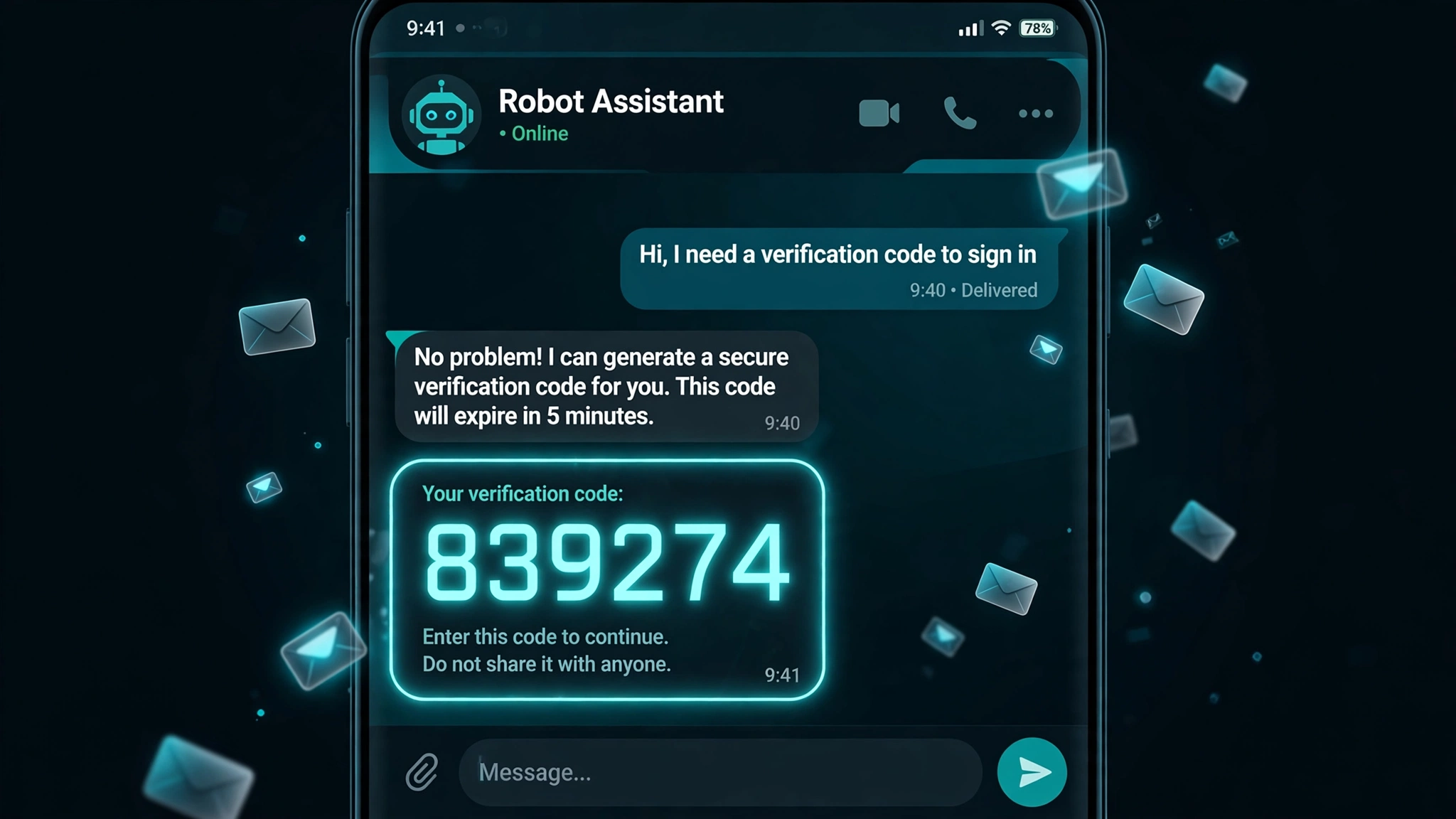
Now the twist, and the part of this post I actually like. While temp email is useless for Telegram, Telegram is a genuinely good place to run temp email.
Several disposable-email providers operate official Telegram bots. Tap Start in the bot's chat and it hands you a working temporary address, right there in the conversation — no website to open, no app to install, no tab to keep alive. When a verification code arrives, it shows up as an ordinary Telegram message, with the push notifications you already get. Every address comes with an access token so you can reopen the same inbox later, and because Telegram syncs chats across devices, you can start a signup on your laptop and read the code on your phone without copying anything across.
The trade-offs are the standard temp-mail ones, stated plainly: these inboxes are receive-only (no sending, which is how the providers keep spammers from abusing them), and messages are deleted after roughly a day, so they suit one-shot verifications and throwaway signups rather than accounts you will ever need to recover. For anything tied to money or long-term access, use a permanent inbox instead.
Why is this better than a countdown-timer web inbox? Two reasons, both practical. First, timing: verification codes that arrive late are the number-one temp-mail failure, and a code landing as a push notification in an app you already watch beats a browser tab you forgot was open. Second, longevity of access: the access token plus the persistent chat thread means the address is still reachable next week if a site asks you to re-verify. A ten-minute web inbox is a firework; the bot chat is a drawer you can open again.
If you take one actionable idea from this post, take this one: stop thinking of Telegram as a place to spend temp email, and start thinking of it as the client for it. The phone in your pocket becomes the inbox for every other signup you do.
Telegram bots that ask for your email are the real use case
There is a second legitimate direction, and it is the one the search results keep dancing around: Telegram is full of bots and mini-apps that ask for your email. Giveaway bots, customer-support bots, crypto airdrop bots, newsletter bots, bots that gate a download or a trial behind an address. This is where a disposable address earns its keep on Telegram.
The privacy boundary here is worth stating precisely, because Telegram's architecture has a subtlety. Bots on Telegram are isolated from each other: handing your address to one bot does not give a different bot access to it. But if two bots are run by the same operator, that operator can correlate whatever you gave both on their own backend. A temp address limits the blast radius either way — the worst case of a leaked burner is spam to an inbox you will abandon, not a thread connecting your identity across services.
The practical rule: when a bot or mini-app asks for an email and the stakes are low (a download, a giveaway entry, a one-time code), the temp-mail bot's address is the right answer. When the stakes involve money, identity, or anything you will need to recover later, use your real address. And when a bot asks for your Telegram login code or your 2FA password — that is not a signup flow, that is a phishing attempt, full stop. Telegram's codes are never requested by legitimate services on third-party pages.
One more honest caveat, because the "does it work" question follows temp mail everywhere: some sites maintain blocklists of known disposable domains, and a particular bot's backend may reject a famous temp domain. That is a per-domain rejection, not a verdict on the technique — generating an address on a different domain and trying again is normal troubleshooting, not rule-breaking. If a service's terms explicitly say it does not accept disposable addresses, that is a policy, and the right move is to respect it.
The bright line: frozen accounts and the appeal path
This niche attracts two kinds of readers — people protecting their privacy and people planning misuse — so let me state the boundary the way Telegram itself draws it. Telegram's FAQ describes frozen accounts as accounts restricted after reports from other users, and the platform provides an in-app appeal process for those restrictions. Creating replacement disposable identities to bypass a freeze, a ban, or any other enforcement is not a substitute for that appeal path, and it is not what temp mail is for.
The test is the same one we apply in the broader legality question: would your setup look like privacy hygiene or concealment if Telegram's trust and safety team examined it tomorrow? Using a burner address so a giveaway bot cannot spam your real inbox is hygiene. Spinning up accounts to evade enforcement is concealment, and no inbox trick changes which side of the line you are on. Telegram ties every account to a phone number precisely so that disposable emails cannot launder disposable identities.
The setup that doesn't get you locked out
Everything above compresses into a short playbook. It is unglamorous, which is how you know it works:
1. Keep two active Telegram sessions. Phone plus desktop, or phone plus tablet. An active second session is what turns a forgotten-2FA-password disaster from "reset account" into "seven-day wait, keep everything." It is the cheapest insurance in messaging.
2. Turn on Two-Step Verification and set a permanent recovery email. This is the one email field that matters. Use an address you will own in five years — a free mailbox you never share is fine. Do not use a temp address here, ever, for the reasons in the third section.
3. Use temp email only where it belongs on Telegram. Giveaway bots, support bots, mini-app signups, one-time downloads — the low-stakes, bot-facing layer. The temp-mail bot inside Telegram is the convenient way to do this, with the access token saved somewhere you will find it.
4. Guard the phone number like the credential it is. Telegram accounts die when the number dies: lose the SIM, lose the number to a carrier recycle, and lose every session at once, and the account is gone regardless of what email you set anywhere. Number portability and keeping the line active matter more than any email decision.
5. When a code does not arrive, troubleshoot the domain, not your luck. If a bot's verification email never lands in your temp inbox, wait a few minutes, check the bot's refresh, then generate an address on a different domain. Hammering resend five times in a minute is how an email problem becomes an IP problem on any platform.
Follow those five and you get the actual best of both worlds: a Telegram account armored with a permanent recovery path, and a disposable layer absorbing all the spam the bot ecosystem throws at you.
Frequently asked questions
Can I sign up for Telegram with a temp email?
No — and you cannot sign up with a permanent email either. Telegram registration requires a phone number and has no email field. Email only enters later, as the optional Two-Step Verification recovery address.
Can I use a temp email as my Telegram recovery email?
Technically the field accepts any address, but you should not. The recovery email is your last resort against a forgotten 2FA password, and a disposable inbox will be dead by the time you need it. Losing that email can leave account reset — total data wipe — as your only option. Use a permanent address.
What is the Temp Mail Telegram bot?
Official bots from disposable-email providers that generate a working temp address inside a Telegram chat. Verification codes arrive as chat messages with push notifications, the inbox is receive-only with messages deleted after about a day, and an access token lets you reopen the same address later. It is a convenient inbox client, not a way to register for Telegram.
Will Telegram ban me for using temp email?
Using a disposable address with bots or for throwaway signups is not, by itself, an enforcement issue. What Telegram acts on is inauthentic behavior — ban evasion, spam, fake identities — and its frozen-account system has an official in-app appeal path. Do not use disposable identities to bypass enforcement.
Why didn't my verification code arrive in the temp inbox?
The usual causes: the sender's domain is on a blocklist, the message is delayed, or the inbox session expired. Wait a few minutes, refresh the bot chat, and try an address on a different domain. The general troubleshooting steps are the same ones we cover for missing OTP codes.
Is it safe to give my email to a Telegram bot?
Safer than giving your real one, with a caveat. Bots are isolated from each other on Telegram's side, but one operator running multiple bots can correlate what you hand each of them. A disposable address keeps that correlation worthless. Never give any bot your Telegram login code or 2FA password.
The verdict is the opposite of what the search query expects, which is usually a sign it is honest. Temp email cannot get you into Telegram, should never be the email you give Telegram, and is at its best when Telegram becomes the inbox for everything else. Set the phone number and the permanent recovery email as the account's foundation, keep a second session alive, and let the disposable layer do what it is good at: standing between your real address and every bot that asks.
Need a disposable temporary email?
Protect your real inbox from spam and promotional clutter instantly and free.
Received a suspicious email, text, or charge alert?
Verify whether the sender domain is disposable, spoofed, or unverified before clicking links.