

Temp Email for Otter.ai Signup: the Email Door Opens — but the Notetaker Records Everyone Else in the Room
The bot joins the meeting before you finish signing up
Most tools in this series ask for your email and then leave you alone. Otter.ai is different, and the difference shows up on the very first screen. The signup page I fetched on November 25, 2026 does not open with a password field. It opens with a calendar. "Sync your work calendar to start using Otter," it says, above the Google and Microsoft buttons, and the email route sits underneath that invitation. Otter is not selling you a login. It is selling you a participant — a bot that joins your Zoom, Teams, and Google Meet calls, listens, transcribes, and writes the summary before you have finished your coffee.
That is why the temp-email question lands differently here than it did for a video generator or a code editor. The signup itself is ordinary: an email address, a verification step, no credit card for the free Basic plan. A temp inbox handles that part without breaking a sweat, as far as the evidence goes. But the account you create with that inbox becomes the home of every meeting you record, and the notetaker inside it has spent the last fifteen months at the center of a federal privacy lawsuit about recording people who never agreed to be recorded. The email door opens. What walks through it with you is worth a closer look than the signup form.
One honesty note, the same as the rest of this series: I did not create a live Otter account for this post, so I am not going to pretend I clicked through the form with a temp inbox myself. What follows is built from Otter's own signup and pricing pages fetched on November 25, 2026, from the court record of the lawsuit, and from three independent pricing checks dated October and November 2026. Where the sources disagree, I say so with dates. Where I could not verify something hands-on, I say that too.
What you are actually creating an account for
Otter.ai started in 2016 as AISense and grew into the AI notetaker most people try first. The pitch is simple and, for anyone who spends their week in back-to-back calls, genuinely appealing: connect your calendar, and Otter's notetaker joins your meetings automatically, transcribes them live, identifies speakers by name, and produces a summary with action items and an outline you can search later. It works across Zoom, Microsoft Teams, and Google Meet, records from the iOS and Android apps, and now plugs into AI assistants through an MCP server.
The scale is the part that makes the privacy questions matter. When the lawsuit was filed in August 2025, Gizmodo put Otter at more than 25 million users and over $100 million in annual recurring revenue. By December 22, 2025, Otter's own press release put the service at more than 35 million users and over a billion meetings processed. A billion meetings is a lot of recorded conversation, and the lawsuit's central claim is that a large share of the people in those meetings never consented to any of it. Hold that number while we walk through the signup, because it is the context for everything that follows.
The signup, as it stands on November 25
Here is what the signup page actually shows. You create an account with an email address, or you sign in with Google or Microsoft. The first thing the page asks you to do is sync your work calendar — that is the product's front door, not an optional extra buried in settings. Once the calendar is connected, the notetaker can auto-join scheduled calls. The page also carries the standard agreement line: by using Otter you agree to the Terms of Service and Privacy Policy.
Three details in that flow matter for a temp-email reader. First, the email route is a normal email verification: you give an address, you confirm it, you are in. Nothing on the signup page or in the pricing FAQ suggests disposable domains are blocked at the door, and the verification is the standard email check, the same shape as the one other tools in this series use. Second, the Google and Microsoft routes skip the email question entirely — your Google or Microsoft address becomes the account, and there is no code to wait for. That is the fastest door, and it is also the one a temp email can never use, because you cannot create a Google account with an address you do not own. Third, the calendar sync is the step a temp inbox cannot help you with at all: a disposable address has no calendar, no meetings, and no history for the notetaker to join. You can create the account with a temp email, but the product only starts doing its job once you connect a real calendar — which is, in practice, the moment the anonymity ends.
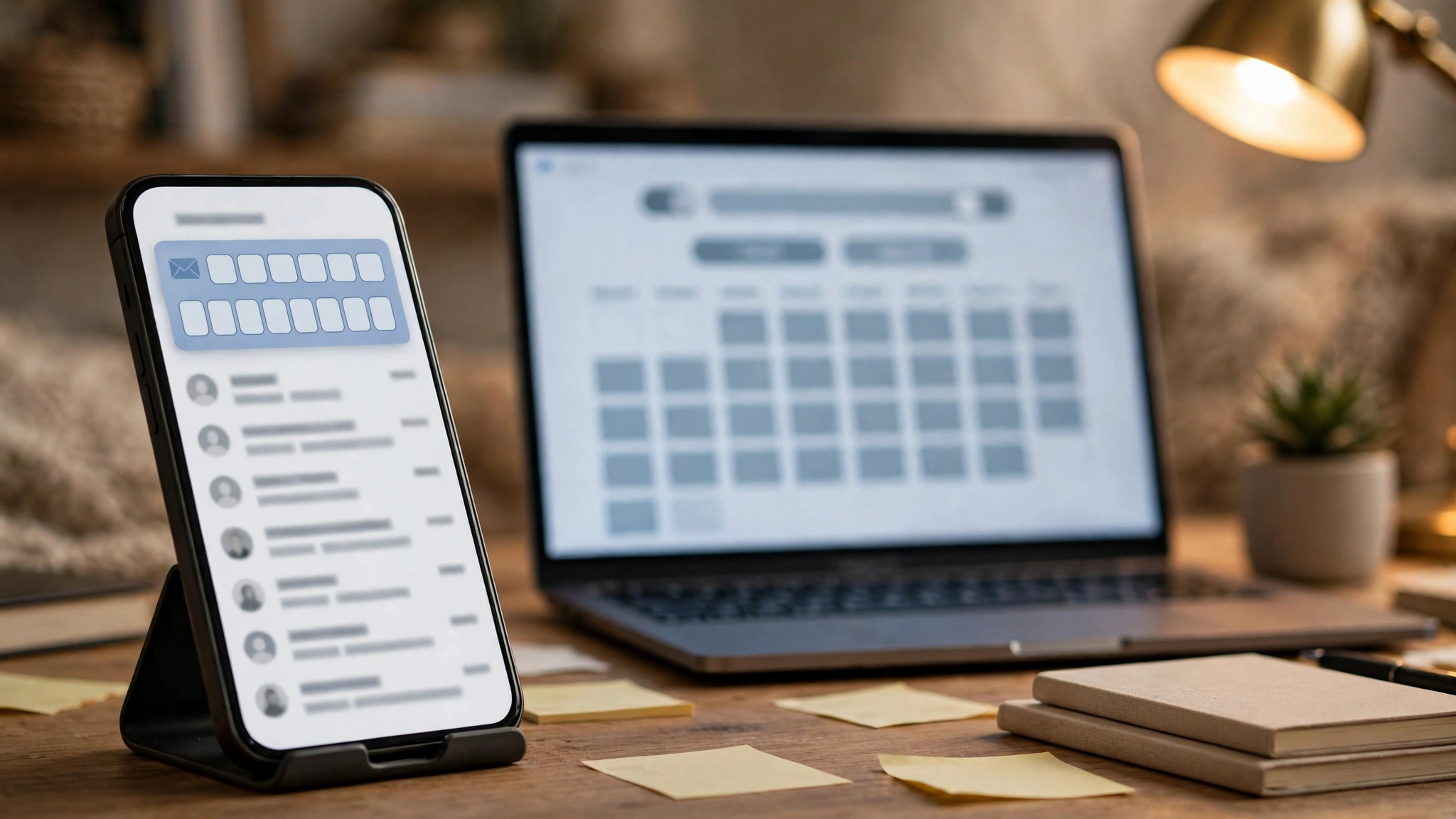
There is also a trial worth knowing about before you pay anything: the homepage advertises a 7-day Business trial, according to a pricing check dated November 20, 2026. That is the way to see the full product — unlimited meetings, four-hour conversations — without handing over a card for a paid plan. If you test it with a temp inbox, remember the trial clock and the account are tied to that address, and the upgrade emails, the trial-end reminders, and the cancellation link all go there too.
Basic, counted out loud
Otter's free tier is called Basic, and unlike some of the tools in this series, its limits are printed in plain numbers on the pricing page I fetched on November 25, 2026. Here they are, exactly as listed, with what each one means in practice.
The headline allowance is 300 transcription minutes a month, shared across every transcription type, with no rollover. That sounds like five hours of meetings, and it is — but the second limit is the one that shapes your week. Each conversation is capped at 30 minutes of transcript. The recording does not stop at thirty minutes, but everything past that point stays locked until you upgrade. So the most you can fully transcribe in a month is ten half-hour calls, and a single hour-long meeting eats a third of your visible transcript allowance while leaving the second half behind a paywall. Pro raises the cap to 90 minutes per conversation and 1,200 minutes a month, at $16.99 a month billed monthly or $8.33 a month billed annually. Business removes the meeting cap entirely, allows four hours per conversation, and costs $30 a month or $19.99 a month annually.
The other limits are smaller but they bite in their own way. You get three file imports in total, for the life of the account — not three a month, three ever. Pro gives you ten a month. Only your 25 most recent conversations stay accessible on Basic; older ones are archived, not deleted, and paying brings them back. Otter AI Chat, the feature that lets you ask questions about a meeting, allows 20 questions a month and no more than three per conversation on Basic; Pro allows 50, Business 200. Exports on Basic are limited to mp3 and txt, one meeting at a time; pdf, docx, and srt exports need a paid plan.
Two pricing-page details deserve a second look. The first is that deleted conversations still count against the 300-minute cap, according to the October pricing checks — you cannot free up minutes by deleting a transcript. The second is the student discount: Otter offers 20% off Pro for individual students and teachers using an email address ending in .edu, bringing Pro Annual to $6.67 a month and Pro Monthly to $13.59. That discount is tied to a .edu address, which is the one door a temp inbox definitely cannot open.
The lawsuit in the room
This is the part of the post that no pricing page will tell you, and it is the reason I would not sign up for Otter with a throwaway address and stop thinking. On August 15, 2025, a San Jacinto, California resident named Justin Brewer filed a federal class-action complaint against Otter.ai in the Northern District of California. The allegation, reported by NPR the same day, was blunt: Otter's notetaker was "deceptively and surreptitiously" recording private conversations and using them to train its speech-recognition models, without permission from the people being recorded. Brewer did not have an Otter account. He had joined a Zoom meeting in February 2025 where Otter's notetaker was running.
Three more suits followed within a month — Walker, Theus, and Winston — and on October 22, 2025, Judge Eumi K. Lee consolidated them into one case, In re Otter.AI Privacy Litigation, No. 5:25-cv-06911. The consolidated complaint alleges that the notetaker, then called OtterPilot and now branded as the Otter Meeting Agent, integrates with a user's calendar and auto-joins scheduled calls as a visible participant, capturing audio, transcripts, screenshots, and speaker voiceprints. The plaintiffs say Otter never obtains consent from the other attendees, and that the company used captured data to train its models. The claims run under the federal Wiretap Act, California's Invasion of Privacy Act, and Illinois' biometric privacy law, with statutory damages that run to $5,000 per violation under CIPA and $10,000 per violation or $100 per day under the federal wiretap statute.
Otter's answer, given to Gizmodo when the suit was filed, is that it does not initiate recordings on its own: recording only occurs when an Otter user starts it, and its Terms of Service make clear that users are responsible for obtaining any necessary permissions. The lawsuit's reply to that argument is that shifting the consent burden onto the account holder does not satisfy the law when the bot joins without any participant's affirmative consent — including, in some configurations, the host's. A motion-to-dismiss hearing was held on May 20, 2026, and as of mid-June 2026 the court's ruling was still pending. Nothing has been decided. There is no certified class, no settlement, and no claim form. These are allegations, not findings, and I am stating them as such.
Why does this belong in a post about temp email? Because the signup decision and the recording decision are the same decision. The account you create is the account that invites the bot into other people's meetings. A temp inbox hides your identity from Otter's marketing emails. It does nothing about the consent question, and it does nothing about the training question — the complaint alleges the de-identification process does not remove confidential information or guarantee speaker anonymity. If you test Otter, the honest version of the test includes telling the room the bot is there, and the temp email does not change that obligation one bit.

Where a temp inbox helps, and where it strands you
The verification step is the easy part. A temp inbox receives the confirmation, you enter it, you are in, and the free tier asks for no credit card. What a temp email cannot do is hold the account afterwards, and an Otter account holds more than most of the tools in this series. Your meeting transcripts live in it. Your 25-conversation window lives in it. Your three lifetime file imports are spent from it. If you upgrade, the billing relationship lives in it: receipts, failed-payment notices, and the cancellation link all go to the signup email.
There are two Otter-specific traps worth naming. The first is the archive window. On Basic, only your 25 most recent conversations stay accessible. If you test Otter for a month with a temp inbox, build up twenty-odd transcripts, and then lose the inbox, you have not just lost the login — you have lost the only route back to the archive, because password resets and account recovery both go to the signup address. The second is two-factor authentication. Otter's pricing page lists authenticator-app 2FA on every plan, but SMS 2FA is marked US and Canada only. If you were counting on a text message to get back into an account created with a disposable address, check the fine print first — and know that verification codes expire on their own schedule anyway, so the code needs to arrive while the inbox is still alive.
My rule of thumb, and it has held up across twenty-some tools now: a temp email is for answering a question — "does this tool do what I need?" — and the answer to that question takes an afternoon, not a month. If the afternoon goes well, move the account to a real inbox before you record anything you would miss. The guides for choosing a burner email that actually works cover the middle ground: a stable alias you control, which keeps the spam out of your real inbox without handing your meeting history to an address with a ten-minute lifespan. And if the question you are really asking is whether a notetaker belongs in your meetings at all, the ChatGPT signup post in this series is a useful contrast: a chatbot keeps your prompts, but it does not invite itself into a room full of other people.
The five-minute test
If you want to answer the question for yourself, here is the whole test, in order. One, open a temp inbox and keep the tab open — the confirmation has to arrive while the inbox is alive. Two, sign up with the temp address and finish verification, and note whether the page pushes you toward calendar sync before you see the dashboard. Three, record one real meeting under thirty minutes — not a demo, a real call — and watch where the transcript stops. Four, spend your three lifetime imports wisely, or rather, do not spend them at all on the test: upload one short file, see the import counter move, and understand that it never comes back. Five, decide before you record a second meeting: if the notetaker earns a place in your week, move the account to an inbox you control, and tell the room the bot is there before it joins. The test costs five minutes and one disposable address. The mistake costs a meeting history attached to a dead inbox — and a room full of people who never agreed to be transcribed.
FAQ
Can I sign up for Otter.ai with a temp email?
Yes, on the email route. The signup accepts an email address and sends a verification step, and the free Basic plan needs no credit card. The Google and Microsoft routes skip email entirely, but they require a real Google or Microsoft account. The product only starts doing its job once you connect a real calendar, which a disposable address does not have.
What does the Otter.ai free plan include in November 2026?
According to the live pricing page fetched November 25, 2026: 300 transcription minutes a month with no rollover, a 30-minute cap per conversation, three file imports for the life of the account, access to your 25 most recent conversations, 20 Otter AI Chat questions a month, and mp3 and txt exports. Pro is $16.99 a month monthly or $8.33 a month annually, with 1,200 minutes and a 90-minute per-conversation cap.
Is Otter.ai being sued?
Yes, and the case is unresolved. Brewer v. Otter.ai was filed August 15, 2025, and consolidated with three other suits into In re Otter.AI Privacy Litigation (No. 5:25-cv-06911, N.D. Cal.) on October 22, 2025. The plaintiffs allege the notetaker records and transcribes meeting participants without their consent and uses the data to train its models. Otter says recording only happens when a user initiates it and users are responsible for permissions. A motion-to-dismiss hearing was held May 20, 2026, with the ruling pending as of mid-June 2026. There is no certified class and no settlement.
Does Otter.ai record meetings without consent?
That is exactly what the lawsuit alleges, and what Otter disputes. The complaint says the notetaker can join a meeting without obtaining affirmative consent from any participant, including in some configurations the host. Otter's position is that the user who enables the notetaker is responsible for obtaining permissions. The court has not decided the question. Whatever the law says, telling the room the bot is there is the decent version of the test.
What happens if my temp inbox expires after I sign up?
You keep the session you are already logged into, but you lose password resets, billing emails, and account recovery — all of which go to the signup address. On Basic, only your 25 most recent conversations stay accessible anyway, and if you get logged out, there is no way back in without that inbox. Move the account to an inbox you control before you record anything you would miss.
Is there a free trial of the paid plans?
The homepage advertises a 7-day Business trial, according to a pricing check dated November 20, 2026. Business includes unlimited meeting transcription and four hours per conversation. Students and teachers with a .edu email get 20% off Pro.
The verdict
Otter.ai is the most uncomfortable temp-email test in this series so far, not because the signup is hard — it is not — but because the thing you are signing up for is a recorder, and the recording question has been in federal court for fifteen months with no ruling yet. The email door opens. The free tier is real and its limits are printed in plain numbers: 300 minutes, 30 per conversation, three imports for life, 25 conversations visible. The calendar sync is the step that ends the anonymity, the transcript archive is the thing a dead inbox strands, and the consent question is the thing no disposable address can answer for you. Test it with a temp inbox for an afternoon, on one real meeting under thirty minutes, with the room told the bot is there. If it earns a place in your week, give it a real email before you record a second meeting. A disposable inbox is a fine way to ask a question. It is a bad place to keep a billion meetings' worth of answers.
Need a disposable temporary email?
Protect your real inbox from spam and promotional clutter instantly and free.
Received a suspicious email, text, or charge alert?
Verify whether the sender domain is disposable, spoofed, or unverified before clicking links.