
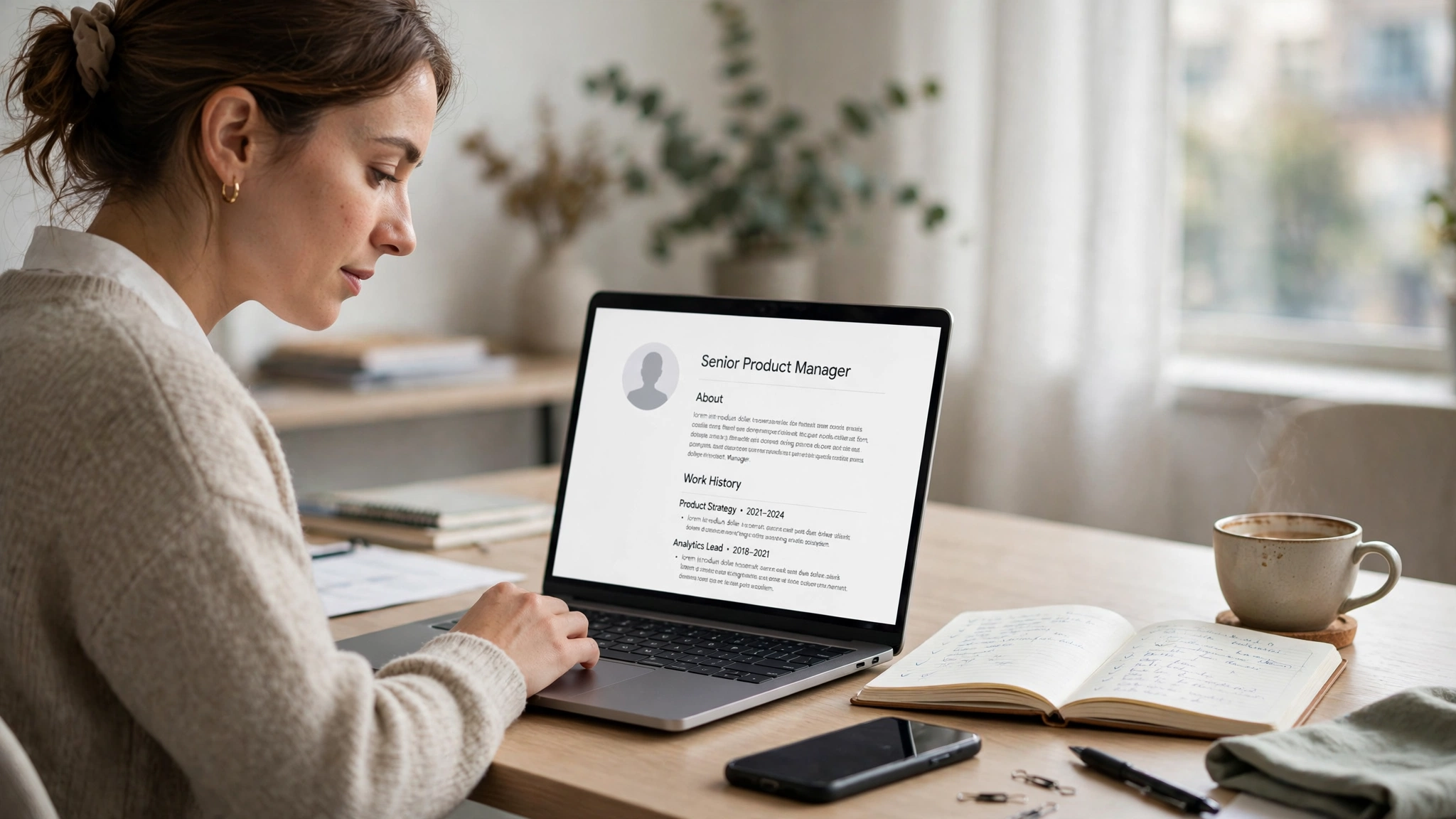
Temp Email for LinkedIn Signup: The Honest Reality in 2026
LinkedIn is the one platform where the disposable-email question stops being casual. On Reddit or a gaming forum, the worst case of a burned inbox is an account you shrug and abandon. On LinkedIn, the account holds your work history, your connections, your endorsements, and the inbox recruiters write to. That makes the temp-email question sharper: it is not "does it work," it is "what are you building on top of it, and what happens the day the inbox is gone."
I have read most of the guides ranking for this question, and they share a flaw: they answer the signup step and stop. Signup is the easiest part. The interesting part is everything after — the one-account rule nobody mentions, the password-reset machinery, and the professional-identity cases where a disposable address quietly becomes the wrong call. That is what this post covers, with the mechanics stated honestly.
The three jobs your email does on LinkedIn
Before deciding which email to use, it helps to name what LinkedIn actually asks your email to do. It is not one job, it is three, and temp mail handles them very differently.
Job one: confirm you at signup. LinkedIn's signup asks for an email or phone number, your name, and a password, then sends a confirmation to prove the address is yours. This is the step the "does it work" guides focus on, and it is the step where temp mail performs best. A confirmation code is a simple, one-shot delivery. If the address is accepted and the inbox is open, the code arrives and you are in.
Job two: recover you. This is the heavyweight job. Click "Forgot password?" on the sign-in page and LinkedIn sends a verification code or reset link to the registered email or phone number. If you cannot reach that email, you click "Can't access this email?" and enter LinkedIn's identity-verification path: a form asking for your full name as it appears on your profile, the last company you worked for, your last job title, and then a government-issued ID upload — on desktop, a QR code moves the process to your phone for a live scan. Multiple recovery guides report this taking one to three days to resolve. Your email is not just a login field; it is the fast lane out of every lockout. Everything else is the slow lane.
Job three: carry your professional correspondence. InMail replies, connection-request notifications, job alerts, recruiter messages, security alerts about new sign-ins — LinkedIn pushes all of it to email. For an account that exists to be found by employers, the email is part of the account's function, not just its scaffolding.
LinkedIn itself hints at the right architecture: it lets you attach more than one email address to a single account, under Settings → Sign in & security → Email addresses, and its own help material recommends adding a second email as a backup. Hold that thought. It becomes the centerpiece of the setup that actually works.
Where temp mail genuinely works: the confirmation step
Let us give temp mail its due. For the confirmation step, a disposable address is a legitimate tool with a straightforward success pattern — and a straightforward failure pattern.
The failure pattern is the domain lottery, and I will not pretend it does not exist. LinkedIn, like every major platform, filters disposable domains. Paste in an address from one of the famous ten-minute-mail services and the likely outcomes are a form rejection or, more annoyingly, a verification email that simply never arrives — the silent drop, where the platform accepts the address and then discards the message on the way out. We mapped the machinery behind this in our guide to why websites reject temp email: LinkedIn runs the same blocklist playbook as everyone else.
The success pattern, documented across temp-mail communities and confirmed by services that test signup flows for a living: use a reusable inbox, not a countdown-timer one, and keep it open during signup so the code lands in front of you. Reusable inboxes — services that let you reopen the same address later with a saved access token or bookmark — solve the single biggest weakness of the setup, which is time. A ten-minute inbox dies before you have even decided on a profile photo; a reusable one is still there when LinkedIn asks you to re-verify something in March. If the first domain is rejected, generate an address on a different domain and try again — the rejection is per-domain, not per-person. And slow down between attempts: hammering the signup form five times in two minutes is how an email problem becomes an IP problem, on any platform.
One honest caveat that applies to every disposable setup: acceptance shifts. A domain that works this month can land on the blocklist next month. That is the blocklist catching up, not you doing something wrong.
LinkedIn's one-account rule quietly changes everything
Here is the section the ranking guides skip, and it matters more than the signup mechanics. LinkedIn's User Agreement — the current version took effect November 3, 2025 — contains three clauses that reshape the whole decision:
- Section 2.1 (eligibility): you "will only have one LinkedIn account, which must be in your real name."
- Section 8.2 (Don'ts): don't create a false identity, misrepresent your identity, or create a member profile for anyone other than yourself.
- Section 3.4 (enforcement): LinkedIn can restrict, suspend, or terminate accounts that breach the agreement or misuse the services.
In practice, this means the most common motive for pairing temp mail with LinkedIn — a second, backup, or experimental profile — is itself against the platform's rules, regardless of which email you use. LinkedIn merges or closes duplicates it detects, and its detection uses far more than the email address: device signals, behavior patterns, and network overlap. A disposable address does not make a second profile invisible; it just makes it a second profile with a worse recovery story.
This does not outlaw temp mail on LinkedIn. Using a disposable address for privacy on your one legitimate account — keeping your real address out of another database, separating your job search from your current employer's systems — is a different act from creating a fake identity, and the rules treat it differently. But it does mean the decision starts from "I get one account, in my real name" and works outward from there. The email choice is subordinate to that constraint, not a way around it.

The recovery math on a career account
This is the section that actually decides the question, and I want to state it as plainly as I can: on LinkedIn, your email is your fastest route back into your own career.
Walk through the failure case. You signed up with a disposable address six months ago. The account has grown into something real: four hundred connections, recommendations from two former managers, a recruiter thread that went quiet in the spring and might wake up in the fall. Then you get logged out on a new laptop, or you mistype the password three times and trigger a lock, or LinkedIn's systems flag a sign-in from a new location and ask you to verify.
The fast lane is the inbox: "Forgot password?", code arrives, you are back in minutes. The slow lane is the identity-verification form: name, last company, job title, government ID, a QR-code handoff to your phone, and a one-to-three-day wait while Trust & Safety reviews it. It works — people recover accounts this way every day — but it is a support process, not a login flow, and during those days you are invisible to anyone trying to reach you through the platform. For an active job seeker, that timing can cost a conversation.
Now add the temp-mail wrinkle. If the inbox that receives the reset code belonged to a countdown-timer service that died in month one, the fast lane does not exist for you at all. You are on the slow lane by default, and you will be on it at the worst possible moment, because lockouts never arrive when they are convenient. There is also a sharper edge worth naming: on services with public, no-login inboxes, anyone who knows your address can read your mail — including password-reset messages. We covered the public-inbox problem in detail, but the LinkedIn-specific version is this: a career account tied to a public inbox is a career account whose reset links are readable by strangers. Never do that.
The honest version of the risk is not "you will lose your account." It is "you have traded a five-minute recovery for a multi-day identity review, and the bill comes due exactly when you can least afford it." For an account you check twice a year, that trade is fine. For an account your livelihood touches, it is a bad bargain — unless you do the one thing that fixes it, which is the next section.
When a disposable address is the wrong call
Not every LinkedIn use survives contact with a disposable email. The cases below are where I would tell a friend to use a permanent address, no hedging:
Active job seeking. When recruiters are involved, email is infrastructure. InMail replies, interview scheduling, and verification requests all flow through it. A missed message because an inbox expired is not a privacy win; it is a lost opportunity with no error message attached.
Outreach and sales. LinkedIn has throttled connection activity hard — outreach-focused writers report the effective limit dropping from roughly a hundred requests a day to roughly a hundred a week. At that throttle, every connection request is precious, and new or low-trust accounts already face extra scrutiny. Layering a disposable email onto an outreach workflow adds a trust deficit to an activity the platform already watches closely.
Identity verification. In several regions LinkedIn offers identity verification through partners, and the process expects a real government ID, your own phone number, and a live selfie. A temp email neither helps nor hinders this step directly, but it signals something worth noticing: this is a platform moving toward verified identity, not away from it. Building on a disposable foundation while the platform builds toward verification is swimming against the current.
Employer and background-check contexts. If your profile is the version of you that a hiring manager checks, the account deserves the same permanence as the resume. Use the address you will still own in five years.
Anything with Premium or billing. Paid products attach to the account; billing problems, receipts, and subscription notices go to email. Disposable billing contact is asking for a support nightmare.
The through-line: the more the account functions as your professional identity — rather than a window you look through — the more it needs a permanent email.
The setup that actually survives
For the legitimate middle ground — your one real account, with a disposable address used for privacy rather than disposability — there is a setup that keeps the privacy benefit without the recovery risk. It has four parts, and they are all unglamorous:
1. Start with a reusable inbox, and save the access token. Not a ten-minute address. A service that lets you reopen the same inbox later, with the token or bookmark stored somewhere you will find it — a password manager, a note you actually keep. This single choice eliminates most of the horror stories, because the inbox is still there when LinkedIn needs to reach you in six months.
2. On day one, add a permanent second email to the LinkedIn account. This is the move that changes the math. LinkedIn allows multiple email addresses per account under Settings → Sign in & security → Email addresses. Keep the disposable address as the primary if you like the privacy posture, but attach a permanent address as the backup. Recovery codes can go to the backup. The fast lane stays open even if the disposable inbox dies. This is the closest thing to having it both ways, and it is a first-party feature, not a hack.
3. Use a password manager for the LinkedIn password. Generated, unique, stored. If the password is safe, the inbox only matters for genuine emergencies, which is exactly the load it should carry.
4. Never use a public inbox for an account that matters. Private, unguessable address or nothing. The reset-link readability problem from the previous section is non-negotiable.
If you are choosing between temp-mail approaches in general — disposable inboxes versus forwarding aliases that live on a domain you control — our temp email vs. email aliases comparison breaks down when each wins. For a LinkedIn account, the alias route has a quiet advantage: the address never expires and never lands on a blocklist, because the domain is yours.
The bright line: privacy is fine, fake profiles are not
Time to state the boundary plainly, because this niche attracts both legitimate users and people planning misuse. Using a disposable address for privacy on your own legitimate account — keeping your real email out of another breach-prone database, running a quiet job search while employed, testing how a signup flow treats disposable domains — is fine. Nothing in LinkedIn's rules prohibits choosing which email address you hand a form.
What the rules do prohibit, explicitly, is false identity: profiles for people who do not exist, duplicate profiles for yourself, accounts created to evade a ban or restriction, and inauthentic activity like spam outreach. Enforcement here is not theoretical — LinkedIn's restriction and suspension machinery is one of the more active in the industry, and losing the account means losing the connections, endorsements, and recommendations with it. A disposable email does not shield any of that; if anything, it weakens your position in an appeal, because you have one fewer proof of ownership.
The question to ask yourself is simple: if LinkedIn's Trust & Safety team looked at this account tomorrow, would the email choice look like privacy hygiene or like concealment? Privacy hygiene survives that look. Concealment does not, and no inbox trick changes the answer.
Already signed up with temp mail? Do this today
If there's a LinkedIn account out there right now with a burner address on it — and statistically, reading this site, there might be — this is the highest-leverage ten minutes of your week:
- Log in now, while you still can. Every day you wait is a day closer to a re-verification event you can't predict.
- Add a permanent email immediately — Settings, email addresses, add address, verify it through the confirmation LinkedIn sends. Do this while the temp inbox is still alive, because the change flow may need it.
- Make the permanent address primary, then remove the temp address. "Your primary email address can only be replaced with a verified email address" — so verify first, then swap.
- Add a second permanent address if you have one (personal plus work, per LinkedIn's recommendation). Redundancy is the whole game.
- Turn on two-factor authentication with an authenticator app and store the backup codes somewhere that isn't an inbox — any inbox.
- Screenshot anything with career value — active recruiter conversations, application statuses — and forward the details to an address you control.
None of this is complicated. It's just time-sensitive, because the temp inbox is a clock and you don't get to see how much is left on it.
Frequently asked questions
Does LinkedIn accept temp email at signup?
Sometimes. There is no published policy either way; acceptance depends on whether your disposable domain is on LinkedIn's blocklist, and that changes over time. Reusable inboxes on lesser-known domains fare better than famous ten-minute services. Treat it as something to try, not something guaranteed.
Will I get banned for using a temp email on LinkedIn?
The email choice alone is not a bannable offense. What gets accounts restricted is inauthentic behavior — fake profiles, duplicate accounts, spam outreach, ban evasion. Keep the account to one real identity behaving normally and the email is a footnote.
Can I change the email on my LinkedIn account later?
Yes. LinkedIn lets you add, remove, and switch primary email addresses under Settings → Sign in & security → Email addresses. This is exactly why the day-one second-email move works: you can start disposable and attach permanence whenever you are ready.
What happens if my temp inbox expires?
You lose the fast recovery lane. Password resets and security codes sent to a dead inbox never arrive, leaving the identity-verification form — name, work history, government ID, one to three days — as the way back in. If the account matters, attach a permanent second email before that day comes.
Can I receive the LinkedIn verification code in a temp inbox?
If the domain is accepted, yes — it is a standard email delivery, and the code usually arrives within minutes. If nothing arrives within ten minutes, treat it as a silent rejection and try a different domain rather than hammering resend. We covered the general causes of missing OTP codes separately.
Is using temp mail for LinkedIn legal?
Using a disposable address for privacy is legal. Creating fake identities, impersonating others, or evading bans is not — and LinkedIn's User Agreement gives it enforcement teeth. We answered the broader legality question with the same bright line.
The verdict is less exciting than the question, which is usually a sign it is honest. Temp mail works at LinkedIn's front door often enough to be useful, and for a low-stakes, rarely-checked account it is a reasonable privacy choice. But a LinkedIn account is one of the few online accounts that appreciates in value the longer you hold it — connections compound, recommendations accumulate, history becomes credibility. Build that kind of asset on an inbox with an expiration date only if you have also built the bridge off it: a reusable address, a saved access token, and a permanent second email attached on day one. Do those three things and you keep the privacy without paying for it later. Skip them and the cheapest part of the setup — the free inbox — becomes the most expensive part of the account.
Need a disposable temporary email?
Protect your real inbox from spam and promotional clutter instantly and free.
Received a suspicious email, text, or charge alert?
Verify whether the sender domain is disposable, spoofed, or unverified before clicking links.