
Temp Email for Kling Signup: the Email Door Opens — the Credit Meter, the Watermark, and the Phone Form Are the Real Gates
The short answer first
Yes, a temp email works for Kling signup — on the door most people actually walk through. Kling's international site, klingai.com, lets you register with an email address and a password, or with Google or Apple single sign-on, and the email route sends a six-digit verification code that lands in seconds. There is no Chinese phone number requirement on that flow, and no VPN. I checked the signup guides and Kling's own homepage on November 25, 2026, and the email door is open and ordinary.
That is the good news, and it is also where the good news ends. The email is the easiest part of Kling. What actually decides whether Kling is useful to you is a daily credit allowance that buys about two test clips, a watermark and a commercial-use restriction on everything the free tier makes, a price list that different guides quote differently because Kling keeps moving it, and a second signup form — a phone-number form — that some people land on instead, where a temp email is useless. This post walks through both doors, the meter, and the trap a disposable inbox sets for an account you end up caring about.
One honesty note before the details: I did not create a live Kling account for this post, so I am not going to pretend I clicked through the form with a temp inbox myself. What follows is built from Kling's homepage as crawled November 25, 2026, from three independent pricing surveys checked in October and November 2026, and from four signup guides that agree with each other on the email flow and disagree — interestingly — on the phone flow. Where the sources disagree, I give you both versions with dates, instead of picking the one that makes a tidier story.
Kling in November 2026: the tool that stayed open
Kling is the AI video generator from Kuaishou, the Chinese short-video company, and it has had a strange two years. It launched in June 2024 as a feature inside Kuaishou's editing app, then broke out as a standalone web product at kling.ai for international users, with worldwide signup opening on July 24, 2024. Since then it has outlasted most of its first-wave rivals: Sora shut down in April 2026, while Kling kept shipping. Kling 3.0 arrived in February 2026 with up to 4K resolution, 15-second clips, 30 to 60 frames per second, and multi-shot storyboards of up to six cuts. When I checked Kling's homepage this week, the newest headline was Kling Image 4.0, plus a feature called Canvas that bundles brainstorming, scripts, image and video generation, storyboards, and multi-round post-production into one workspace.
The credibility markers are real and checkable, which matters because AI video tools have a habit of inflating them. Kling's homepage showcases a Cannes-winning AI short film for The RealReal, a Longchamp brand film, a film that generated over 100 million views during the 2026 Qingming Festival, and Amazon Prime's House of David — the first Hollywood production to publicly disclose AI video generation, with over 44 million views. A fully AI-generated feature film, ODYSSEUS: The Fall, ran 135 minutes of Kling-generated visuals. One pricing survey puts Kling at 60 million creators and 30,000 enterprise clients as of early 2026. That is the context for the signup question: you are not signing up for a demo that might vanish. You are signing up for the video tool that, by late 2026, has the deepest bench of shipped work in its category.
That is also why the temp-email question matters more here than it does for a toy. People do not test Kling the way they test a meme generator. They test it, like the look of it, and then realize the account they made with a throwaway inbox holds their renders, their credits, and — if they pay — their money. The signup decision deserves more than thirty seconds.
Door one: the email signup, step by step
Here is the flow the guides agree on, and it is refreshingly boring. Go to klingai.com and click the sign-in button at the top right. Choose email and password, or Google or Apple single sign-on. With email, you enter your address, create a password, confirm it, and pass an image-based CAPTCHA. Kling sends a six-digit verification code from an address on the Kwai domain. You enter the code, and you land in the dashboard with a small free credit balance ready to spend.
Three details in that flow matter for a temp-email reader. First, the code comes by email, not by SMS, on this route — which is exactly why a temp inbox works: it can receive a code from any sender, and Kling does not appear to block disposable domains at the door. Second, the CAPTCHA is image-based, not a phone check, so there is no second identity gate hiding behind the first. Third, the guides are explicit that you do not need a Chinese phone number and do not need a VPN if you are signing up from the US, Singapore, Hong Kong, Japan, or Korea. One guide adds a wrinkle worth knowing: creators in India occasionally report account or payment friction depending on how local rules around Chinese apps are interpreted at any given time, so if you are signing up from India, test access before building a workflow on it.
If you take the Google or Apple route instead, the email question disappears entirely — your Google or Apple address becomes the account, and there is no code to wait for. That is the fastest door, and it is also the one a temp email can never use, because you cannot create a Google account with an address you do not own. The temp-email play only exists on the email-and-password route.
Door two: the phone form some people land on
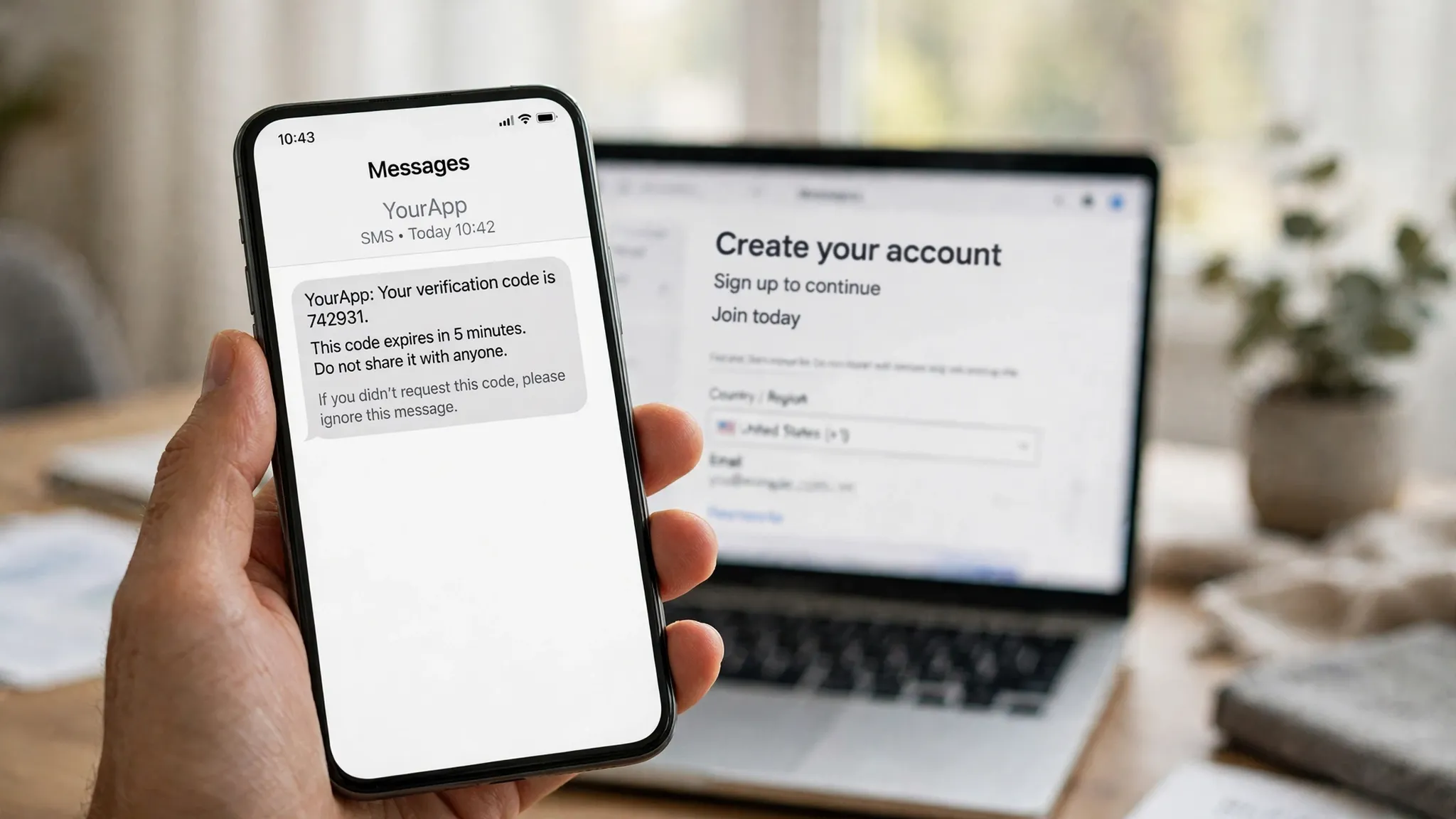
Here is where the guides stop agreeing, and the disagreement is the most useful thing in this post. A second set of guides describes a different Kling signup: a form that asks for a country code and a mobile number first, then sends an SMS one-time password. One guide walks through it step by step — pick +1 for the US or +44 for the UK, enter the number, tap Send Code — and then spends a whole troubleshooting section on SMS codes that never arrive, warning specifically that virtual VoIP numbers like Google Voice often fail.
Why would two different forms exist for the same product? The likeliest explanation is that Kling has more than one front door: the international web portal at klingai.com, which takes email, and the mobile and regional routes — including the Kwaiying/KwaiCut app path that Kling grew out of — where the phone is the identity. The phone-number requirement is a matter of record on the app route: the original Chinese onboarding asked for a mobile number and a Kuaishou ID, and early coverage said only Chinese numbers were accepted there. The international web flow dropped that requirement; the app-flavored flows did not, entirely.
For you, the practical rule is simple. If the form in front of you asks for an email address, a temp inbox will do the job. If it asks for a country code and a phone number, stop: no temp email in the world will receive an SMS, and a VoIP number will probably fail the OTP too, because Kling's SMS delivery — like most services' — is picky about virtual numbers. Use a real SIM number you control, or walk away and try the web portal instead. Do not pay anyone for a "Kling SMS verification" service; that is a rented number with your account attached to a stranger's SIM.
The 66-credit meter — and the November change
Kling's free tier has been, for most of 2026, the most generous-sounding and most quickly exhausted deal in AI video: 66 free credits a day, no card required, expiring after 24 hours. The math is what makes it sting. Kling 3.0 bills per second of generated video — 6 credits a second at 720p without audio, 12 a second at 1080p with native audio, and 30 a second for native 4K, according to Kling's own credit guide as quoted by the pricing surveys. A five-second 720p test clip with no audio costs 30 credits. So the daily 66 buys about two attempts a day — fewer with audio or higher resolution. Top-up credits are priced at $1 for 66 credits under Kling's published policy, which means a single extra test clip costs about a dollar once the daily allowance is gone.
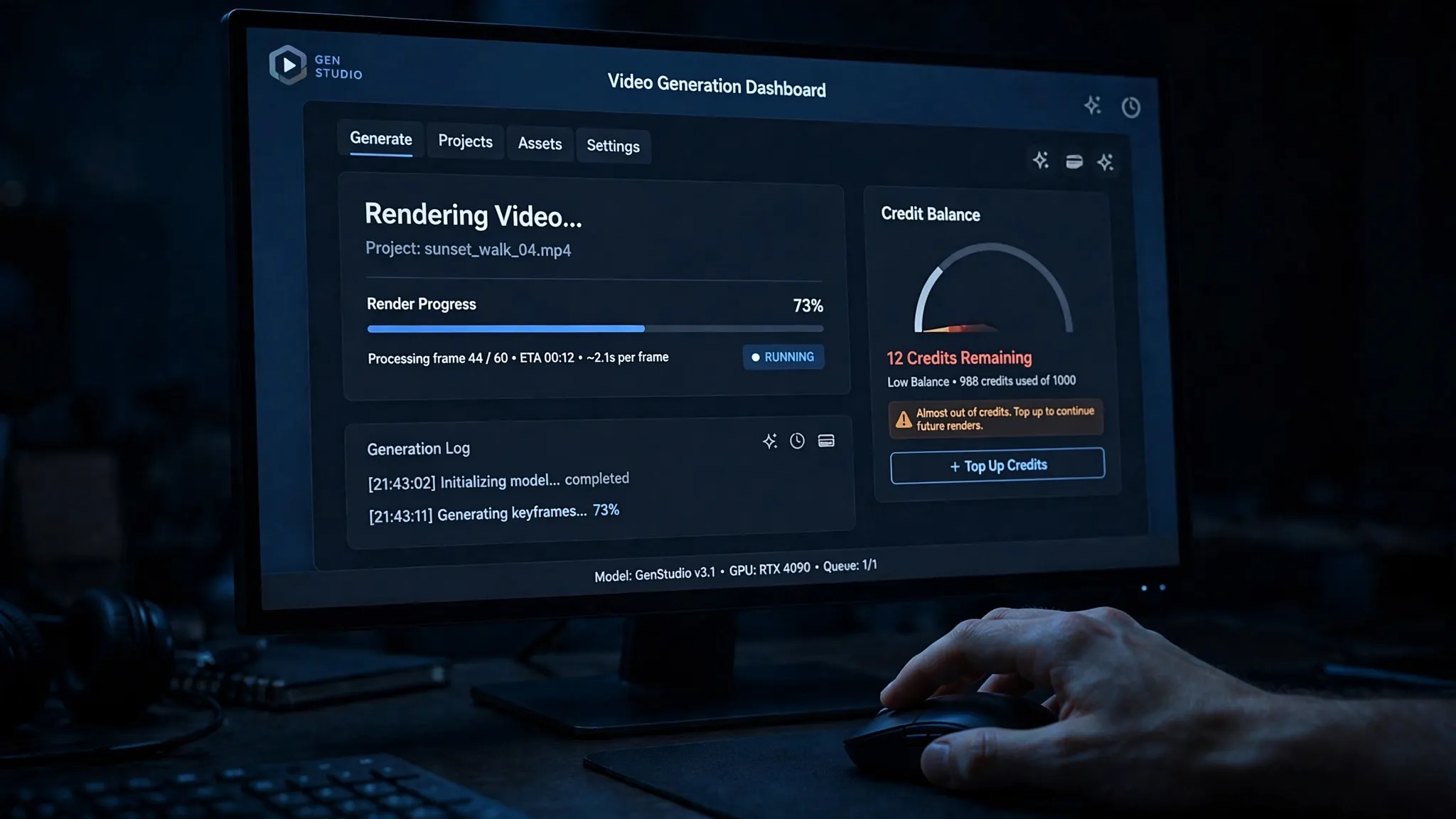
Now the complication, and the reason this section carries a date. A pricing check dated November 14, 2026 describes a different free plan: the free Basic plan no longer lists a fixed daily amount, and instead lets non-subscribers claim a batch of free credits when they log in each month, valid for 31 days — while daily bonus credits on first login each day are now a paid-plan perk. That check also says the free tier's videos keep a watermark, skip 1080p, and cannot be used commercially.
I cannot reconcile the two versions into one clean rule, because Kling's pricing pages build their plan tables in the browser — the numbers exist on screen and nowhere in the page itself — and the product is clearly mid-migration from one free-tier shape to another. What both versions agree on is the shape that matters: the free tier is a taste, not a workshop; the credits expire fast; and the meter, not the signup, is what rations your use. If you sign up today, check the dashboard the moment you land in it — the number sitting in your credit balance is the truth for your account, whatever any guide says.
The price list that will not sit still
Kling's paid plans follow the same pattern as its free tier: stable in structure, restless in numbers. The structure is five tiers — Free, Standard, Pro, Premier, Ultra — built around monthly credits. The numbers depend on when the guide checked, and the spread is wide enough to matter.
The June 2026 checks agree on this table: Standard $10 a month list ($8.80 on a monthly subscription, $6.99 for the first month) with 660 credits; Pro $37 list ($32.56 monthly, $25.99 first month) with 3,000 credits; Premier $92 list ($80.96 monthly, $64.99 first month) with 8,000 credits; Ultra $180 list ($159.99 on renewal, $127.99 at launch) with 26,000 credits. Annual billing saves about 34% on Standard, Pro, and Premier; Ultra has no annual option. Subscription credits expire after 31 days; purchased credits stay valid for two years.
The November 14, 2026 check tells a different story at the top end: Premier listed at $207 ($181.99 monthly, $144.99 first month) with 18,000 credits, and Ultra+ at $619 ($544.99 monthly, $432.99 first month) with 57,000 credits. Standard and Pro are unchanged in that check — $10 and $37 list — so the movement is concentrated in the heavy-user tiers, which is exactly where a price rise hurts least in the press and most in the invoice.
My advice is blunt: do not buy a Kling plan from a number in any blog post, including this one. Kling's own membership page is the only price that counts, and it changes. What the guides agree on, and what I will stand behind, is the shape: Standard is the cheapest way into watermark-free video at $10 or under on an introductory month, Pro at $37 is the first tier that feels like a real workshop, and the per-credit cost falls as you go up — roughly $1.06 per 100 credits on Standard against $0.76 on Ultra+ by the November figures. If you are comparing Kling against its rivals, compare it on that shape, not on a single month's price. Runway's pricing and Pika's move just as often, and Luma's free tier disappeared entirely between one pricing-page check and the next.
The watermark and the commercial-rights wall
The second gate after the meter is the output itself. Multiple pricing surveys agree on three restrictions for free-tier Kling video: it carries a watermark, it does not include 1080p, and it does not come with unrestricted commercial rights — free-user terms restrict commercial use without written permission. That last point is the one people miss. A watermarked test clip is fine for seeing whether Kling likes your prompt. It is not fine for a client video, a monetized channel, or an ad, and "I did not know" is not a defense if Kuaishou ever enforces it.
This is where Kling differs from the tools that ask for your card before they show you anything. Kling lets you in free and shows you the quality — the motion is widely described as the smoothest in the category, and the Cannes and House of David credits back that up — and then charges you for the version you can actually ship. That is a fair trade, as long as you see it for what it is. The free tier is a fitting room, not a studio.
The temp-email trap: the inbox that expires before the account does
Here is the part of the story that belongs on a temp-mail site, and it is the part most signup guides skip. A temp inbox is designed to die. Your Kling account is designed to live — and everything valuable in it is attached to the email address, not to you.
Think about what accumulates in a Kling account over a month. Your render history and your saved characters and objects — the reusable elements Kling calls, well, Elements — live there. Your credits live there: the daily allowance, any top-ups you bought at $1 per 66 credits, and any subscription. Your payment method, if you upgrade, is tied to the account, and so are the receipts. And if you ever need to reset the password, or Kling flags the account, or a login from a new device triggers a security check, the recovery email goes to the address on file. If that address was a temp inbox that expired in ten minutes, there is no recovery. The account, the credits, and the money are stranded behind an inbox that no longer exists.
This is not a hypothetical. It is the same failure mode we have documented across this series: a disposable address works perfectly for receiving the first code and then fails silently at the first moment that actually matters. We wrote about the recovery risk in detail, and the rule holds here with interest, because Kling accounts accumulate paid value faster than most — a Standard subscription is $10 a month, and a single top-up is a dollar a test clip.
There is one more wrinkle specific to Kling. The verification code comes from a Kwai-domain address, and disposable inboxes sometimes filter mail from unfamiliar domains into spam, or drop it. If the code does not arrive within a few minutes, check the spam folder first — and if it never arrives, the problem is usually the inbox provider, not Kling. A temp inbox that cannot receive from a Kwai address cannot sign you up at all.
What I would actually do
If you want to see whether Kling is worth your money, use a temp inbox for the first look and nothing else. Sign up with it, watch the code arrive, generate your two daily test clips, and judge the motion and the prompt adherence for yourself. Do not upload work you care about, do not save characters or elements you want to keep, and above all do not pay — not a top-up, not a subscription — on an account whose inbox you do not own.
If the test convinces you, and Kling's motion usually does, make a second account with a real inbox you control — a Gmail or an address on your own domain — and do your real work there. Yes, that means starting over with a fresh credit balance. That is cheaper than losing a paid account to an expired inbox. If you land on the phone form instead of the email form, use your real number or switch to the web portal; do not rent a verification number, and do not hand your account to a stranger's SIM.
And one comparison before you decide. Midjourney has no email door at all — you sign in through Discord, so a temp email never even enters the picture. Kling is the opposite: the email door is wide open, and the gates are all downstream of it. Judge the tool on the gates, not the door.
Frequently asked questions
Does a temp email work for Kling signup?
Yes, on the international web signup at klingai.com. You register with an email and password, Kling sends a six-digit code from a Kwai-domain address, and a temp inbox receives it like any other inbox. Google and Apple sign-in do not use a code at all. If the form asks for a phone number instead, a temp email will not help — that flow needs an SMS.
Do I need a phone number to sign up for Kling?
Not on the international web flow, which takes email or Google/Apple sign-in with no phone and no VPN. Some users land on a phone-number form instead — usually on mobile or regional routes — and that form sends an SMS one-time password to a real SIM. Virtual VoIP numbers like Google Voice often fail to receive Kling's SMS.
Is Kling AI really free?
The free tier costs $0 and needs no card, but it is a small daily allowance, not unlimited use. For most of 2026 it was 66 credits a day, expiring after 24 hours — about two five-second 720p test clips. A check from November 14, 2026 describes a reworked free plan with monthly credits claimed on login instead. Either way, free output is watermarked, skips 1080p, and carries no default commercial rights.
How many videos do 66 credits buy?
About two. Kling 3.0 bills per second: 6 credits a second at 720p without audio, 12 a second at 1080p with audio, and 30 a second for native 4K. A five-second 720p clip with no audio costs 30 credits, so 66 credits cover two of them with 6 to spare. Audio and higher resolution burn the allowance faster.
Can I use Kling videos commercially on the free plan?
No, not by default. The pricing surveys agree that free-tier output carries a watermark and does not include unrestricted commercial rights — commercial use needs written permission. Paid plans remove the watermark and unlock commercial use. If a client is paying for the video, pay for the plan.
Why do different guides quote different Kling prices?
Because Kling's prices move. June 2026 checks list Premier at $92 a month and Ultra at $180; a November 14, 2026 check lists Premier at $207 and Ultra+ at $619, with larger credit bundles. Standard ($10) and Pro ($37) were unchanged between those checks. Kling renders its plan tables in the browser, so always confirm the current price on Kling's own membership page before paying.
What happens if I lose access to the temp inbox I signed up with?
You lose the account's recovery path. Password resets, security alerts, and login confirmations all go to the address on file, and a temp inbox that has expired cannot receive them. Any credits, top-ups, subscriptions, saved elements, and render history attached to the account are stranded. That is why a temp inbox is fine for a first look and a bad idea for an account you pay for.
Need a disposable temporary email?
Protect your real inbox from spam and promotional clutter instantly and free.
Received a suspicious email, text, or charge alert?
Verify whether the sender domain is disposable, spoofed, or unverified before clicking links.