
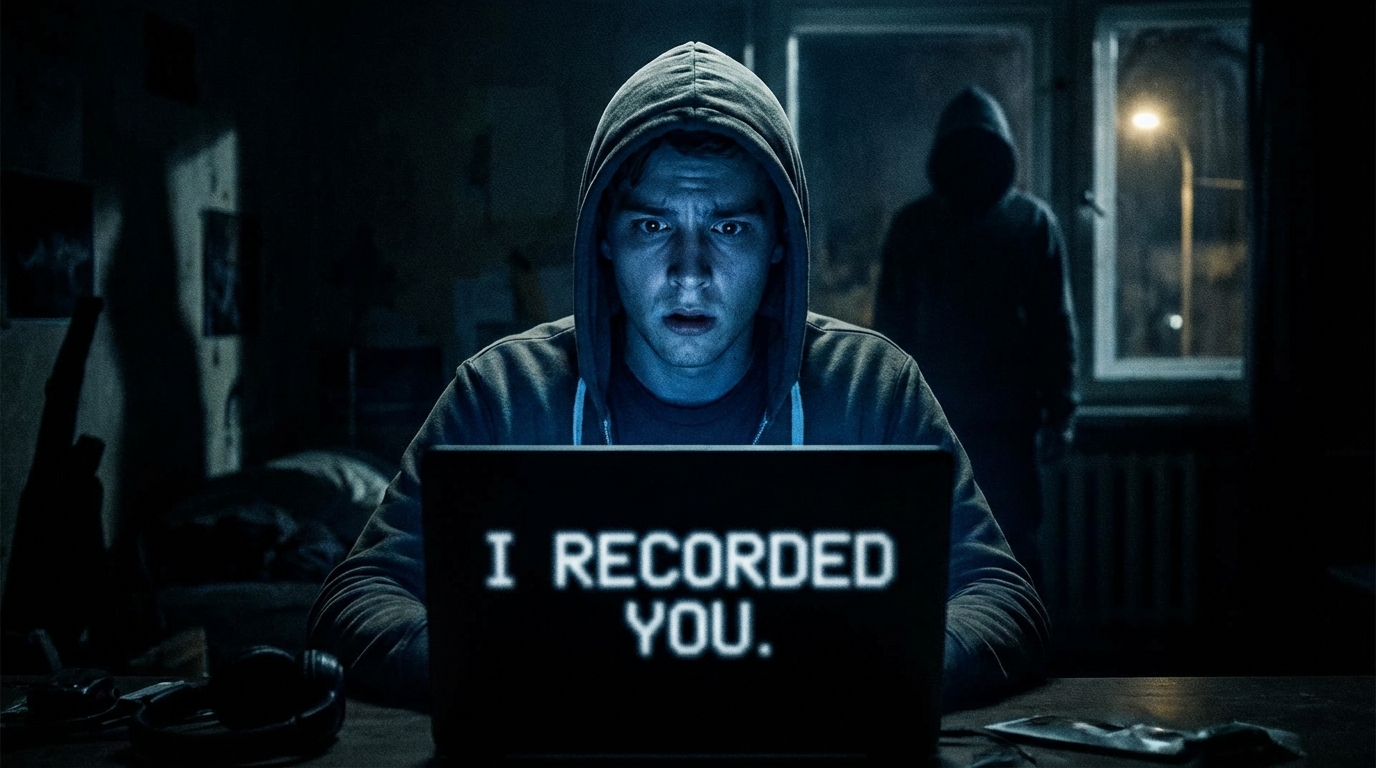
Got an Email From ‘John Green’? Don’t Panic — This Is What It Really Means

Got an Email From “John Green”? Read This Before You Do Anything
If you’ve received an email claiming someone recorded you through your webcam, take a breath.
You’re not hacked.
And no one has a video of you.
This message — often signed as “John Green” — is part of a widespread scam that’s been circulating for years and keeps coming back in waves.
What This Scam Actually Is
There isn’t one single “John Green scam.”
It’s just a name scammers reuse because it sounds normal and believable.
The most common version is a blackmail email that says:
- your device was infected
- your activity was recorded
- a video will be sent to your contacts
Then comes the demand: payment in Bitcoin, usually within a day or two.
Why the Email Feels Real
Most people get scared because of one detail:
The email includes a password they recognize.
That doesn’t mean your device was hacked.
It usually comes from an old data breach. Your email and password were leaked somewhere years ago, and scammers reuse that data to make their message look convincing.
They’re not targeting you personally. They’re sending the same email to thousands of people.
The Truth: It’s a Bluff
There is no video.
There is no access to your camera.
There is no hacker watching you.
This works purely because of panic. A small percentage of people believe it — and that’s enough for the scam to keep going.
There’s Another Version Targeting Writers
Some people are contacted by fake accounts pretending to be the author John Green.
They offer collaboration on a book or a “limited edition” project.
Then they ask for money — sometimes hundreds of thousands — usually in cryptocurrency.
No legitimate publisher works like this. And no well-known author is randomly messaging people with business offers.
What You Should Do
If you get one of these emails:
- Don’t reply
- Don’t pay
- Don’t click anything inside it
Instead:
- Change your passwords (especially reused ones)
- Turn on two-factor authentication
- Delete the email and move on
That’s it.
Why You Got Targeted
Your email likely appeared in a past data leak.
That’s all it takes.
Scammers collect these lists and reuse them over and over again.
This is also why using separate or temporary emails for different sites can reduce your exposure over time.
How to Check If Your Password Was in a Breach
The password in the email is the part that scares people, and it is also the part you can check in a minute. Go to haveibeenpwned.com and search your email address: it tells you which known breaches exposed it and what was in them. If your address shows up in an old breach — and most do — that is where the scammer got the password. It does not mean your computer was hacked, and it does not mean anyone is watching you.
Whatever the result, treat that password as burned. Change it everywhere you reused it, starting with your email account itself, and turn on two-factor authentication on the accounts that matter. A password manager makes this painless: one unique password per site means the next breach cannot hand scammers a key that opens anything else.
What to Do If You Already Paid
If you sent Bitcoin, assume the money is gone — crypto payments cannot be reversed. Report it anyway: file a complaint at reportfraud.ftc.gov, the Federal Trade Commission's fraud reporting site, and keep the scammer's wallet address and the original email. Reports like yours are how these campaigns get tracked and shut down, even when your own payment cannot be recovered. Then secure the accounts: change the exposed password, check your email for forwarding rules or filters you did not create, and warn anyone who might have received a version of the same message.
Bottom Line
The “John Green” email isn’t personal.
It’s not targeted.
And it’s not real.
It’s just another recycled scam designed to make you react quickly without thinking.
If you stay calm, it stops working.
Need a disposable temporary email?
Protect your real inbox from spam and promotional clutter instantly and free.
Received a suspicious email, text, or charge alert?
Verify whether the sender domain is disposable, spoofed, or unverified before clicking links.