
Encrypted Email Attachments: Does Encrypting the Email Encrypt the File Too?
Encrypted Email Attachments: Does Encrypting the Email Encrypt the File Too?
You attach a contract to an email, switch on encryption, and hit send. The message is protected. Is the file?
The honest answer is the one nobody puts in a headline: it depends on which of three different things did the encrypting. The file and the message are two different objects, and most of the ways people "encrypt an email" protect one without touching the other. I have read the guides that answer this with a flat yes or a flat no, and both are wrong often enough to get someone in trouble.
This guide does the thing those guides do not: it tests the claim. I encrypted a real file myself this morning, tried to open it without the password, and checked what survived. I also checked the live behavior of the services this question is actually about — Gmail, Outlook, Proton — against their own documentation, and opened a live disposable inbox to see what it says about attachments. Where I tested something, I say so. Where I am relying on a provider's own pages, I say that too.
The test I ran before writing a word
Before any theory, here is the one result in this guide that comes from my own keyboard rather than anyone's documentation.
I created a small text file pretending to be a sensitive document — three lines, one of them reading "Account: TEST-ONLY-2026" — and encrypted it with GPG using AES-256, the same cipher that sits behind most serious email encryption. The encrypted file came out at 178 bytes for a 93-byte original. Then I checked three things:
- Is any plaintext left in the encrypted file? I ran
stringsover it looking for the words CONFIDENTIAL and TEST-ONLY. Zero hits. The ciphertext gives nothing away. - Does the wrong password fail? Yes, immediately: GPG refused with "decryption failed: Bad session key." No partial output, no hint of the contents.
- Does the right password recover the file exactly? Yes — the three lines came back byte for byte, including the test account number.
That is what file-level encryption looks like when it works: the protection travels with the file itself, not with the email around it. Keep that image in mind, because it is the standard every other method in this guide gets judged against. If a method cannot survive being downloaded, forwarded, and opened on a different machine, it is not protecting the file. It is protecting the journey.
One more live check, because this guide ends in a disposable inbox: I opened TempoMailUSA live this morning. The page generated the address 6yszqy026j@rover.info with a countdown reading "Expires in 28d 23h 56m 11s," ticking down second by second. The domain picker lists 468 domains, of which exactly one — rover.info — is free and the other 467 are Pro. The page counters read 491,584 emails created and 609,973 messages received. Two honest nits from the same visit: the banner at the top says "Try any of our 427 domains free" while the picker says 468, so the marketing copy is behind the product by 41 domains — the same mismatch I have seen before. And the inbox was empty, so I could not watch a real attachment arrive and be opened; what follows about disposable inboxes rests on the site's own FAQ and on the earlier dedicated test I link to below, not on an attachment I observed landing.
Three layers, three different answers
Everything confusing about this question comes from the fact that "email encryption" is three different protections wearing one name. An attachment passes through all three, and each one answers the question differently.
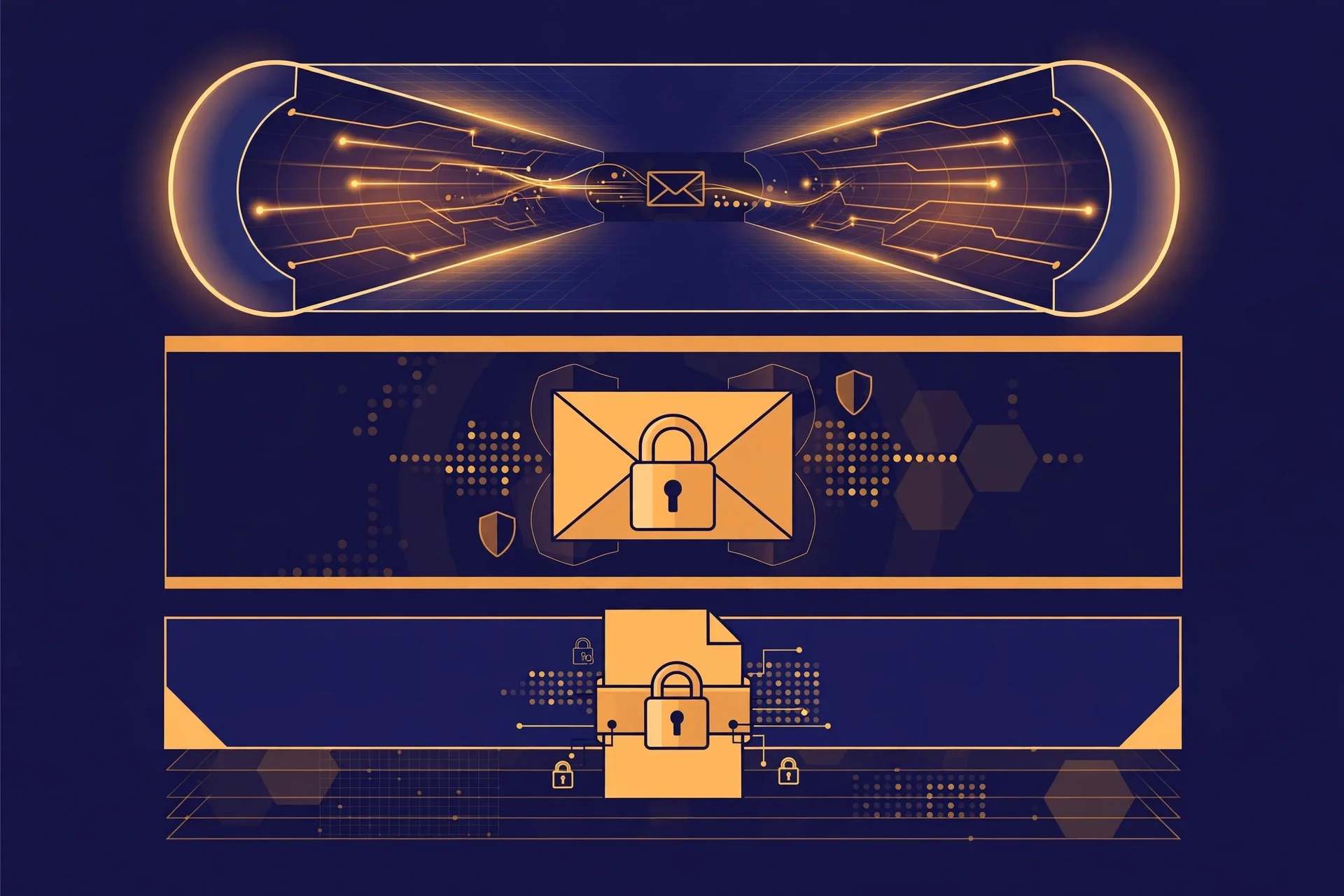
Layer one: transport encryption (TLS). This is the padlock your mail app shows, and it protects the message — body and attachments together — while it travels between mail servers. It is automatic, it is on almost everywhere now, and it stops exactly the moment the message arrives. A file that travelled under TLS sits unencrypted in the recipient's inbox, on the recipient's server, and in every backup that server makes. If your question is "does the lock icon mean my attachment is encrypted," the answer is no. It means the road was safe. The house is not locked.
Layer two: message encryption (S/MIME, PGP, Microsoft 365 Message Encryption, Proton's end-to-end encryption). This encrypts the message body and, when the implementation covers them, the attachments with it. S/MIME and PGP encrypt the whole MIME message, attachments included, and the file stays encrypted until the recipient decrypts the message. Microsoft 365 Message Encryption does the same for messages sent through it. But — and this is the detail that matters — the protection ends at decryption. Once the recipient opens the message, the attachment is an ordinary file on their machine. Forward the message and the file goes with it, unprotected, unless the recipient re-encrypts it.
Layer three: file encryption. This is the GPG test above. You encrypt the file itself, with its own password or its own key, and then attach the encrypted file to an ordinary email. The email can be plain text and it does not matter, because the protection is on the file, not the message. The file stays encrypted in the inbox, in the download folder, on the forwarded copy, on the USB stick. This is the only layer that survives everything that happens after delivery.
So the real answer to the question in the title: encrypting the email encrypts the attachment only if you used layer two or layer three, and only layer three keeps it encrypted after the recipient opens it. If all you had was the TLS padlock, your attachment was never encrypted at all.
Gmail: Confidential Mode is a lock with an expiry date, not encryption of the file
Gmail is where most people meet this question, and Gmail's answer is the most misunderstood of the lot.
Confidential Mode lets you set an expiry date and block forwarding, copying, printing, and downloading. That sounds like encryption. It is not end-to-end encryption. Google's own documentation describes Confidential Mode as access controls applied to the message: the content is still stored on Google's servers in a form Google can access, and the recipient reads it through a link Google controls. The attachment in a confidential message is not an encrypted file the recipient holds. It is a file Google holds, shown to the recipient for as long as the mode allows.
That is still useful. An expiry date is a real control, and blocking downloads stops the casual forward. But know what you are buying: if the recipient screenshots the attachment, or if the message is opened on a compromised machine, Confidential Mode has nothing to say about it. And if your threat is "someone who gets into the inbox later," a confidential attachment is exactly as exposed as any other attachment in that inbox once the mode's window is open.
If you use Gmail and the file genuinely must stay private, do not rely on Confidential Mode alone. Encrypt the file first — the method at the end of this guide — and then send it through Gmail like any other attachment. Confidential Mode on top is a bonus, not the protection.
Outlook and Microsoft 365: the attachment rides inside the encrypted message — until it leaves the portal
Outlook's story is better than Gmail's, with one catch that matters.
When you send with Microsoft 365 Message Encryption, or with S/MIME in Outlook, the message and its attachments are encrypted together. A recipient inside your organization opens it normally. A recipient outside it gets a link to the Microsoft 365 message portal, signs in with a one-time passcode, and reads the message — attachments included — inside that portal. While the file is inside that experience, it is genuinely protected in transit and at rest on Microsoft's side.
The catch is the exit. The moment the recipient downloads the attachment from the portal, they hold a decrypted copy. It is an ordinary file on their machine, forwardable, copyable, uploadable anywhere. Microsoft's encryption protected the delivery, not the file's life after delivery. That is a fair trade for most business mail — the point is usually to stop interception and to satisfy a compliance checkbox, not to control the file forever — but it is not the same as a file that stays locked.
There is a second, quieter catch. S/MIME in Outlook encrypts to the recipient's certificate. If the recipient has no certificate, or their certificate expired, the send fails or falls back, and the failure message does not always make clear what happened. Before you send a sensitive file by S/MIME, confirm the recipient can actually receive S/MIME mail. A test message with a harmless attachment, sent an hour before the real one, is the cheapest insurance in this whole guide.
I wrote separately about how to send an encrypted email in general, including the Outlook steps; the attachment rules here are the part that guide does not spell out.
Proton and Tuta: the only inboxes where the attachment is encrypted at rest by default
Proton Mail is the cleanest answer in this guide, and its own support page says so plainly: attachments are automatically encrypted and decrypted within your Proton Mail inbox, just as messages are, and attachments are stored encrypted on Proton's servers, decryptable only with your mailbox password. You do nothing extra. A file attached to a Proton-to-Proton message is encrypted end to end, and it stays encrypted while it sits in the inbox.
Two honest limits, both from the same support page. First, the encryption covers the file while it is in Proton's world. An attachment sent to a Proton account from an outside provider may exist unencrypted in the sender's Sent folder — the sender's side is the sender's problem, and Proton cannot fix it from the receiving end. Second, once you download the attachment, it is decrypted on your machine, like everywhere else. Proton protects the inbox, not your downloads folder.
Proton's password-protected emails extend the same treatment to people outside Proton: the message and its attachments travel inside an encrypted link, and the recipient needs the password you set. That is the closest thing to layer-three protection that a mainstream provider offers without extra software.
Tuta works the same way by design — end-to-end encrypted mailboxes where attachments are encrypted at rest — though its smaller ecosystem means more of your mail will arrive from outside providers, where the sender-side limit above applies. If you want the full picture of what these providers do and do not do, my guide to what an encrypted email actually is covers the definitions; this guide is about what happens to the file.
The method that always works: encrypt the file before you attach it
Here is the part I tested, step by step, so you can repeat it in five minutes.
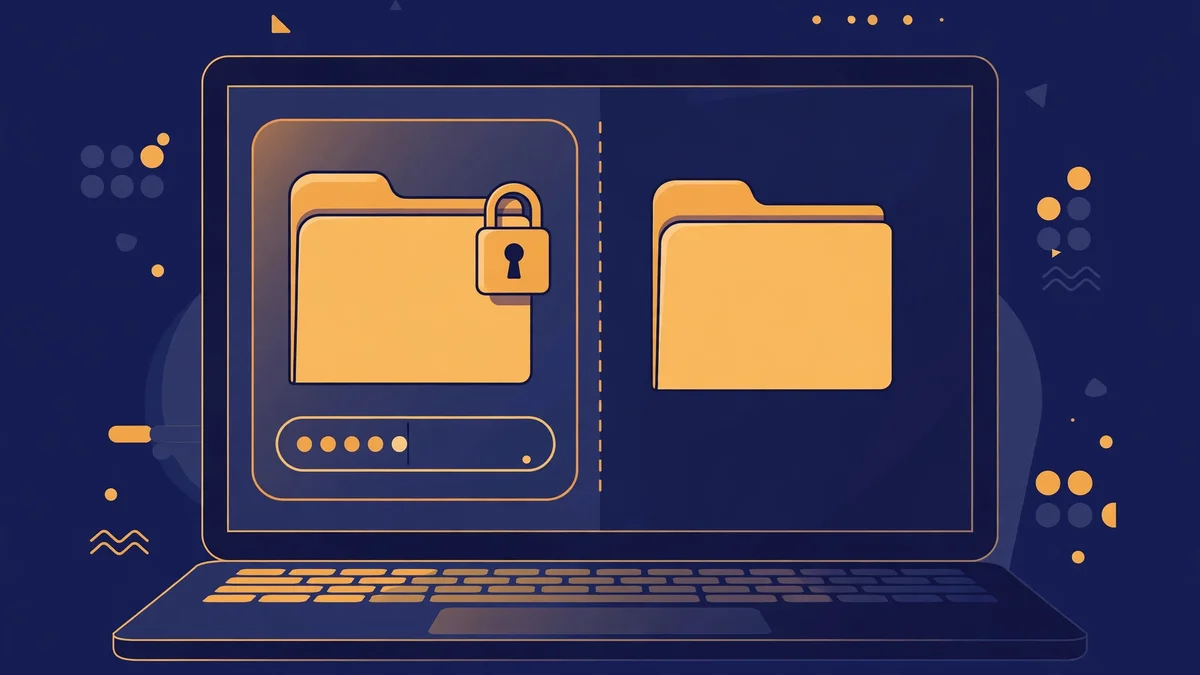
With GPG, free on every platform. Install GnuPG, then encrypt the file to a passphrase: gpg --cipher-algo AES256 -c contract.pdf. That produces contract.pdf.gpg. Send that file as the attachment. The recipient decrypts with gpg -d contract.pdf.gpg. I ran exactly this flow this morning with a test file: the wrong passphrase failed outright, the right one recovered the file exactly, and a scan of the encrypted file found zero readable plaintext. One warning from the same test: the encrypted filename still shows the original name plus .gpg, so if the filename itself is sensitive, rename the file to something neutral before you encrypt it.
With 7-Zip on Windows, the version most people will actually use. Right-click the file, choose 7-Zip, "Add to archive," set the archive format to 7z, enter a strong password, choose AES-256 as the encryption method, and tick "Encrypt file names." That last box matters: without it, anyone opening the archive can see the filenames inside even though they cannot open the files. I did not run 7-Zip on this machine — it is not installed here, and the GPG test above is the run I can vouch for — but the procedure is 7-Zip's own documented flow, and the verify step is the same either way: after creating the archive, try to open it without the password. If it opens, you did it wrong. If it demands the password, it works.
With a password-protected PDF or Office file, the version for non-technical recipients. Word, Excel, and Acrobat all offer password protection in their save dialogs, and a recipient who can open a PDF can open a protected one. The encryption is weaker than GPG or 7-Zip AES-256 — Office's older formats in particular have known weaknesses — but for a document going to someone who will never install GPG, a protected PDF beats an unprotected attachment every time. The rule for all three methods is identical: the password travels through a different channel than the file. Phone call, text message, a different app — never the same email as the attachment, and never in the same message as the file.
That last rule is the one people break most often, and it undoes everything. An encrypted attachment with its password in the email body is a locked door with the key taped to it.
What still leaks when the file is locked
Encrypting the file is the strongest move in this guide. It is not an invisibility cloak. Even a perfectly encrypted attachment leaks a surprising amount around its edges, and you should know what that is before you send something you believe is secret.
The filename. Unless you encrypt filenames too — 7-Zip's "Encrypt file names" box, or renaming before you encrypt — the name is visible to every server the message passes through. Q3-layoffs-draft.xlsx.gpg tells a story before anyone opens it. Rename first.
The size and type. An encrypted file is roughly the size of the original, plus a small overhead. Anyone watching can tell a 40 MB video from a 2 KB text file. They cannot read it, but they know what kind of thing it is.
The subject line and the addresses. The subject, sender, and recipient travel outside the encrypted part of the message in every system above. "Re: merger documents" in the subject line gives away the secret the attachment was supposed to keep.
The metadata inside the file. A photo carries EXIF data — where and when it was taken, and on what device. A Word document carries author names and revision history. Encryption does not strip metadata; it locks the whole file, metadata included, until someone decrypts it — and then all of it is readable. Strip metadata before you encrypt, not after.
The fact of the attachment. The most basic leak of all: the message has an attachment, and that is visible to spam filters, mail servers, and anyone who can see the message headers. If the very existence of the file is the secret, email is the wrong channel entirely, encrypted or not.
None of this argues against encrypting the file. It argues for knowing what the lock actually covers, which is the file's contents and nothing else. I covered the broader tradeoffs — what encryption costs you in convenience, recovery, and compatibility — in the drawbacks of encrypted email, and the metadata point there applies double to attachments.
Receiving encrypted attachments in a disposable inbox
There is a practical question hiding behind this keyword, and it is the one that brings people to a temp-mail site: can a disposable inbox receive an attachment at all, and what happens to the file when it does?
The short answer, from the site's own FAQ, is yes. TempoMailUSA's FAQ answers "Can I use a temporary email address for attachments?" directly: temporary addresses can receive emails with file attachments, and you can view and download them from the temporary inbox. "See Attachments" is listed as a feature on both the Free plan and the Pro Monthly plan at $4.19 a month. I could not watch it happen live this morning because the inbox I opened was empty — zero messages, no paperclip icon to click — so the receiving behavior rests on the site's own statement, not on an attachment I observed landing. The dedicated test of this exact question is can temp mail receive attachments, which I link to rather than re-testing it badly.
Three things follow from that answer that matter for this guide. First, an attachment in a disposable inbox lives exactly as long as the inbox does — free inboxes here last 30 days, and the countdown I watched this morning read 28 days and 23 hours on a fresh address. Download anything you need to keep; the inbox will not keep it for you. Second, a temp inbox is a receiving address. It is the right place to accept a file you asked for, and the wrong place to store one. Third, if someone sends you an encrypted attachment at a disposable address, the encryption still works — the file is encrypted, the inbox is just a mailbox — but you will need the password from the sender through another channel, and the 30-day clock is ticking on both.
If you are the sender rather than the receiver, the same logic applies in reverse: a disposable address is a fine place to have a verification code or a document sent, and a terrible place to have the only copy of anything sent. The guide to opening a secure email covers the receiving side in general — which kind of secure message you got, and what to do with each kind — and the disposable-inbox case is the simplest of them: open it, download the file, move on.
Pick by the situation, not by the brand
Most guides end with a ranking. This one ends with a decision, because the right method depends on what you are sending and to whom.
- One sensitive document to a non-technical person, once. Password-protect the file — PDF or 7-Zip AES-256 — and send the password by text or call. Nothing to install on either side, and the file stays locked after delivery.
- Regular sensitive mail inside one company. Microsoft 365 Message Encryption or S/MIME, with the understanding that downloaded attachments are decrypted copies. Good for compliance, not for controlling the file afterward.
- Mail you want encrypted at rest, always, without thinking about it. Proton Mail or Tuta, with both sides on the same provider where possible. The protection is automatic, including attachments.
- A file that must stay locked no matter where it travels. GPG or 7-Zip AES-256 on the file itself, before it is ever attached. This is the only method in this guide that survives forwarding, downloading, and a compromised inbox.
- A file you are receiving at a disposable address. Use the temp inbox, download the file immediately, and remember the 30-day expiry. The encryption on the file is unaffected by the inbox; the inbox just holds it briefly.
And the one rule that covers all five: verify before you trust. Send a harmless test file first. Try to open it without the password. If it opens, the method failed, and you found out with a test file instead of a real one.
FAQ
Does encrypting an email encrypt the attachments?
It depends on the method. TLS, the padlock your mail app shows, protects attachments only while they travel — they sit unencrypted once they arrive. End-to-end methods like S/MIME, PGP, Microsoft 365 Message Encryption, and Proton's encryption cover attachments together with the message body. Only encrypting the file itself keeps it encrypted after the recipient opens and downloads it.
Are attachments encrypted in Gmail?
Gmail encrypts mail in transit with TLS, and Confidential Mode adds access controls and an expiry date. Neither is end-to-end encryption of the attachment. A file sent through Gmail is not an encrypted file unless you encrypted it before attaching it.
Are attachments encrypted in Outlook?
With Microsoft 365 Message Encryption or S/MIME, yes — the message and its attachments are encrypted together, and outside recipients read them through the Microsoft 365 portal. Once the recipient downloads the attachment, they hold a decrypted copy.
Does Proton Mail encrypt attachments?
Yes. Proton's support page states that attachments are automatically encrypted and decrypted within your Proton Mail inbox and stored encrypted on Proton's servers. The limit is the sender's side: an attachment sent to Proton from an outside provider may sit unencrypted in the sender's Sent folder.
What is the safest way to send an encrypted attachment?
Encrypt the file itself before attaching it — GPG with AES-256, a 7-Zip archive with AES-256 and encrypted filenames, or a password-protected PDF — and send the password through a different channel than the email. I tested the GPG version this morning: the wrong passphrase failed outright and the file came back exactly with the right one.
Can a temporary email address receive attachments?
Yes. TempoMailUSA's FAQ says temporary addresses can receive emails with file attachments, which you can view and download from the temporary inbox, and "See Attachments" is listed on the Free plan. Download anything you need to keep: a free inbox lasts 30 days.
The question was never really whether the email is encrypted. It was whether the file is. Now you know how to tell the difference — and which lock actually holds after the message is opened.
Need a disposable temporary email?
Protect your real inbox from spam and promotional clutter instantly and free.
Received a suspicious email, text, or charge alert?
Verify whether the sender domain is disposable, spoofed, or unverified before clicking links.